Online audio converters have become popular because they promise something simple: paste a link, choose MP3, and get a file you can play offline. GetMP3 is one of the names users may encounter when searching for quick MP3 conversion or downloading tools. But convenience is only one part of the story; safety, legality, audio quality, ads, and privacy matter just as much.
TLDR: GetMP3 can be useful for quick audio extraction, especially when you need an MP3 for permitted personal use, such as converting your own uploaded lecture recording. For example, a student downloading a 45-minute seminar audio for offline revision might save mobile data and avoid buffering. However, users should be cautious: free converter sites often rely on ads, redirects, and unclear data practices. If safety, reliability, or copyright compliance matters, consider reputable alternatives or official download options.
What Is GetMP3?
GetMP3 generally refers to an online tool or service designed to help users convert media links into MP3 audio files. These platforms are usually browser-based, meaning you do not need to install desktop software. The typical workflow is straightforward: copy a media URL, paste it into the input box, wait for processing, and download the resulting MP3 file.
This simplicity is the main appeal. Users who are not technically inclined may prefer a direct website over audio editing software. However, because converter sites can change domains, interfaces, ownership, and ad networks over time, the user experience may vary significantly from one visit to another.

Main Features of GetMP3
While the exact features depend on the version of the site you use, tools like GetMP3 commonly offer the following:
- Link-based conversion: Users paste a URL instead of uploading a file manually.
- MP3 output: The service focuses on audio extraction and saves files in the widely supported MP3 format.
- No software installation: Most functions run in the browser, which is convenient for one-time use.
- Fast processing: Short clips may convert within seconds, while longer files can take more time.
- Basic device compatibility: MP3 files work on phones, tablets, laptops, car stereos, and many older media players.
The best feature is clearly accessibility. You do not need advanced audio knowledge, and the MP3 format remains one of the most universal file types. Still, a simple interface does not automatically mean the service is safe or legally appropriate for every use.
Is GetMP3 Safe?
Safety is the biggest question with any free conversion website. GetMP3 may look simple, but users should pay attention to the environment around the download button. Many free converter sites monetize traffic through advertising, pop-ups, affiliate offers, or redirect pages. Some of these ads may be harmless, while others can be misleading.
Common risks include:
- Fake download buttons: Ads may imitate the real download link and lead to unrelated software.
- Browser notification prompts: Some sites ask permission to send notifications, which can later become spammy.
- Redirects: Clicking a conversion or download button may open a new tab with questionable content.
- File naming tricks: A file that should be .mp3 may be bundled or disguised as something else.
- Privacy uncertainty: The site may process URLs, IP addresses, device information, or usage patterns.
To reduce risk, use an updated browser, avoid granting notification permissions, and never install extra software just to download an audio file. Also, check that the downloaded file is actually an MP3. If you receive an executable file such as .exe, .dmg, or .apk, do not open it.
Legal and Ethical Considerations
It is important to separate the technology from how it is used. Converting audio is not automatically wrong. You may have legitimate reasons to create an MP3, such as archiving your own recordings, downloading royalty-free material, saving public domain speeches, or converting files you have permission to use.
However, downloading copyrighted music, podcasts, audiobooks, or videos without permission may violate copyright law or a platform’s terms of service. Even if a tool makes the process easy, that does not mean every use is allowed. A practical rule is: if you would normally need to pay, subscribe, or obtain permission to access the content offline, do not assume a converter makes it legal.

Audio Quality: What to Expect
MP3 quality depends on the source file and the bitrate chosen during conversion. Some tools offer bitrate options such as 128 kbps, 192 kbps, or 320 kbps. Higher numbers usually mean better sound and larger file sizes. For spoken content like lectures, 128 kbps may be enough. For music, listeners often prefer 192 kbps or higher.
That said, converting a low-quality source into a high-bitrate MP3 will not magically improve it. If the original audio is compressed, distorted, or noisy, the output will preserve those flaws. GetMP3-style services are best for convenience, not professional audio mastering.
Pros and Cons of GetMP3
Here is a balanced look at the likely strengths and weaknesses:
- Pros:
- Simple and quick for casual users
- No installation required in most cases
- MP3 files are easy to store and play offline
- Useful for permitted personal or educational audio needs
- Cons:
- May include aggressive ads or redirects
- Unclear privacy and data handling practices
- Potential copyright concerns depending on usage
- Quality and reliability can vary
- Some versions may have download limits or unstable availability
Best GetMP3 Alternatives
If you want safer or more reliable options, consider these alternatives depending on your purpose:
- Official platform downloads: Streaming platforms, podcast apps, and educational portals often provide legal offline listening. This is usually the safest option.
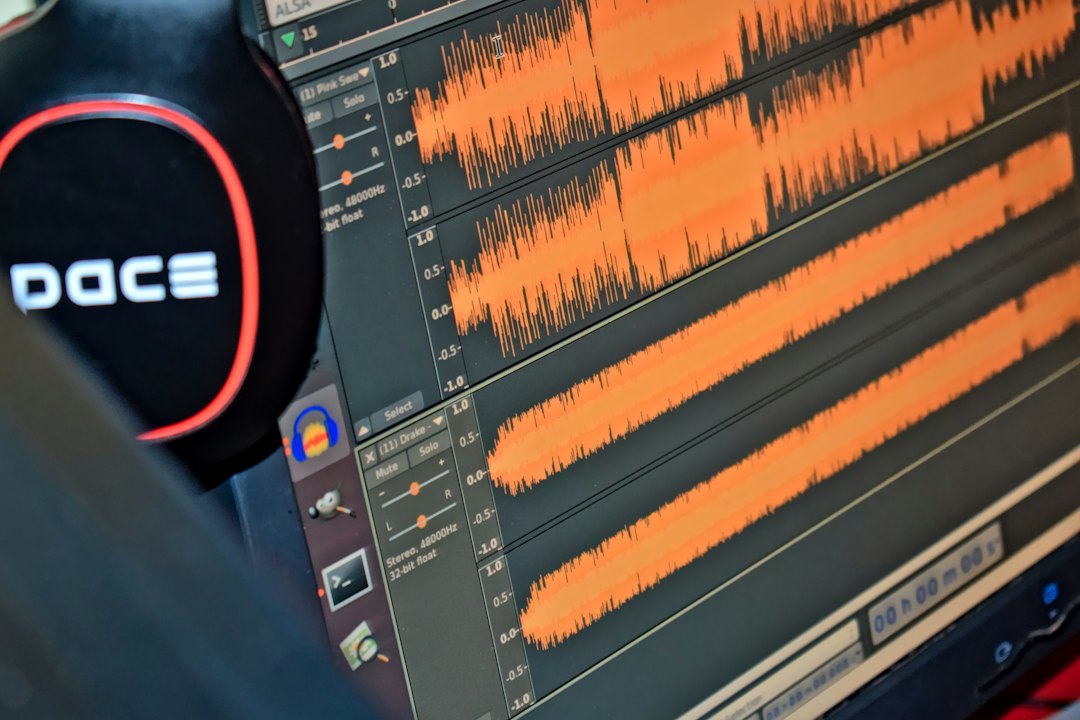
- Audacity: A free, open-source audio editor suitable for recording, trimming, and exporting MP3 files. It requires installation but gives you more control.
- VLC Media Player: VLC can convert many audio and video files into MP3. It is best for files you already own or have permission to convert.
- CloudConvert: A polished browser-based converter that supports many file types. It is better suited for uploaded files rather than extracting from third-party links.
- Online Audio Converter: A simple web tool for converting local audio files into MP3, WAV, M4A, and other formats.
Who Should Use GetMP3?
GetMP3 may suit users who need a quick MP3 conversion for content they are allowed to download or convert. For example, a teacher may want to extract audio from a self-created lesson video, or a researcher may need offline access to a public domain interview. In these cases, a lightweight web tool can be convenient.
It is less suitable for users who need professional quality, batch processing, secure file handling, or guaranteed availability. It is also not a good choice for anyone trying to bypass paid access, creator rights, or platform restrictions.
Safety Checklist Before Using GetMP3
- Use it only for content you own, created, or have permission to convert.
- Do not click suspicious ads or duplicate download buttons.
- Decline browser notification requests.
- Check the file extension before opening anything.
- Use antivirus protection and an updated browser.
- Avoid entering personal information or payment details on unfamiliar converter sites.
Final Verdict
GetMP3 is convenient, but it should be used carefully. Its biggest advantage is speed: it can turn accessible audio sources into MP3 files without complicated software. Its biggest drawbacks are the familiar risks of free converter websites, including ads, redirects, privacy uncertainty, and potential copyright misuse.
If you only need occasional conversions and you follow basic safety practices, GetMP3 may be serviceable for permitted use. For better security, consistency, and control, tools like Audacity, VLC, or official download features are stronger choices. In short, GetMP3 is a handy shortcut, but not a tool to use blindly.
Leave a Reply