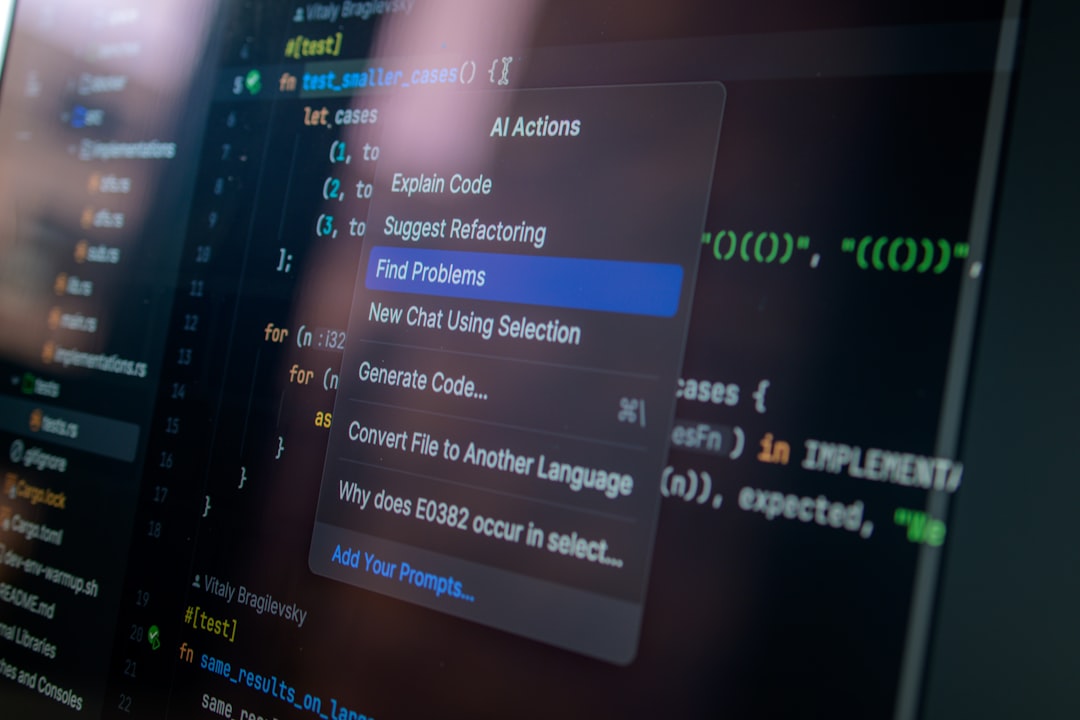
Linux developers often choose code editors based on speed, extensibility, terminal integration, language support, and how well the editor fits into a keyboard-driven workflow. Since Linux environments range from lightweight laptops to powerful workstations and remote servers, the best editor is not always the biggest one. A practical shortlist includes modern graphical editors, classic terminal tools, and hybrid options that support both simplicity and advanced customization.
TLDR: The top code editors for Linux developers include Visual Studio Code, VSCodium, Neovim, Emacs, Sublime Text, Kate, Geany, and Helix. For example, a developer maintaining a Python API on Ubuntu may use VS Code for debugging, Neovim for quick terminal edits, and Kate for reviewing multiple files side by side. In many teams, a fast editor can reduce context switching by 20% or more when it combines Git, linting, terminals, and search in one workspace.
1. Visual Studio Code
Visual Studio Code is one of the most popular editors among Linux developers because it balances usability, performance, and a massive extension ecosystem. It supports JavaScript, TypeScript, Python, Go, Rust, PHP, C++, and many other languages through extensions. Developers often value its integrated terminal, Git interface, debugging tools, and support for remote development over SSH or containers.
VS Code is especially useful for web, cloud, and full-stack development. Its marketplace includes formatters, linters, themes, database clients, Docker tools, and AI-assisted coding extensions. Although it uses more memory than minimalist editors, its all-in-one workflow makes it a strong default choice for many Linux workstations.
2. VSCodium
VSCodium is a community-built version of VS Code that removes Microsoft branding and telemetry from the default build. For Linux developers who like the VS Code experience but prefer a more privacy-conscious distribution, VSCodium is a compelling alternative. It keeps the familiar interface, command palette, extension support, and workspace management.
The main difference is that some marketplace integrations may require manual configuration, depending on the extension source. Still, for developers working with open-source stacks, privacy-sensitive projects, or internal company environments, VSCodium offers a clean and flexible editing experience.
3. Neovim
Neovim is a modern evolution of Vim, built for developers who prefer speed, keyboard control, and deep customization. It runs beautifully in the terminal, making it ideal for remote servers, low-resource systems, and developers who spend much of the day inside shells such as Bash, Zsh, or Fish.
Its strengths include modal editing, powerful search and replace, macros, split windows, terminal buffers, and a strong plugin ecosystem. With the built-in Language Server Protocol support, Neovim can provide autocompletion, diagnostics, navigation, and formatting for many languages. However, it has a learning curve. A developer who invests time in configuring Neovim can create an extremely fast environment tailored to personal habits.
4. Emacs
Emacs is more than a code editor; it is often described as a programmable working environment. Linux developers use it for coding, file management, Git workflows, documentation, project navigation, email, and note-taking. Its configuration language, Emacs Lisp, allows extensive customization.
Emacs is especially popular among developers who value long-term stability and a highly personal workflow. Packages such as Magit for Git, Org mode for notes and planning, and LSP integrations for programming make it powerful for serious development. It can feel complex at first, but its flexibility is difficult to match.

5. Sublime Text
Sublime Text is known for speed, polish, and responsiveness. It starts quickly, handles large files well, and offers a distraction-free editing experience. Linux developers who want a graphical editor without heavy resource usage often appreciate Sublime Text.
Its features include multiple selections, command palette, split editing, syntax highlighting, and a package ecosystem for added language support. Sublime Text is proprietary software with a paid license, but it remains attractive because of its performance and clean interface. It is a strong choice for developers who need a fast editor for code review, scripting, configuration files, and general programming.
6. Kate
Kate, the KDE Advanced Text Editor, is a mature Linux-native option. It integrates especially well with KDE Plasma, but it also works on other desktop environments. Kate supports syntax highlighting, sessions, tabs, split views, project management, embedded terminal access, and Git features.
It is a good fit for developers who prefer open-source graphical tools that feel native on Linux. Kate is lighter than many Electron-based editors while still offering advanced features. It handles multi-file projects comfortably and is particularly useful for C++, Python, Bash, and configuration-heavy Linux work.
7. Geany
Geany is a lightweight editor with IDE-like features. It is designed to stay fast, simple, and low on dependencies, which makes it useful on older hardware, virtual machines, and compact Linux distributions. Developers who want more than a plain text editor but less than a full IDE may find Geany ideal.
Its features include syntax highlighting, code folding, build commands, symbol lists, and basic project support. Geany works well for scripting, C programming, Python, HTML, CSS, and quick edits across many file types. Its modest resource usage makes it practical for developers who value simplicity and speed.
8. Helix
Helix is a newer terminal-based editor inspired by modal editing, but it approaches interaction differently from Vim. It focuses on sensible defaults, built-in multiple selections, tree-sitter syntax highlighting, and native Language Server Protocol support. This means many modern coding features are available without extensive plugin configuration.
Linux developers who like terminal editors but do not want to spend hours building a configuration may enjoy Helix. It is fast, keyboard-centric, and increasingly popular among Rust, Go, and systems programming communities. While its plugin ecosystem is still developing, its built-in design is clean and modern.
How Linux Developers Can Choose the Right Editor
The best editor depends on the developer’s daily workflow. A web developer may prefer VS Code or VSCodium because of debugging, extensions, and browser tooling. A systems administrator may prefer Neovim, Helix, or nano-style terminal tools for quick remote edits, although nano is usually better described as a basic text editor than a full code editor.
- For maximum extensions: Visual Studio Code or VSCodium
- For terminal productivity: Neovim or Helix
- For deep customization: Emacs
- For speed with a GUI: Sublime Text or Geany
- For a native Linux desktop feel: Kate
Many experienced developers do not rely on only one editor. A common setup might include VS Code for large projects, Neovim for server-side edits, and Kate or Sublime Text for fast local file inspection. The most efficient choice is the one that reduces friction while supporting the languages, frameworks, and tools used every day.
FAQ
Which code editor is best for Linux beginners?
Visual Studio Code is often the easiest starting point because it has a friendly interface, strong documentation, and extensions for nearly every common programming language.
Which Linux code editor is best for low-end computers?
Geany, Kate, Neovim, and Helix are good choices for lower-resource systems. Terminal-based editors usually use the least memory.
Is VSCodium better than VS Code?
VSCodium is better for developers who want a more privacy-focused build. VS Code may be more convenient for those who rely on Microsoft’s official marketplace and integrations.
Are Vim and Neovim still worth learning?
Yes. Neovim remains valuable for developers who work in terminals, manage remote servers, or want an efficient keyboard-driven workflow.
Can a developer use more than one code editor?
Yes. Many Linux developers use different editors for different tasks, such as VS Code for debugging, Neovim for remote edits, and Kate or Sublime Text for quick file review.
Leave a Reply