Picking a media player should not feel like choosing a spaceship control panel. You want to open a file, press play, and enjoy the show. StreamCast Player aims to do just that. It is built for people who watch videos, listen to audio, stream content, and do not want drama.
TLDR
StreamCast Player is a simple media player for video, audio, and streaming links. It supports many common formats, such as MP4, MKV, AVI, MP3, FLAC, and M3U8. For example, if you have 100 mixed media files from your phone, camera, and downloads folder, it should play around 80 to 90 of them without needing extra tools. It is a good choice for casual users, but power users may prefer VLC, PotPlayer, or Kodi.
What Is StreamCast Player?
StreamCast Player is a media player made for local playback and online streaming. That means it can play files saved on your device. It can also open some streaming links, depending on the source and format.
Think of it as a digital snack tray. You throw in a video file, an audio track, or a stream URL. The player tries to serve it without asking too many questions.
It is usually aimed at users who want a clean layout. No confusing menus. No scary codec talk. No “please install seven mystery packs” pop-ups. At least, that is the dream.

Main Features
StreamCast Player keeps things fairly simple. That is part of its charm. It may not have every advanced option under the sun, but it covers the basics well.
- Local video playback: Open movies, clips, recordings, and downloaded videos.
- Audio playback: Play songs, podcasts, voice notes, and music libraries.
- Streaming URL support: Add compatible links and play online streams.
- Playlist support: Queue files and play them in order.
- Subtitle support: Load subtitle files for movies and shows.
- Basic playback controls: Pause, skip, seek, adjust volume, and go full screen.
- Light interface: The design is usually clean and easy to learn.
The best feature is not flashy. It is the lack of fuss. You open the app. You open a file. You watch. Beautifully boring.
User Experience
The player feels friendly. The buttons are easy to spot. Play is play. Pause is pause. Nobody needs a manual for that.
Menus are often short and clear. This is good for beginners. It is also good for tired people at 11:47 p.m. who only want to watch one episode and definitely not five.
Performance depends on your device and file type. Smaller MP4 files should play smoothly on most modern systems. Huge 4K files may need stronger hardware. If your laptop sounds like a tiny jet engine, the file may be too heavy.
Streaming can also vary. A stable internet connection matters. A 1080p stream usually needs at least 5 to 8 Mbps for comfortable viewing. For 4K, you may want 25 Mbps or more. Otherwise, buffering may enter the room like an unwanted guest.
Supported Video Formats
StreamCast Player can usually handle the most common video formats. These are the ones normal humans meet in the wild.
- MP4: The king of common video files. Great for phones, cameras, and downloads.
- MKV: Popular for movies and high-quality video collections.
- AVI: Older, but still found in many folders from the ancient internet age.
- MOV: Common with Apple devices and some cameras.
- WMV: A Windows-friendly format from years past.
- WebM: Often used for web video.
Format support can depend on the version of the app and your device. If one file does not play, do not panic. It may use an unusual codec. The container may be MP4, but the video inside may still be weird. Media files are sneaky like that.
Supported Audio Formats
StreamCast Player is not only for video. It can also be useful as a basic music or podcast player.
- MP3: The classic. Almost everything plays MP3.
- AAC: Common in streaming and mobile audio.
- WAV: Large files, but great quality.
- FLAC: Loved by music fans who enjoy high-quality sound.
- OGG: Open format, often used in games and web projects.
- M4A: Common in Apple-related music libraries.
If you only listen to MP3 files, you are safe. If you have rare studio files, check support before making StreamCast Player your main audio home.
Subtitle and Streaming Support
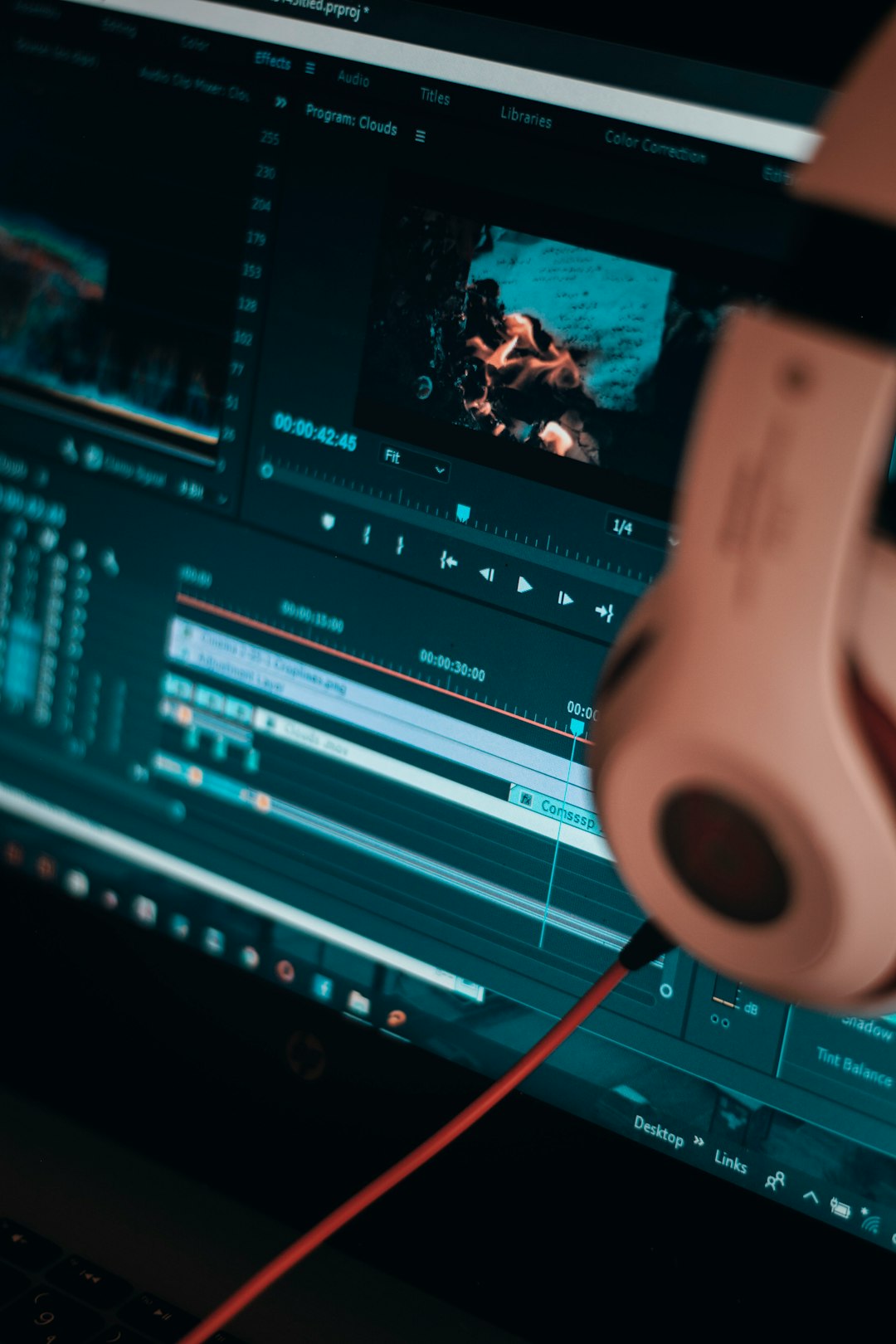
Subtitles can make or break movie night. StreamCast Player often supports common subtitle files like SRT, and sometimes VTT or ASS. Yes, that last format name is real. The internet is a strange place.
Good subtitle support means you can load a file, sync text, and understand the dramatic whisper in that crime show. If subtitles are out of sync, look for delay controls. Some players include them. Some do not.
For streaming, StreamCast Player may support formats like M3U8 or direct media URLs. This can be handy for live streams, online channels, or hosted media files. But it is not magic. Some links are protected, expired, or blocked. If a stream fails, the link may be the problem, not the player.
Pros and Cons
Every app has good bits and annoying bits. StreamCast Player is no different.
Pros
- Easy to use: Great for beginners.
- Supports common formats: MP4, MKV, MP3, FLAC, and more.
- Good for quick playback: Open and watch without much setup.
- Clean layout: Less clutter, less confusion.
- Streaming option: Useful if you use media URLs.
Cons
- May lack advanced tools: Power users might want more settings.
- Codec limits can happen: Some unusual files may not work.
- Streaming depends on links: Bad links mean bad playback.
- Not always ideal for media libraries: It may not organize huge collections well.
Who Should Use StreamCast Player?
StreamCast Player is best for casual users. If you watch downloaded videos, open clips from friends, or play music now and then, it makes sense.
It is also good for people who hate complicated apps. Your grandparents could probably use it. Your cousin who breaks every device might survive it too.
Use it if you want:
- A simple video player.
- A basic audio player.
- Support for common media files.
- A clean interface.
- Occasional streaming link playback.
Skip it if you want deep customization, advanced filters, serious media server tools, or full home theater control.
Best StreamCast Player Alternatives
If StreamCast Player does not fit your needs, there are many strong alternatives. Some are simple. Some are powerful. Some look like they were built by people who truly love settings menus.
1. VLC Media Player
VLC is the famous one. It plays almost everything. It is free, open source, and trusted by millions. If a file refuses to open elsewhere, VLC often says, “Hold my orange cone.”
Best for: Users who want maximum format support.
2. PotPlayer
PotPlayer is powerful and fast. It has many settings for video, audio, subtitles, and performance. It is great for advanced users, but beginners may feel a little lost.
Best for: Windows users who like control.
3. KMPlayer
KMPlayer supports many formats and has a modern look. It is useful for regular playback and higher-quality video. Watch out for extra bundled offers during installation, if any appear.
Best for: Users who want style and broad support.
4. Kodi
Kodi is more than a player. It is a full media center. You can organize movies, shows, music, and add-ons. It is powerful, but setup takes time.
Best for: Home theater fans.
5. MPV
MPV is lightweight and clean. It is loved by technical users. It has fewer visible buttons, but it is very flexible if you learn its controls.
Best for: Minimalists and advanced users.
Final Verdict
StreamCast Player is a good everyday media player. It is simple, friendly, and useful for common video and audio formats. It is not trying to be a giant media command center. That is fine.
If you want quick playback, simple controls, and basic streaming support, it is worth trying. If you want the strongest format support, choose VLC. If you want a home theater brain, choose Kodi. If you want endless settings, try PotPlayer.
For most casual users, StreamCast Player does the job. It opens the file. It plays the movie. It lets the snacks be the most complicated part of the evening.
Leave a Reply