Choose Lightroom if you want fast Dutch tilt corrections and batch friendly edits; choose Capture One if you want richer color control and cleaner tethered angle experiments. A Dutch tilt, also called a canted angle, works because the frame feels intentionally unstable, so your editing tool must help you control that tension without flattening the shot. Lightroom’s Crop and Straighten tools are built for quick rotation and horizon fixes [source: Adobe], while Capture One gives you deeper control over color, layers, and studio workflow.
TLDR: For most photographers, Adobe Lightroom is the better pick for quick Dutch tilt edits, especially when processing 50 to 200 angled street, wedding, or concert images. For example, a user editing 80 tilted nightlife shots may finish basic crop, rotation, and color work about 20–30% faster in Lightroom because syncing settings is simple. Capture One wins when the tilt is part of a polished commercial look, such as a fashion shoot with strong color grading and tethered capture. If speed matters, use Lightroom; if tone and color precision matter more, use Capture One.
Why Dutch Tilt Editing Is Trickier Than It Looks
A Dutch tilt is not just a crooked photo. That is the first trap. A bad tilt looks accidental. A good tilt feels tense, cinematic, playful, or unsettling.
The edit has to answer three questions:
- How much angle is enough? Five degrees can feel stylish. Twenty degrees can feel chaotic.
- What should stay readable? Faces, signs, product labels, and architecture still need clarity.
- How much crop can you lose? Every rotation cuts into the edges of the frame.
This is where Lightroom and Capture One start to feel very different. Lightroom wants you to move quickly. Capture One wants you to refine. Both can handle Dutch tilt photography, but they reward different habits.
Lightroom: Best for Speed and Volume
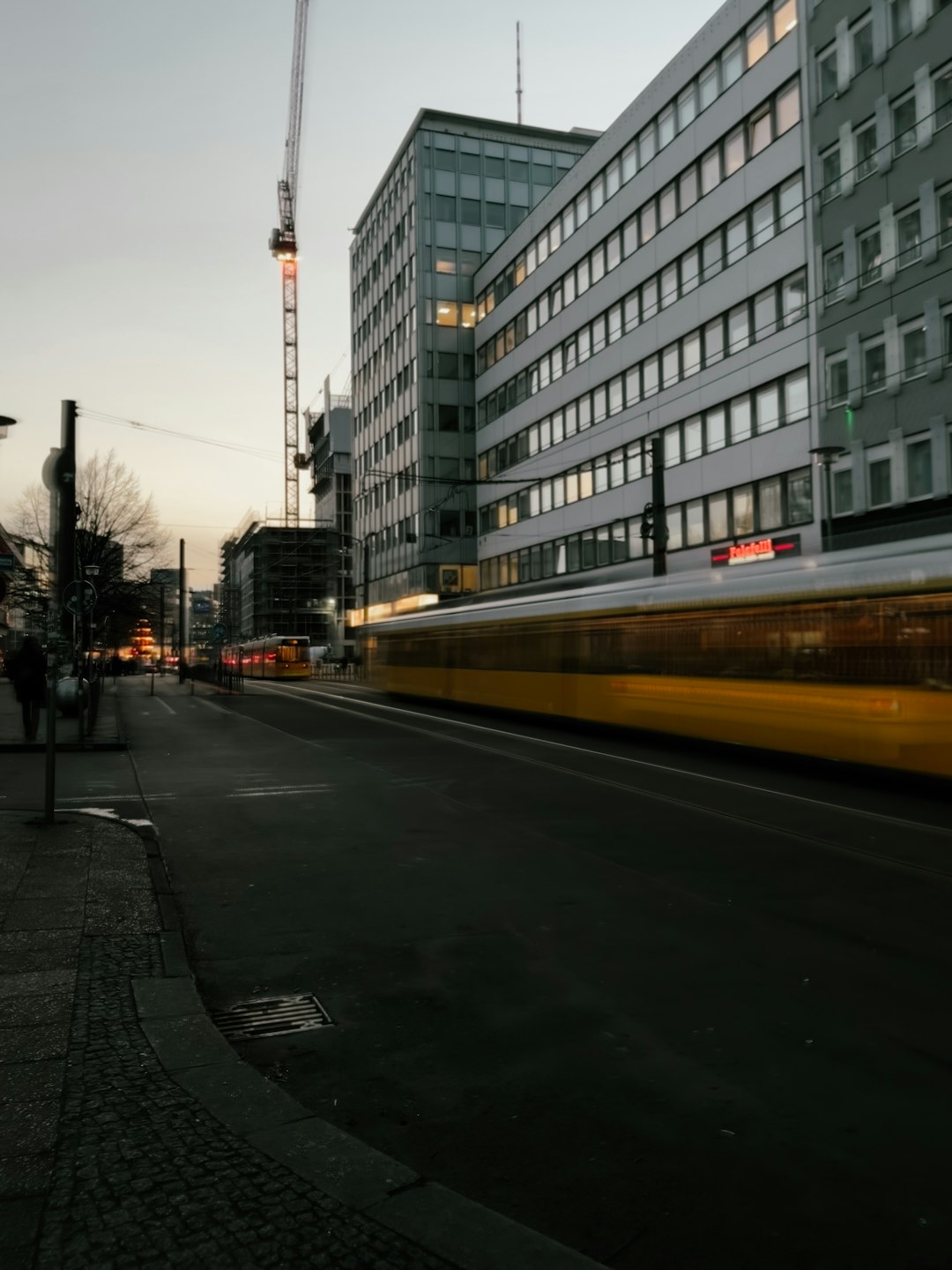
Lightroom is the practical choice when you have many tilted images from the same shoot. Its crop overlay, angle slider, aspect ratio lock, and transform tools make it easy to test a tilt, reject it, then try another version in seconds.
This matters for event photographers. Think about a concert shooter coming home with 600 frames. Maybe 90 have tilted camera angles. You do not want to rebuild every crop by hand. In Lightroom, you can edit one image, copy crop-adjacent settings, then sync tone, contrast, color, and lens corrections across the set.
The catch is that Lightroom can feel too eager to “fix” the image. Auto straighten often pulls the shot back toward normal, which is exactly what you may not want. It drives me crazy that one auto geometry click can remove the attitude from a frame in less than a second. Helpful? Yes. Creative? Not always.
Where Lightroom Shines
- Batch editing: Great for weddings, travel sets, concerts, and social media packs.
- Crop experimentation: Quick angle changes with visual overlays.
- Mobile workflow: Useful if you edit tilted shots on a tablet or phone.
- Presets: Strong for applying a consistent gritty, filmic, or high contrast style.
Lightroom is also forgiving. If your Dutch tilt is slightly too aggressive, you can reduce the angle, change the crop, or use Content Aware Remove for a distracting corner. It is not always perfect, but it is fast enough that you keep trying.
Capture One: Best for Color, Texture, and Studio Control
Capture One is better when the Dutch tilt is part of a deliberate visual concept. Fashion, product, editorial, and portrait shooters often care less about speed and more about texture, skin tone, and controlled color contrast. That is Capture One territory.
Its crop and rotation tools are solid, but the real strength comes after the angle is set. You can work with layers, masks, color ranges, and fine tonal control. A tilted portrait with neon light on one side and warm skin on the other can be shaped with more nuance.
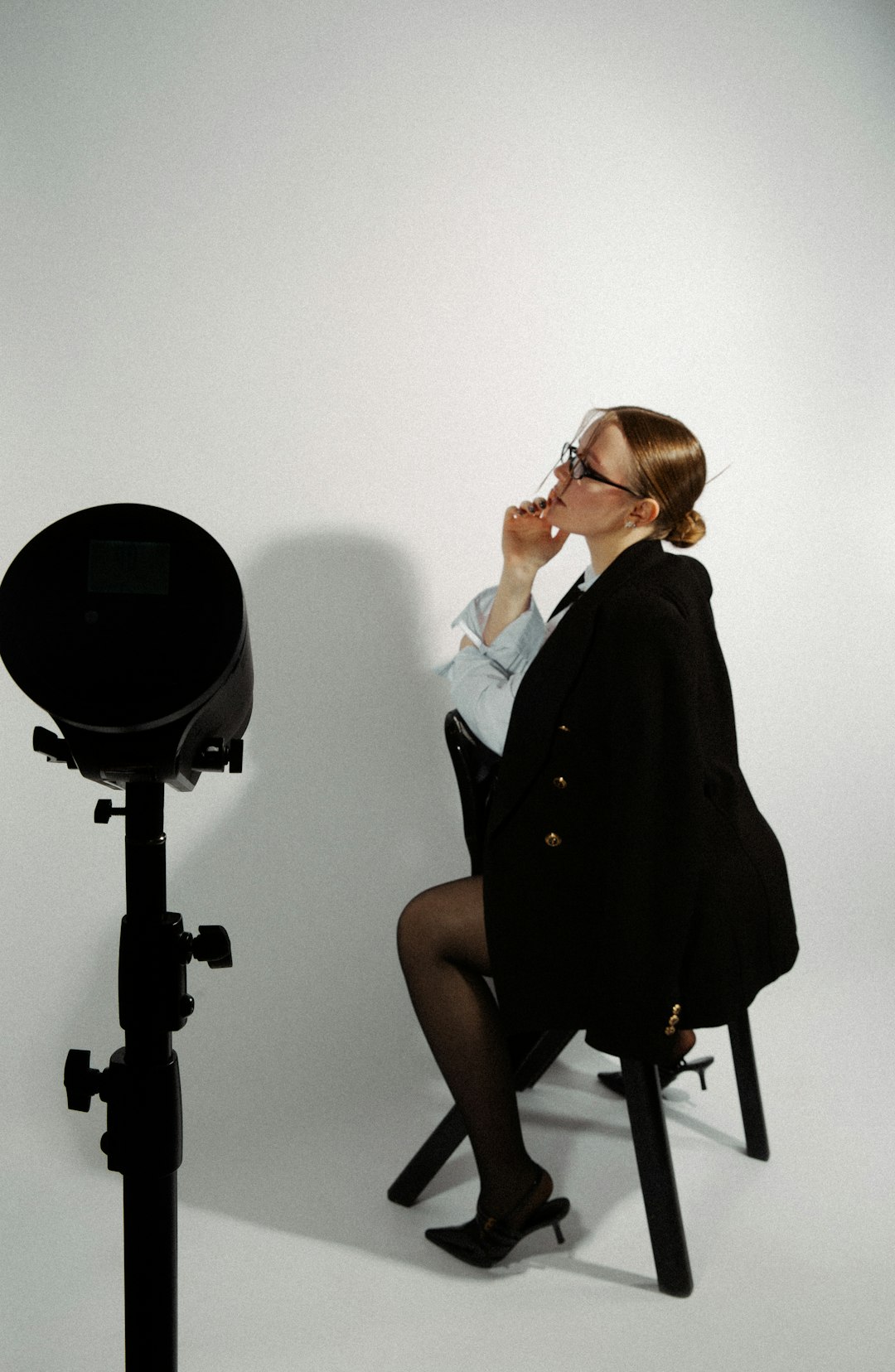
Capture One is also a favorite in tethered studio work, where photographers judge images on a larger screen during the shoot [source: Capture One]. This helps with Dutch tilt because you can see whether the angle looks intentional before the model changes pose or the set gets moved.
Where Capture One Shines
- Color grading: Excellent control over hue, saturation, and luminance.
- Layers: Useful for local contrast and selective mood shifts.
- Tethering: Strong for studio tests with angled compositions.
- RAW rendering: Often praised for crisp detail and pleasing tonal depth.
Honestly, it feels like Capture One asks for more patience than Lightroom. Simple crop changes can feel a little heavier if you are used to Lightroom’s pace. But once you start refining color and contrast, Capture One often feels more exact.
Creative Camera Angles: What Each App Encourages
Lightroom encourages volume. You shoot loose, tilt boldly, then decide later. This suits street photography, nightlife, weddings, skateboarding, behind the scenes work, and travel albums. You can create five variations quickly: slight tilt, strong tilt, black and white, high contrast, and square crop.
Capture One encourages planning. You shoot with a goal. Maybe the diagonal line of a staircase cuts behind a model. Maybe the tilted frame makes a perfume bottle feel strange and expensive. Maybe the camera angle gives a band portrait a raw album cover mood.
Neither approach is better. The stronger choice depends on your shoot:
- Use Lightroom if you need 100 edited images by tomorrow morning.
- Use Capture One if 12 images need to look expensive and deeply controlled.
- Use Lightroom for quick social campaigns and creator content.
- Use Capture One for commercial sets, studio portraits, and client review sessions.
How to Edit a Dutch Tilt Without Ruining It
Good tilted photos still need structure. The angle should support the subject, not fight it.
- Start with the subject. Keep the face, product, or action readable.
- Watch the corners. Rotation can create awkward empty edges.
- Use leading lines. Stairs, roads, walls, rails, and shadows work well.
- Do not overcorrect. A perfect horizon can kill the mood.
- Check small previews. If the image looks like a mistake as a thumbnail, reduce the angle.
In Lightroom, use crop overlays to test balance. The rule of thirds and diagonal overlays are especially useful. In Capture One, set the crop first, then build color around the visual tension. A cooler shadow and warmer highlight can make the tilt feel more cinematic.
Image not found in postmetaWhich One Should You Pick?
If you already use Lightroom, stay there unless you need stronger color tools or tethering. It handles Dutch tilt photography well and keeps the editing process moving. For most creators, that is the winning point.
If you shoot fashion, products, portraits, or controlled editorial work, Capture One may be worth the extra effort. Its strength is not just rotating the image. Its strength is making the tilted frame feel polished, intentional, and premium.
The simple answer: Lightroom is the best all around tool for Dutch tilt photography because it is fast, familiar, and efficient. Capture One is the specialist choice when color, studio control, and refined RAW editing matter more than speed.
A Dutch tilt should feel bold, not broken. Pick the software that helps you make that call quickly, then spend your energy on the angle, the subject, and the story inside the frame.
Leave a Reply