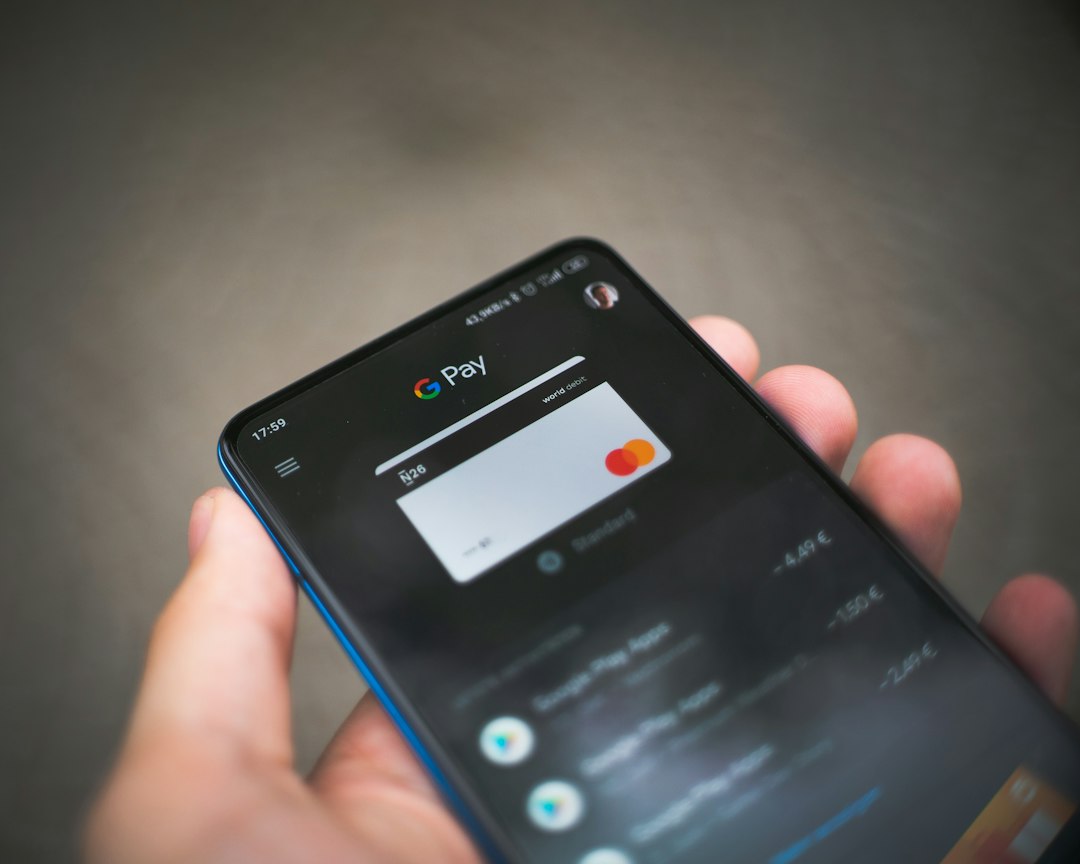
For most Ollo cardholders, the Ollo Credit Card Login is the better tool for managing the card itself, while the Ally Bank App is stronger for people who already use Ally banking products and want a wider money view. The reason is simple: credit card management works best when payments, balances, statements, alerts, and account details sit in one focused place. That matters because late fees have cost U.S. consumers billions each year, with the CFPB estimating about $14 billion in annual credit card late fees [source: CFPB].
TLDR: The Ollo Credit Card Login wins for direct credit account tasks, such as checking the current balance, making a payment, viewing statements, and managing alerts. The Ally Bank App is better when a user also has Ally checking, savings, auto, or investment accounts and wants those balances in one app. For example, a cardholder who logs in twice a month and pays $150 before the due date will likely finish faster with Ollo, while an Ally customer tracking five accounts may prefer Ally’s broader dashboard. The practical split is about focus versus convenience.
Core Difference: Card Tool vs Banking Hub
The Ollo Credit Card Login is built around one main job: helping a cardholder manage an Ollo credit card. That usually means account access, payment scheduling, statement review, balance checks, available credit, transaction history, and profile settings.
The Ally Bank App has a broader purpose. It is designed for banking, transfers, deposits, savings tools, loan access, and other Ally products. If the credit card account appears there, it can be useful. If it does not, the app becomes less helpful for the Ollo card. The catch is that broader apps sometimes bury simple credit card tasks under too many menus.
Ollo Credit Card Login: Best for Direct Account Control
The Ollo login experience is usually the more practical choice for card-specific work. It keeps the account front and center. A cardholder does not need to sort through checking accounts, savings goals, Zelle settings, auto loans, or CD balances just to find the credit card due date.
Key strengths of the Ollo Credit Card Login include:
- Focused dashboard: Balance, minimum payment, due date, and available credit are usually easy to spot.
- Payment tools: Cardholders can make one-time payments or set up automatic payments.
- Statement access: Monthly statements are easier to locate when the site is only about the card.
- Alert settings: Payment reminders and account notices help prevent missed due dates.
- Transaction review: Recent charges can be checked without digging through unrelated banking data.
This matters for people who want to get in, handle the card, and get out. Honestly, it feels like a waste when a simple balance check takes six taps because the app is trying to serve every product under the sun. Ollo’s main edge is that it does not try to be everything.
Where Ollo Can Feel Limited
Ollo’s focused setup also has drawbacks. It may not be ideal for someone who wants a full financial snapshot. If a cardholder has checking at one bank, savings at another, and an Ollo card in a separate portal, money management can feel scattered.
Common weak spots may include:
- Less useful budgeting context than a full bank app.
- No broad view of cash flow across accounts.
- Possible extra login if banking is handled elsewhere.
- Fewer all-in-one money tools than a major banking app.
For users who pay the Ollo card from an outside account, this setup is still fine. For users who want every dollar visible in one place, it may feel thin.
Ally Bank App: Better for Existing Ally Customers
The Ally Bank App makes more sense when the cardholder already banks with Ally. In that case, the app can serve as a central money center. A user may check savings, move money, review loan details, and manage available Ally products from the same phone screen.
The Ally Bank App may be better for:
- People with Ally checking or savings accounts.
- Users who want a broader view of deposits and payments.
- Cardholders who prefer one app for banking tasks.
- Those who often transfer funds before paying a card bill.
This is where Ally starts to shine. If the payment account is already with Ally, the user may not need to jump between sites. That can reduce friction. A person who checks balances every Friday and pays bills twice a month may prefer one app, even if the credit card tools are not as front-facing as Ollo’s own login.
Where Ally Can Be Annoying
The Ally Bank App can feel less efficient when the only goal is managing an Ollo card. A banking app has more sections because it serves more needs. That is useful until it slows down a simple task.
Expect to waste time on extra taps if the credit card account is not displayed clearly. A cardholder may open the app to check a due date, then spend 20 to 30 seconds moving through product screens, account tiles, or settings. That delay sounds small. Over a year, repeated checks get old.
Another issue is account availability. Not every cardholder should assume the Ollo card will appear inside the Ally Bank App in the same way a bank account does. The safest step is to verify access through the official card servicing portal and Ally’s own account options.
Security and Login Experience
Both tools should support standard digital account protections, such as password access, device checks, and security prompts. The better option depends on the user’s habits.
The Ollo Credit Card Login may be easier to protect because it is used for one account type. Fewer features can mean fewer distractions. A cardholder logs in, checks the card, and signs out.
The Ally Bank App may offer a smoother mobile login experience for existing Ally users, especially with biometric sign-in on supported phones. That convenience is a real advantage. Still, a single app tied to several accounts also deserves careful protection. A weak phone passcode or reused password can create bigger problems when many accounts sit together.
Payments, Autopay, and Due Date Control
Payment control is the biggest reason to choose the right tool. The Ollo Credit Card Login has the edge for direct payment management. It centers the due date, minimum payment, current balance, and payment options.
Ally may be better when the payment money is already in an Ally account. The cardholder can check available cash before submitting a payment. That helps avoid overdrafts or returned payments.
A practical rule works well:
- Use Ollo when the card is the main concern.
- Use Ally when the card is part of a larger Ally banking routine.
- Use autopay for at least the minimum payment when possible.
- Set alerts several days before the due date.

Which Tool Is Better Overall?
The Ollo Credit Card Login is better for most people who mainly want to manage an Ollo credit account. It is cleaner for card tasks and less cluttered. It puts the important details closer to the surface.
The Ally Bank App is better for Ally customers who care about a full financial view. It helps when banking, transfers, and bill planning happen in the same place. Its value rises with each Ally product the user has.
The best choice is not about which brand has the bigger app. It is about the job being done. For balance checks, credit card payments, statements, and alerts, Ollo is the stronger pick. For broader money management with Ally accounts, Ally is more convenient.
FAQ
Is the Ollo Credit Card Login better than the Ally Bank App?
For direct Ollo credit card management, yes. It is usually more focused and easier for checking balances, due dates, statements, and payments.
Can an Ollo card be managed inside the Ally Bank App?
That depends on account access and servicing options. A cardholder should check official Ally and Ollo account login options to confirm where the card appears.
Which tool is better for making payments?
Ollo is better for card-specific payments. Ally may be better if the payment funds are already held in an Ally checking or savings account.
Which option is better for avoiding late payments?
The better option is the one the cardholder checks often. Ollo may show due dates more directly, while Ally may help users confirm available cash before paying.
Should cardholders use both tools?
Some users may benefit from both. Ollo can handle the credit card details, while Ally can support wider banking and cash planning.
Leave a Reply