Body recognition software sounds like a gadget from a spy movie. But it is now a real tool used in stores, airports, offices, stadiums, factories, and smart cities. It helps cameras understand what people are doing, where they are moving, and when something looks unusual.
TLDR: The best body recognition software helps teams spot people, count crowds, improve safety, and study movement patterns. Top options include BriefCam, Genetec Security Center, Avigilon Unity Video, IronYun Vaidio, and NVIDIA Metropolis. Pick a tool based on your camera setup, privacy needs, budget, and use case. Always use it in a fair, legal, and transparent way.
What Is Body Recognition Software?
Body recognition software is computer vision technology. It looks at video or images. Then it finds human bodies, movements, shapes, poses, and actions.
It is not always the same as face recognition. Face recognition tries to identify a person by their face. Body recognition often focuses on the full body. It may look at clothing, height, walking style, posture, or behavior.
In simple words, it helps cameras answer questions like:
- How many people are in this area?
- Is someone running in a no-run zone?
- Did someone fall down?
- Is a crowd forming?
- Where did a person move through a building?
- Are workers wearing safety gear?
This makes it useful for security and analytics. Security teams use it to detect risk. Business teams use it to understand traffic and behavior.
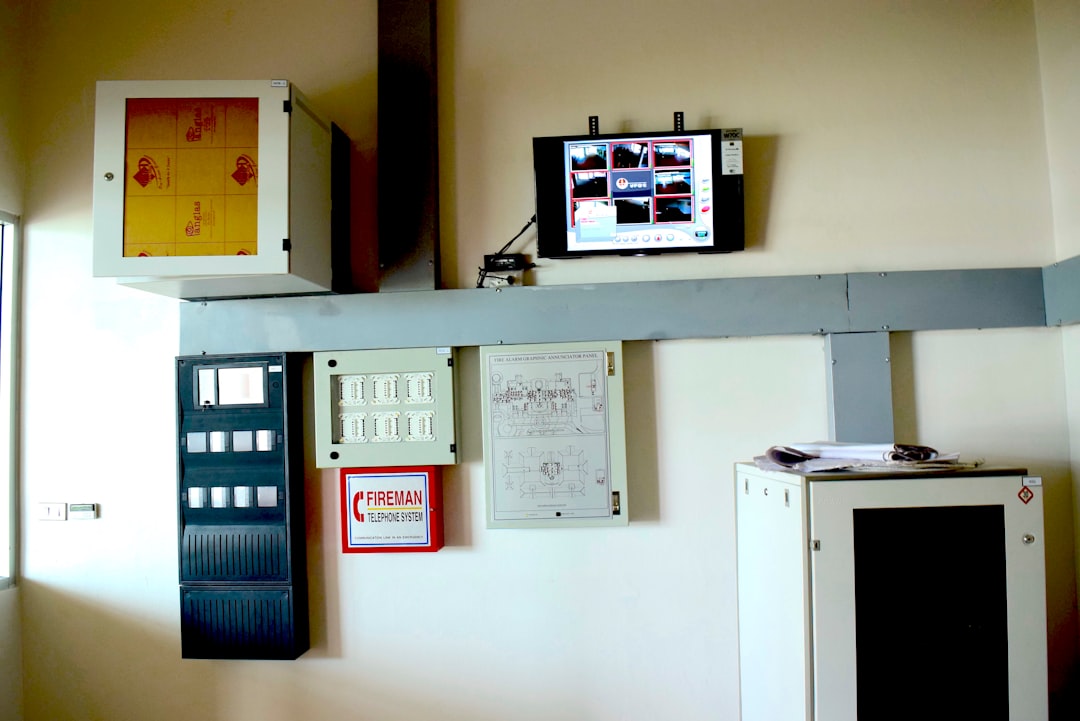
Why Body Recognition Matters
Old video systems are simple. They record footage. Then humans must watch it. That can be dull. Very dull. Like watching paint dry, but with more parking lots.
Body recognition software adds a smart layer. It can scan hours of video fast. It can send alerts. It can create reports. It can find events that humans may miss.
For example, a mall can use it to see which entrances are busy. A warehouse can use it to catch unsafe movement. A stadium can watch crowd flow. A hospital can detect patient falls.
The big benefit is simple. You get better awareness. You also get faster decisions.
What Makes Good Body Recognition Software?
Not all tools are equal. Some are built for huge cities. Some are better for shops. Some are made for developers. Some are easy for security teams.
When choosing software, look for these features:
- Human detection: It should spot people clearly.
- People counting: It should count visitors or crowds.
- Person search: It should find a person across video clips.
- Pose detection: It should understand body position.
- Behavior alerts: It should detect falling, running, loitering, or crowding.
- Camera support: It should work with your current cameras.
- Easy dashboard: It should be simple to use.
- Privacy tools: It should support blurring, access control, and audit logs.
- Scalability: It should grow with your needs.
1. BriefCam
BriefCam is one of the best-known video analytics platforms. It is popular with security teams, cities, airports, and large sites.
Its coolest trick is video search. You can search for people based on traits like clothing color, direction, time, and location. This can save many hours. It is like asking your video system, “Show me the person in the red jacket who walked east.”
Best for: Large security operations, investigations, and smart city analytics.
Fun factor: It turns boring footage into searchable video magic.
- Strong person search
- Good reporting tools
- Useful for crowded places
- Great for reviewing past events
Watch out for: It may be more than a small business needs. It can also require careful setup.
2. Genetec Security Center With KiwiVision
Genetec Security Center is a major security platform. Its video analytics tools, including KiwiVision, help detect people, objects, movement, and events.
This is a strong choice if you already use Genetec. It brings video, access control, alarms, and analytics into one place. That is handy. Nobody wants to jump between ten screens like a stressed-out DJ.
Best for: Enterprises, campuses, airports, public buildings, and complex security sites.
- Works well inside a full security system
- Good alert rules
- Useful for perimeter security
- Strong access control options
Watch out for: It is powerful, but the full system may need trained users.
3. Avigilon Unity Video
Avigilon Unity Video, from Motorola Solutions, offers smart video analytics. It can detect people and vehicles. It can support appearance search. This helps security teams find a person faster.
Avigilon is great when paired with Avigilon cameras. The system is known for being polished and security-focused. It is a good pick for schools, office buildings, retailers, and public sites.
Best for: Organizations that want camera hardware and analytics from one trusted ecosystem.
- Strong people and vehicle detection
- Appearance search features
- Good user interface
- Works well with Motorola security tools
Watch out for: You may get the best results when using compatible Avigilon hardware.
4. IronYun Vaidio
IronYun Vaidio is a flexible AI video analytics platform. It supports people detection, intrusion detection, crowd analytics, fall detection, PPE detection, and more.
That makes it a strong choice for many industries. It can help in factories, schools, hospitals, warehouses, and commercial buildings.
Best for: Teams that need many analytics features in one platform.
- Wide range of AI detection tools
- Works with many camera systems
- Good for workplace safety
- Useful for both live alerts and reports
Watch out for: With many features, planning matters. Start with your top goals first.
5. NVIDIA Metropolis
NVIDIA Metropolis is not just one simple app. It is a platform for building smart video systems. It uses NVIDIA hardware and AI tools to power advanced computer vision.
This is a great option for companies that want custom body recognition and analytics. Developers can build systems for crowd counting, pose estimation, safety checks, queue tracking, and more.
Best for: Developers, smart cities, retail analytics, industrial sites, and custom AI projects.
- Very powerful
- Great for custom solutions
- Supports edge AI
- Works well for large-scale analytics
Watch out for: It is not the simplest plug-and-play choice. You may need technical skills.
6. AWS Rekognition
AWS Rekognition is a cloud-based computer vision service. It can detect people, objects, activities, and unsafe content in images and video.
For body recognition, it can help with person detection and activity review. It is useful if your team already uses Amazon Web Services. Developers can connect it to apps, alerts, storage, and dashboards.
Best for: Cloud teams, developers, and companies that want API-based recognition tools.
- Easy to connect with AWS services
- Good for image and video analysis
- Scales well in the cloud
- Useful for custom workflows
Watch out for: Cloud costs can grow. Also, privacy rules are very important.
7. Microsoft Azure AI Vision
Azure AI Vision gives developers computer vision tools in the Microsoft cloud. It can analyze images and video. It can detect people and help power custom analytics systems.
If your business already uses Microsoft tools, Azure may fit nicely. It can connect with Power BI, Azure storage, and other Microsoft services.
Best for: Microsoft-based organizations and custom analytics projects.
- Good cloud integration
- Strong developer tools
- Useful for reporting and dashboards
- Scalable for big workloads
Watch out for: You need technical setup. It is more of a toolkit than a ready-made security console.
8. Ipsotek
Ipsotek, part of Eviden, is known for advanced video analytics. It is used in airports, transport, critical infrastructure, and public safety.
It can detect human movement, restricted zone entry, crowding, left objects, and behavior patterns. It is built for serious environments where fast alerts matter.
Best for: Transport hubs, critical sites, and large security operations.
- Strong real-time alerts
- Good for complex scenes
- Useful for safety and threat detection
- Suited to high-security spaces
Watch out for: It may be too advanced for small, simple needs.
Security Uses
Body recognition software can help security teams in many ways. It can watch doors, fences, lobbies, parking lots, and public areas.
Common security uses include:
- Intrusion detection: Spot people in restricted zones.
- Loitering alerts: Detect people staying too long in one area.
- Fall detection: Help protect patients, workers, or elderly people.
- Crowd alerts: Warn teams when an area gets too packed.
- Person search: Find a person across recorded video.
- Safety gear checks: Detect helmets, vests, or masks.
This does not replace human judgment. It helps humans work faster. Think of it as a tireless helper. It does not need coffee. Lucky robot.
Analytics Uses
Analytics is where body recognition gets extra interesting. It can show how people use spaces.
A store can learn which aisles get traffic. A museum can see which exhibits attract guests. A transit station can improve crowd flow. A factory can find unsafe movement patterns.
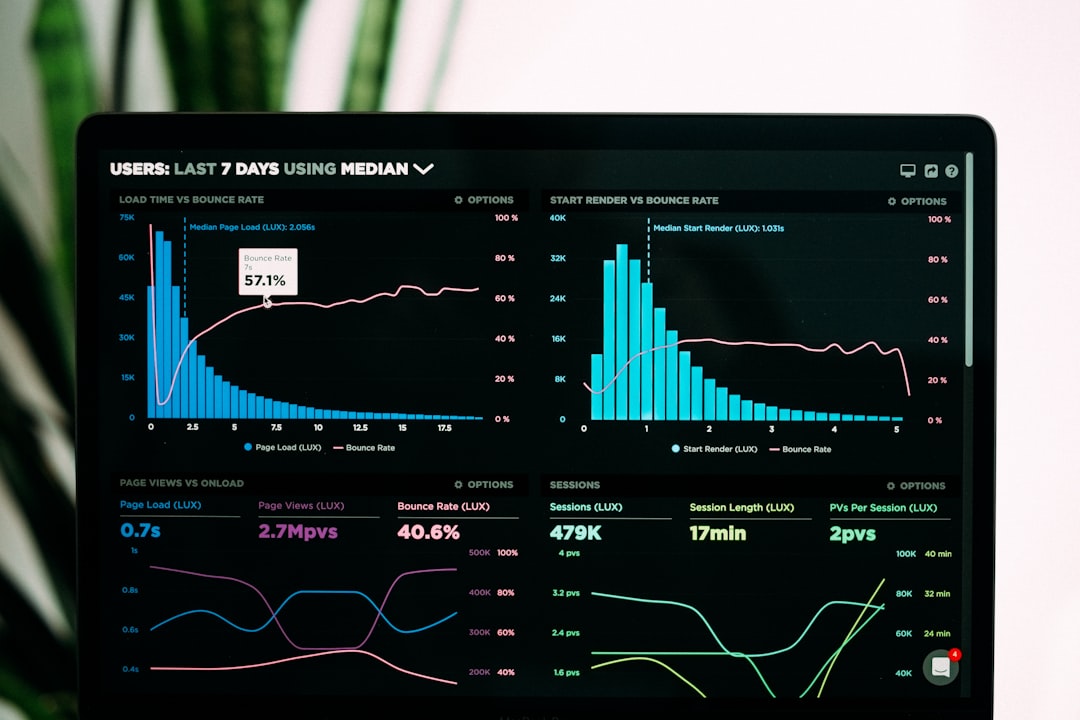
Popular analytics uses include:
- Foot traffic: Count visitors by time and place.
- Queue tracking: Measure wait times.
- Heat maps: See busy and quiet areas.
- Space planning: Improve layouts.
- Staff planning: Match workers to busy times.
- Safety trends: Find repeat problem spots.
Privacy Comes First
Body recognition can be helpful. It can also be sensitive. People deserve privacy. Laws may apply. These laws can vary by country, state, and industry.
Before using any system, ask simple questions:
- Do we really need this data?
- Are people informed?
- How long do we keep the video?
- Who can access it?
- Can we blur faces or bodies?
- Are we following local laws?
Good software should support privacy features. Look for role-based access, audit logs, encryption, data retention controls, and masking tools.
Simple rule: Use the least data needed. Protect it well. Be honest about it.
How To Choose The Best Tool
The best body recognition software depends on your goal. There is no one-size-fits-all winner. A tiny shop and a giant airport need very different tools.
Use this quick guide:
- For big investigations: Choose BriefCam.
- For full security systems: Choose Genetec or Avigilon.
- For many AI alert types: Choose IronYun Vaidio.
- For custom AI builds: Choose NVIDIA Metropolis, AWS, or Azure.
- For transport and critical sites: Consider Ipsotek.
Also test the software with your own cameras. Lighting matters. Camera angle matters. Crowds matter. A demo video is nice, but your real site is the real test.
Final Thoughts
Body recognition software can make security smarter and analytics clearer. It helps teams see patterns, detect risks, and act faster. It can turn endless video into useful insight.
The best choices include BriefCam, Genetec, Avigilon, IronYun Vaidio, NVIDIA Metropolis, AWS Rekognition, Azure AI Vision, and Ipsotek. Each has a different superpower.
Pick the one that fits your mission. Keep privacy front and center. Train your team. Test before you buy. Then let the cameras do more than just stare into space.
Leave a Reply