The Apple Watch Ultra 3 is the better buy for new buyers, but most Apple Watch Ultra 2 owners should not rush to upgrade. The biggest practical changes are longer battery life, a larger display, 5G, and satellite safety features. Apple rates the Ultra 3 at up to 42 hours of normal use, compared with 36 hours for the Ultra 2 [source: Apple].
TLDR: The Ultra 3 is a stronger outdoor and travel watch, mainly because of better battery life, satellite features, and a larger screen. If you hike for 8 hours, sleep track overnight, and still want battery left for the next morning, the extra 6 hours matter. For gym use, running, swimming, and daily notifications, the Ultra 2 still covers about 85 to 90 percent of what most people need. Upgrade only if safety features, screen size, or battery life are worth the cost to you.
Key differences at a glance
- Battery: Ultra 3 lasts up to 42 hours. Ultra 2 lasts up to 36 hours.
- Display: Ultra 3 has a larger display area with slimmer borders.
- Connectivity: Ultra 3 adds 5G cellular support.
- Safety: Ultra 3 supports satellite emergency features in supported regions.
- Performance: Ultra 3 uses a newer chip, but day-to-day speed gains are modest.
- Design: Both keep the rugged 49mm titanium style, Action button, and dive-ready build.
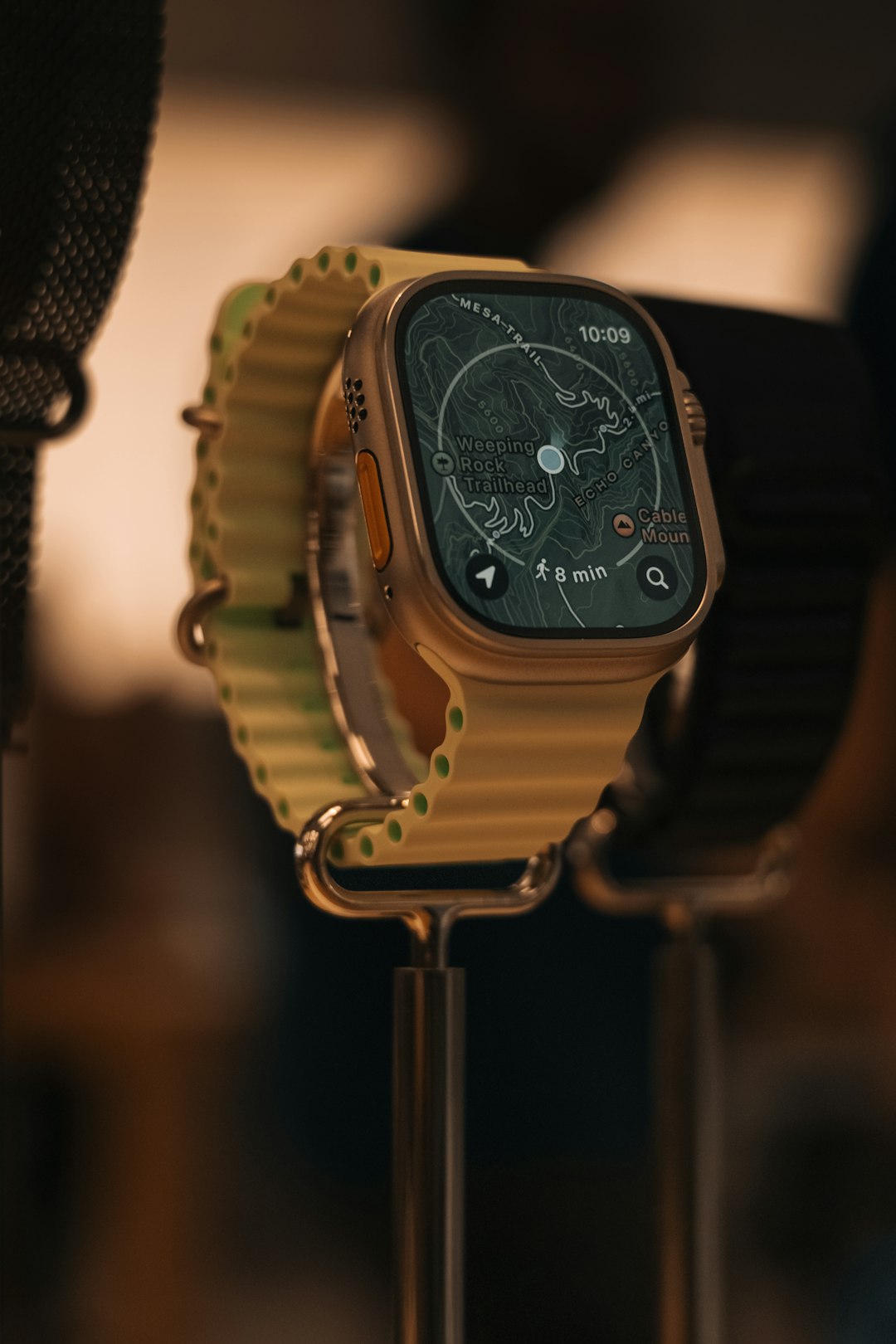
Battery life is the clearest upgrade
The battery difference sounds small on paper. In real use, it is not. A jump from 36 to 42 hours gives the Ultra 3 more breathing room for travel days, long hikes, camping, and sleep tracking.
With the Ultra 2, many users can get through a full day and night. That is still good. But if you use GPS workouts, cellular, always-on display, and sleep tracking, the battery drops faster. The Ultra 3 gives you more margin before you need a charger.
The catch is that Apple Watch battery claims depend heavily on how you use the watch. A two-hour GPS run with music and cellular can change the result fast. Still, the Ultra 3 is clearly the safer pick if battery anxiety annoys you.
The display is bigger, not wildly different
The Ultra 3 brings a larger screen thanks to thinner borders. That makes maps, workout stats, messages, and complications easier to read. It is a practical change, not a dramatic redesign.
The Ultra 2 already has an excellent 3000-nit display. It is bright in harsh sun and easy to read outdoors. The Ultra 3 improves the experience, but it does not make the Ultra 2 feel old overnight.
If you use your watch for maps or cycling stats, the bigger screen matters more. If you mostly check time, heart rate, and notifications, you may barely care after the first week.
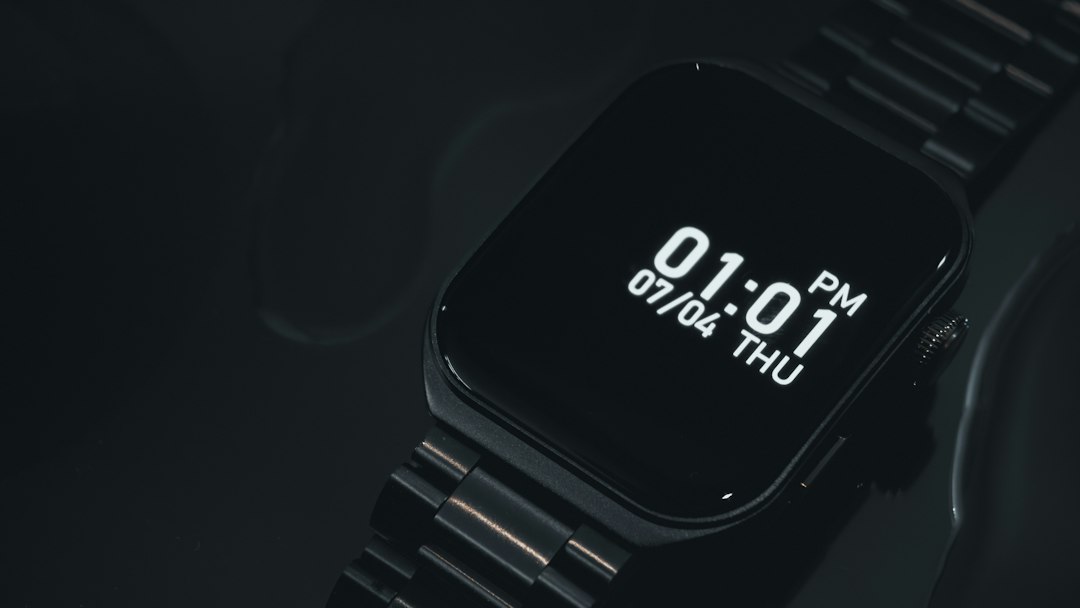
Satellite features give Ultra 3 a serious edge
This is the feature that separates the two watches most clearly. The Ultra 3 supports satellite-based safety features in supported regions. That can help when you are away from cellular and Wi-Fi coverage.
For hikers, trail runners, boaters, and remote workers, this is a real upgrade. It is not a gimmick. If you often go off-grid, the Ultra 3 is the safer choice.
The Ultra 2 still has strong safety tools. It supports Emergency SOS, fall detection, crash detection, siren, compass backtrack, and cellular emergency calling when connected. But without satellite support, it depends more on nearby network coverage.
5G is useful, but not a reason alone to upgrade
The Ultra 3 adds 5G cellular. This can improve coverage and data performance where supported. It may also help the watch stay useful for more years as carriers keep shifting network priorities.
That said, Apple Watch apps do not need huge bandwidth. You are not editing video on your wrist. You are checking messages, calls, maps, music, and weather. For most people, LTE on the Ultra 2 is still fine.
It drives me crazy that carrier support can still be the boring part of buying a cellular watch. Expect to spend a few minutes checking whether your provider supports the exact model and plan you want.
Health and fitness tracking are still very close
Both watches are serious fitness devices. They support advanced running metrics, cycling features, heart rate zones, ECG, blood oxygen tracking where available, sleep tracking, temperature sensing, depth gauge, and dual-frequency GPS.
For runners and triathletes, both are strong. GPS accuracy is excellent on the Ultra 2 and remains a strength on the Ultra 3. For diving, both keep the rugged Ultra identity with water resistance and depth features suitable for recreational use.
The Ultra 3 may get newer software features tied to its newer hardware. But the Ultra 2 remains a high-end watch and still gets modern watchOS support. If your main goal is training, the Ultra 2 is far from outdated.

Should Ultra 2 owners upgrade?
Upgrade to Ultra 3 if:
- You often hike, camp, sail, or travel outside normal coverage.
- You want satellite safety features.
- You need better battery life for long days.
- You care about the larger screen.
- You plan to keep the watch for several years.
Keep the Ultra 2 if:
- Your battery still lasts through your normal day.
- You do not need satellite support.
- You mostly use workouts, notifications, Apple Pay, timers, and sleep tracking.
- You bought it recently and it still feels fast.
Verdict
The Apple Watch Ultra 3 is the stronger watch. It is better for safety, travel, battery life, and long-term ownership. New buyers should choose it if the price difference is reasonable.
The Ultra 2 is still a very capable premium watch. It remains rugged, fast, bright, accurate, and packed with fitness tools. If you already own one, the upgrade only makes sense if you will use the Ultra 3’s specific improvements. For everyone else, waiting another year is a perfectly sensible move.
Leave a Reply