Camtasia is the safest full replacement for ScreenPal, while Loom is the quickest choice for short training clips. ScreenPal is still useful, but its free recorder has limits, including a 15 minute recording cap listed on its own plans page [source: ScreenPal]. That can be annoying for trainers who need longer lessons, cleaner edits, or stronger team sharing.
TLDR: The best Screencast O Matic, now ScreenPal, alternatives are Camtasia, Loom, OBS Studio, Snagit, Descript, Vimeo Record, and Screen Studio. For example, a 12 lesson onboarding course with 8 minute videos can be recorded faster in Loom, while Camtasia works better when those clips need callouts, quizzes, and polished edits. Teams that publish 20 to 30 tutorial videos per month should pick a tool with templates, captions, and easy exports. Free tools save money, but they often cost time during editing.
1. Camtasia: Best for polished training courses
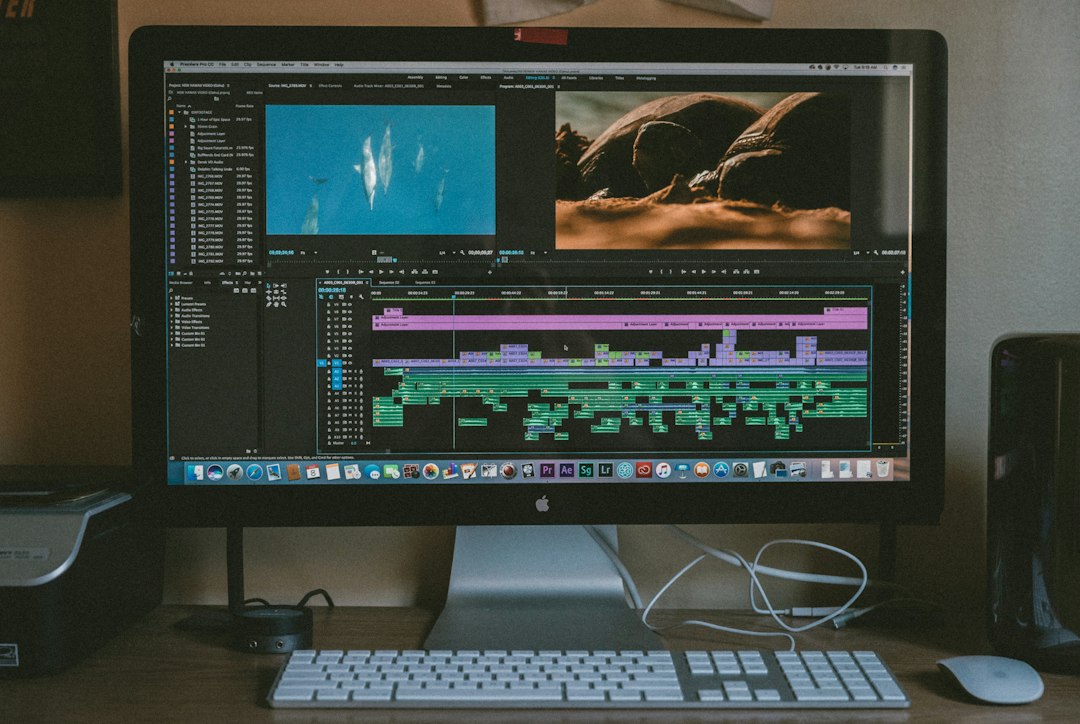
Camtasia is the closest all in one ScreenPal alternative for serious tutorials. It records the screen, webcam, mic, and system audio. Then it gives editors a full timeline with annotations, zoom effects, transitions, cursor highlights, and templates.
It suits software trainers, HR teams, course creators, and support departments. A trainer can record a 30 minute product walkthrough, cut mistakes, add chapter titles, and export a clean MP4 without jumping between apps.
- Best for: structured courses and professional training videos
- Big win: strong editing tools in one place
- Annoyance: it can feel heavy for quick clips
2. Loom: Best for quick team tutorials
Loom is built for speed. It works well when a manager needs to explain a process, report a bug, or train a teammate in five minutes. Users can record their screen and face, share the link, and skip the upload hassle.
The catch is that Loom is not a deep video editor. It handles trims, captions, and simple cuts, but a full training course may need more control. Still, for internal tutorials, it is hard to beat.
- Best for: async training and internal videos
- Big win: instant sharing by link
- Annoyance: advanced edits are limited
3. OBS Studio: Best free recorder for power users
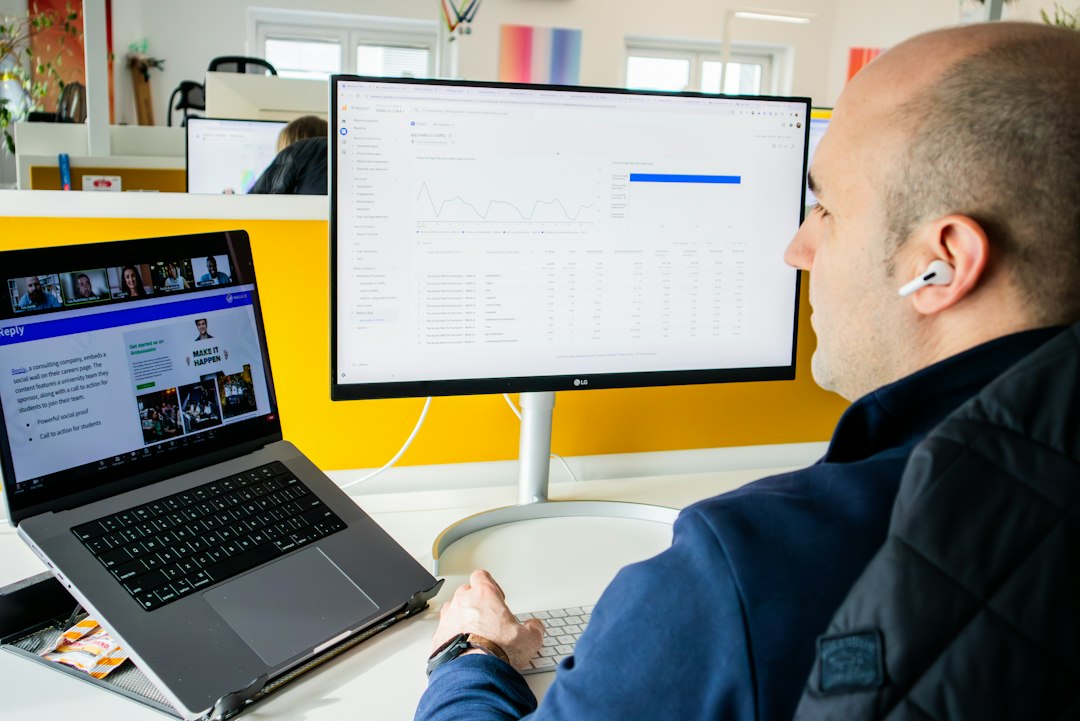
OBS Studio is free and open source. It records screens, webcams, windows, apps, and audio sources with a high level of control. It is also popular for live streaming, but it works well for tutorial recording too.
OBS is not ideal for people who want a simple button that just works. Scenes, sources, bitrate, and audio settings can slow new users down. Expect to waste time on setup the first day. After that, it becomes a strong free option.
- Best for: advanced users and budget aware teams
- Big win: no software cost
- Annoyance: no built in video editor
4. Snagit: Best for simple how to videos and screenshots
Snagit is less complex than Camtasia. It shines when trainers need short visual instructions, screenshots, GIFs, and quick screen recordings. Support teams often use it to show a customer where to click or how to fix a setting.
Its editor is clean and easy. Arrows, labels, blur tools, and step markers are simple to add. For long video lessons, though, Snagit can feel too light.
- Best for: support guides and short demos
- Big win: excellent screenshot tools
- Annoyance: not made for full course editing
5. Descript: Best for editing videos like text
Descript is a smart pick for trainers who hate timeline editing. It turns recordings into transcripts. Editors can cut words from the transcript, and the video changes with it. That makes it great for cleaning rambling tutorials.
Honestly, it feels like magic the first time a trainer deletes a sentence from text and the video cut happens at the same time. It also includes captions, filler word removal, screen recording, and audio cleanup.
- Best for: script based tutorials and talking head lessons
- Big win: transcript based editing
- Annoyance: complex visual edits still need another tool
6. Screen Studio: Best for beautiful Mac demos
Screen Studio is a strong choice for Mac users who want polished product demos with little effort. It adds smooth zooms, automatic cursor effects, clean backgrounds, and sharp layouts. The final video often looks more refined than a basic screen capture.
It works especially well for SaaS demos, app walkthroughs, and startup training content. The downside is clear. It is Mac focused, so Windows teams need another option.
- Best for: Mac based product tutorials
- Big win: stylish videos with less manual editing
- Annoyance: not the best fit for mixed device teams
How teams should choose
Teams that need polished courses should pick Camtasia. Teams that need fast internal training should try Loom. Cost sensitive users can start with OBS Studio, as long as they accept a steeper setup process.
For help desks, Snagit is often enough. For training teams that record long voiceovers, Descript can save hours. For Mac product demos, Screen Studio gives the cleanest look with the least fuss.
FAQ
What is the best ScreenPal alternative overall?
Camtasia is the best overall choice because it combines screen recording, editing, effects, captions, and exports in one tool.
What is the best free alternative to ScreenPal?
OBS Studio is the best free option. It is powerful, but beginners may need time to set it up correctly.
Which tool is best for quick workplace tutorials?
Loom is best for quick workplace tutorials because it records fast and shares videos through a simple link.
Which alternative is easiest for editing training videos?
Descript is easiest for people who prefer text editing. It lets editors cut video by editing the transcript.
Is ScreenPal still worth using?
Yes. ScreenPal is still useful for basic recording and simple edits. Teams should switch only if they need longer videos, cleaner production, stronger sharing, or deeper editing tools.