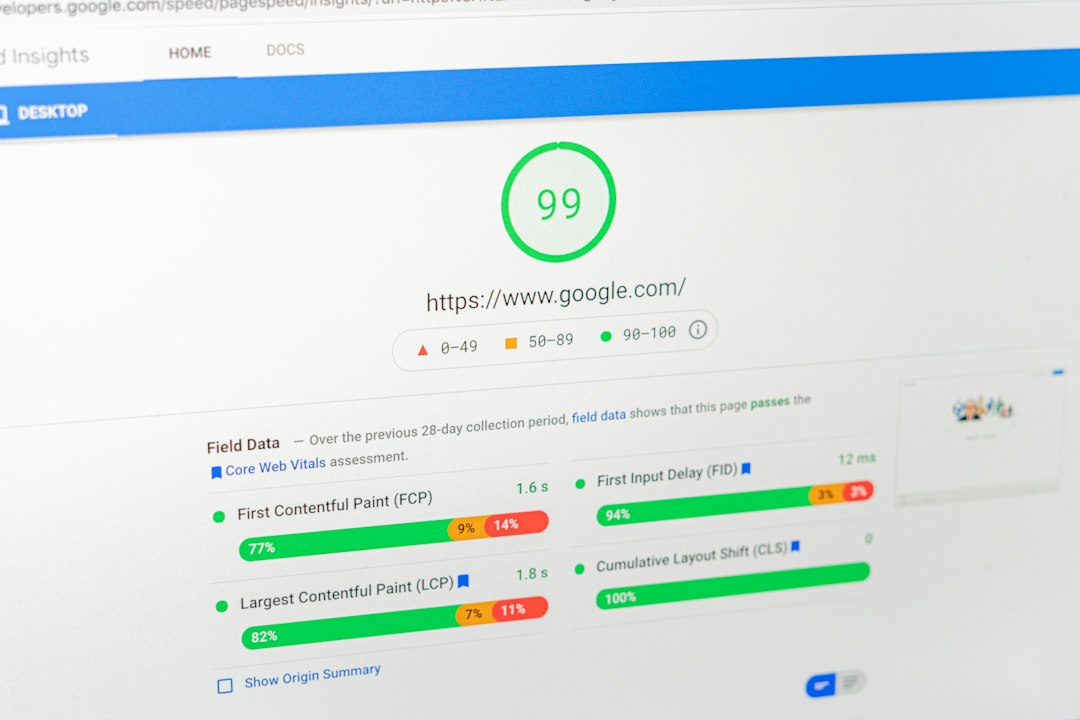
The best WP Rocket alternative depends on your hosting, your patience, and the exact slowdown you need to fix. If your site is slow, act early: Google has reported that bounce probability rises by 32% when page load time moves from 1 second to 3 seconds [source: Google]. For many WordPress sites, the right mix is simple: page caching, file optimization, image compression, and fewer database leftovers.
TLDR: If you want the closest WP Rocket replacement, start with FlyingPress or LiteSpeed Cache. If images are the main issue, pair a caching plugin with ShortPixel; for example, compressing a 1.8 MB homepage hero image to 280 KB can cut load time by more than a second on mobile. A small business site with 30 blog posts and 200 images can often see a 20% to 50% speed gain after caching, image compression, and unused CSS cleanup.
1. LiteSpeed Cache
Best for: sites hosted on LiteSpeed servers.
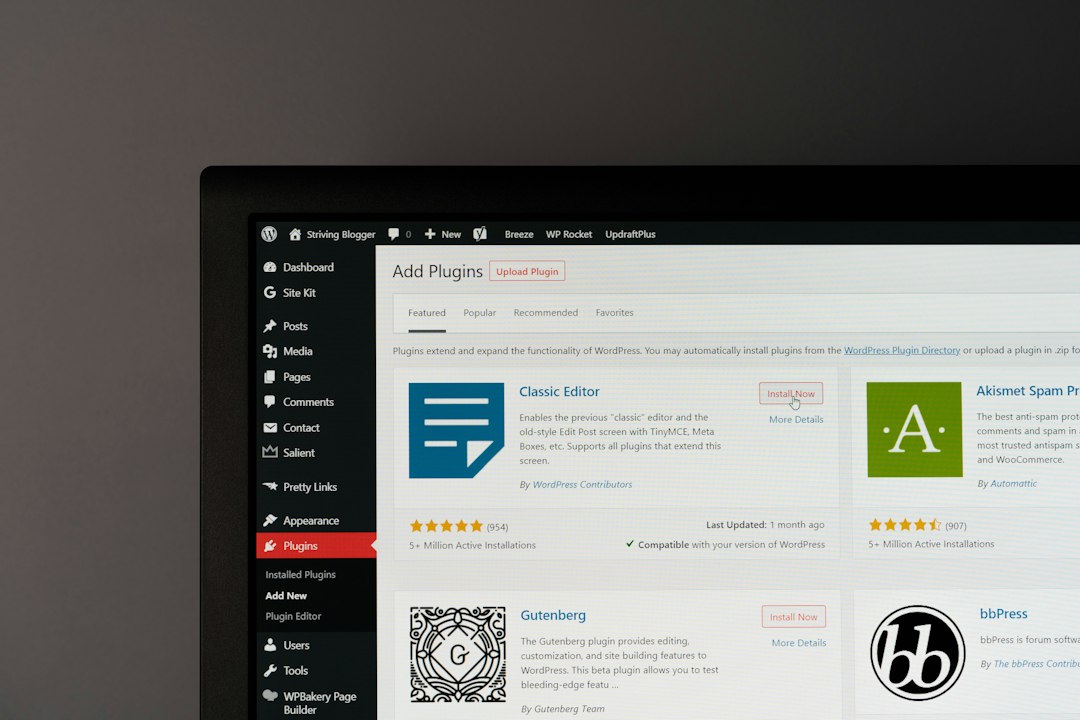
LiteSpeed Cache is one of the strongest free WP Rocket alternatives. It covers page cache, browser cache, image optimization, database cleanup, object cache support, lazy loading, and CSS or JavaScript tuning.
The real win comes when your host uses a LiteSpeed web server. In that setup, server-level caching can be very fast. On non-LiteSpeed hosting, it still works, but some of its best features will not shine as much.
- Pros: powerful free plan, deep settings, image tools included.
- Cons: settings can feel crowded for new users.
- Use it if: your host runs LiteSpeed or OpenLiteSpeed.
2. FlyingPress
Best for: users who want a clean paid tool with fewer headaches.
FlyingPress feels like WP Rocket’s close cousin. It handles page caching, delay of JavaScript, CSS optimization, lazy loading, font optimization, and preloading. The interface is clean. The defaults are sensible.
Honestly, it feels like some caching plugins make you earn every millisecond. FlyingPress is less annoying. You can set it up in minutes, test your key pages, and move on.
- Pros: simple setup, strong Core Web Vitals focus, clean controls.
- Cons: paid only, no permanent free version.
- Use it if: you want speed gains without a maze of checkboxes.
3. W3 Total Cache
Best for: technical users and larger WordPress sites.
W3 Total Cache has been around for years. It supports page cache, database cache, object cache, browser cache, CDN integration, and minification. It can help busy sites, membership sites, and WooCommerce stores when configured with care.
The downside is clear. The settings area can feel heavy. Expect to waste time on testing if you turn on too many options at once. Still, for developers and site owners who know their stack, it can be a serious tool.
- Pros: broad caching options, CDN support, good for complex setups.
- Cons: easy to misconfigure.
- Use it if: you need control and do not mind testing carefully.
4. WP-Optimize
Best for: caching plus database cleanup.
WP-Optimize started as a database cleanup plugin, but it now includes caching, image compression, file minification, and lazy loading. That makes it useful for sites with years of old revisions, spam comments, expired transients, and cluttered tables.
It is especially helpful for blogs, news sites, and content-heavy WordPress installs. A database full of junk may not be the only reason your site is slow, but cleaning it can reduce admin lag and improve general health.
- Pros: database cleanup, caching, image compression in one place.
- Cons: image tools are not as advanced as dedicated image plugins.
- Use it if: your site is old and feels bloated.
5. Autoptimize
Best for: CSS, JavaScript, and HTML optimization.
Autoptimize is not a full page caching plugin by itself. It works best beside hosting cache, Cloudflare cache, or another page cache tool. Its strength is file optimization. It can aggregate, minify, and defer CSS and JavaScript. It can also optimize Google Fonts and lazy load images.
It drives me crazy that many WordPress themes load scripts on pages that do not need them. Autoptimize helps reduce that waste. Still, test your forms, menus, sliders, and checkout after enabling script changes.
- Pros: strong file optimization, free version, pairs well with other tools.
- Cons: not a complete caching suite.
- Use it if: render-blocking files are hurting your PageSpeed score.
6. ShortPixel Image Optimizer
Best for: image-heavy websites.
ShortPixel is focused on image compression and modern image formats. It can compress JPEG, PNG, GIF, and PDF files. It can also create WebP and AVIF versions, depending on your setup and plan.
This plugin is a smart pick for photographers, food bloggers, ecommerce stores, and any site with large media uploads. Big images are still one of the most common, and most fixable, speed problems. WordPress also recommends performance work around caching, images, and scripts in its own guidance [source: WordPress.org].
- Pros: strong compression, WebP support, bulk optimization.
- Cons: free quota is limited.
- Use it if: your media library is the main weight on your pages.

How to Choose the Right WP Rocket Alternative
Pick based on your worst problem, not the longest feature list.
- On LiteSpeed hosting: choose LiteSpeed Cache.
- For a simple paid WP Rocket substitute: choose FlyingPress.
- For advanced cache control: choose W3 Total Cache.
- For database cleanup: choose WP-Optimize.
- For CSS and JavaScript fixes: choose Autoptimize.
- For large images: choose ShortPixel.
Do not install all six. That can cause conflicts and broken layouts. A safe setup is one caching plugin plus one image optimization plugin. For example, use FlyingPress with ShortPixel, or LiteSpeed Cache by itself if its image features cover your needs.
After setup, test your homepage, top landing pages, product pages, and checkout. Clear cache after changes. Then run speed tests again. The goal is not a perfect score. The goal is a site that loads fast, feels stable, and does not make visitors wait.