Deploying an AI chatbot is not just a matter of connecting a model API to a user interface. A production chatbot must be reliable, secure, observable, cost aware, and resilient under real user traffic. Vercel is a strong platform for this kind of application because it combines fast frontend delivery, serverless and edge execution, preview deployments, environment management, and excellent support for modern frameworks such as Next.js.
TLDR: The best AI chatbot deployments on Vercel are built with clear runtime choices, secure environment variable handling, streaming responses, careful rate limiting, and strong monitoring. Use preview deployments to test changes safely before production, and treat prompts, model settings, and retrieval logic as production assets that require review. Plan for cost, latency, abuse prevention, and graceful failure from the beginning rather than adding them after launch.
Choose the Right Architecture Early
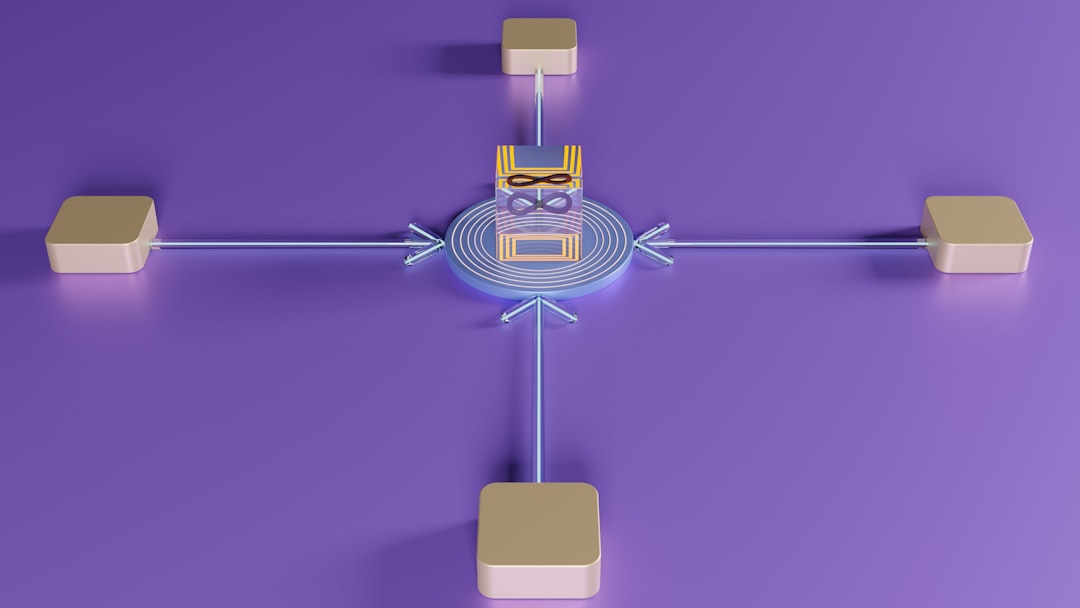
A chatbot application on Vercel typically includes a web interface, one or more API routes, an AI model provider, and sometimes a database or vector store for retrieval augmented generation. Before writing deployment code, define the role of each component. The frontend should remain responsive and lightweight, while server side routes should handle secrets, model calls, logging, and business logic.
For many teams, Next.js on Vercel is the most practical foundation. It supports server components, API routes, route handlers, streaming, and incremental deployment workflows. If you use the Vercel AI SDK, you can simplify common chatbot patterns such as response streaming, message formatting, and integration with model providers.
Avoid placing model API calls directly in client side code. This exposes credentials, makes abuse easier, and removes your ability to enforce centralized rate limits or policy checks. All sensitive AI operations should pass through a trusted server side layer.
Select the Proper Runtime: Edge or Serverless
Vercel allows you to run code in different execution environments. The two most common choices for chatbot APIs are Edge Runtime and Serverless Functions. Each has strengths, and the right decision depends on your workload.
- Use Edge Runtime when low latency is critical, the logic is lightweight, and your dependencies are compatible with edge execution.
- Use Serverless Functions when you need broader Node.js compatibility, heavier libraries, database drivers, or more complex backend logic.
- Separate routes by responsibility if needed. Your streaming chat endpoint may run at the edge, while administrative tools, ingestion jobs, or database heavy routes may use serverless functions.
Do not assume edge is always better. Some AI applications depend on packages, cryptographic libraries, or database clients that are more reliable in a Node.js serverless environment. Test runtime compatibility before committing to an architecture.
Protect Secrets with Environment Variables
AI chatbot deployments almost always require sensitive credentials, including model provider API keys, database URLs, analytics tokens, and webhook secrets. On Vercel, these should be stored as environment variables, never committed to the repository.
Use separate values for local development, preview, and production. This separation reduces the risk of accidentally testing experimental behavior against production data. It also supports safer credential rotation and access control.
- Production variables should be tightly controlled and available only to production deployments.
- Preview variables should use sandbox services or limited credentials when possible.
- Local variables should be stored in local environment files that are excluded from version control.
Review logs and error reports to ensure secrets are not accidentally printed. A serious deployment process includes secret hygiene as a standard security practice, not an optional cleanup task.
Implement Streaming for a Better User Experience
AI responses can take several seconds, especially when the model performs reasoning, tool calls, or retrieval. Streaming partial output to the user dramatically improves perceived performance. Instead of waiting for the full response, users see the answer forming in real time.
On Vercel, streaming works well with modern Next.js route handlers and the Vercel AI SDK. It is especially valuable for chatbots because conversation feels more natural when the interface responds immediately. However, streaming must be implemented carefully.
- Handle aborted requests when users close the tab or submit another message.
- Set reasonable timeouts so stalled provider calls do not consume resources indefinitely.
- Design the interface for partial text, including loading states, retry actions, and error messages.
A chatbot that streams well feels faster, even when the underlying model latency is unchanged.
Use Rate Limiting and Abuse Protection
Public chatbot endpoints are attractive targets for abuse. Attackers may attempt to drain model credits, scrape responses, spam prompts, or overload your infrastructure. Rate limiting is therefore one of the most important production safeguards.
At minimum, apply limits by IP address, user account, session, or API token. For authenticated products, account based limits are usually more accurate than IP based limits. For public demos, IP based limits may be necessary but should be combined with additional controls.
- Set per minute and per day limits to reduce both bursts and sustained abuse.
- Limit prompt length and message history size to control cost and latency.
- Require authentication for expensive model features or high volume usage.
- Monitor unusual patterns, such as repeated long prompts or rapid endpoint calls.
Rate limiting should be implemented before launch, not after the first billing surprise.

Manage Prompt and Context Carefully
Prompt design is part of production engineering. System prompts, tool instructions, retrieval context, and message history all affect correctness, safety, and cost. Treat prompts as versioned application logic rather than informal text snippets.
Keep system prompts concise and explicit. Define the chatbot’s role, boundaries, response style, and refusal behavior. If the chatbot supports company knowledge or customer data, make it clear when the model should rely on retrieved context and when it should admit uncertainty.
Do not send unlimited conversation history. Long histories increase cost and can degrade response quality. Use summarization, message trimming, or retrieval based memory when conversations become lengthy. If the chatbot uses a vector database, validate that retrieved documents are relevant and current before including them in the model context.
Design for Failure and Fallbacks
AI providers can experience latency spikes, rate limit errors, model outages, or unexpected response formats. Your Vercel application should handle these failures gracefully. Users should not see raw stack traces or ambiguous blank states.
- Show clear error messages when the chatbot cannot respond.
- Offer retry options for temporary failures.
- Use fallback models where appropriate, especially for critical workflows.
- Log failure details server side without exposing sensitive information to users.
For business critical applications, consider graceful degradation. If the AI model is unavailable, the chatbot might still show help articles, contact options, or previously cached guidance. A trustworthy system is honest about limitations and remains useful during partial outages.
Optimize Performance and Cost
AI model calls are often the most expensive part of a chatbot. Vercel hosting costs matter, but model usage, token volume, embeddings, storage, and external APIs can dominate the budget. Cost optimization should be part of your deployment plan.
Start by measuring token usage per request. Track prompt tokens, completion tokens, embedding calls, and retrieval operations. Once you understand usage patterns, you can make informed decisions.
- Use smaller models for simple classification, routing, or rewriting tasks.
- Cache deterministic outputs such as frequently requested help content.
- Trim unnecessary context before sending messages to the model.
- Set maximum output lengths to avoid runaway completions.
- Batch or schedule background work when real time execution is not required.
Performance and cost are linked. Shorter prompts, faster retrieval, and efficient model selection usually reduce both latency and expense.
Use Preview Deployments for Safe Testing
One of Vercel’s strongest features is the preview deployment workflow. Every pull request can produce a unique deployment URL, allowing developers, reviewers, product owners, and security teams to test changes before production release.
For AI chatbots, preview deployments are particularly valuable because small code or prompt changes can produce large behavioral differences. Test not only whether the application runs, but whether it responds appropriately to realistic and adversarial prompts.
- Test common user questions against each preview deployment.
- Validate refusal behavior for unsafe or unsupported requests.
- Check retrieval quality when knowledge bases or embeddings change.
- Review latency and error rates before merging to production.
Maintain a set of evaluation prompts that can be reused across releases. This gives your team a more objective way to detect regressions in chatbot behavior.
Implement Observability from the Start
A deployed chatbot needs more than uptime monitoring. You need visibility into latency, model errors, user satisfaction, token consumption, retrieval performance, and failed conversations. Without observability, it is difficult to know whether the chatbot is helping users or creating risk.
At a minimum, log request metadata, response status, latency, model name, token usage, and error categories. Be careful with conversation logs because they may contain personal data, confidential information, or regulated content. Apply redaction, retention limits, and access controls.
Useful metrics include:
- Average and percentile response latency
- Model provider error rate
- Rate limit events
- Token usage per user or session
- Escalation or fallback frequency
- User feedback scores, if collected

Connect monitoring to alerts for serious issues. A sudden increase in errors, cost, or response time should trigger investigation before users begin reporting problems.
Secure User Data and Conversations
Chatbots often process sensitive information, even when they are not designed to. Users may enter names, emails, account numbers, business data, or private questions. Responsible deployment requires privacy conscious design.
- Collect only what is necessary for the chatbot to function.
- Disclose how conversations are used, especially if they are stored or reviewed.
- Redact sensitive fields from logs when possible.
- Restrict administrative access to conversation data.
- Follow applicable compliance requirements for your industry and region.
If your application uses third party AI providers, understand their data handling policies. Enterprise deployments may require contractual safeguards, data retention controls, or regional processing guarantees.
Plan Deployment, Rollback, and Versioning
Production AI systems should have a disciplined release process. Vercel makes deployment fast, but speed should not replace review. Use branches, pull requests, preview deployments, and production promotion practices to keep releases controlled.
Version important chatbot assets, including prompts, retrieval configurations, model identifiers, and tool definitions. If a new release causes poor behavior, you should be able to identify what changed and roll back quickly. Vercel’s deployment history can help restore a previous application version, but you also need consistent handling of external dependencies such as databases and model settings.
For high impact applications, consider gradual rollout techniques. You might expose a new model or prompt to a small percentage of users, compare outcomes, and expand only after results are acceptable.
Conclusion
Deploying an AI chatbot on Vercel can be efficient, scalable, and production ready when the application is designed with discipline. The strongest deployments combine secure server side architecture, thoughtful runtime selection, streaming responses, rate limiting, observability, privacy safeguards, and reliable release workflows.
The central principle is simple: treat the chatbot as a serious production system, not a demo. When you plan for security, failure, cost, and evaluation from the beginning, Vercel provides a powerful platform for delivering AI chatbot experiences that users can trust.
Leave a Reply