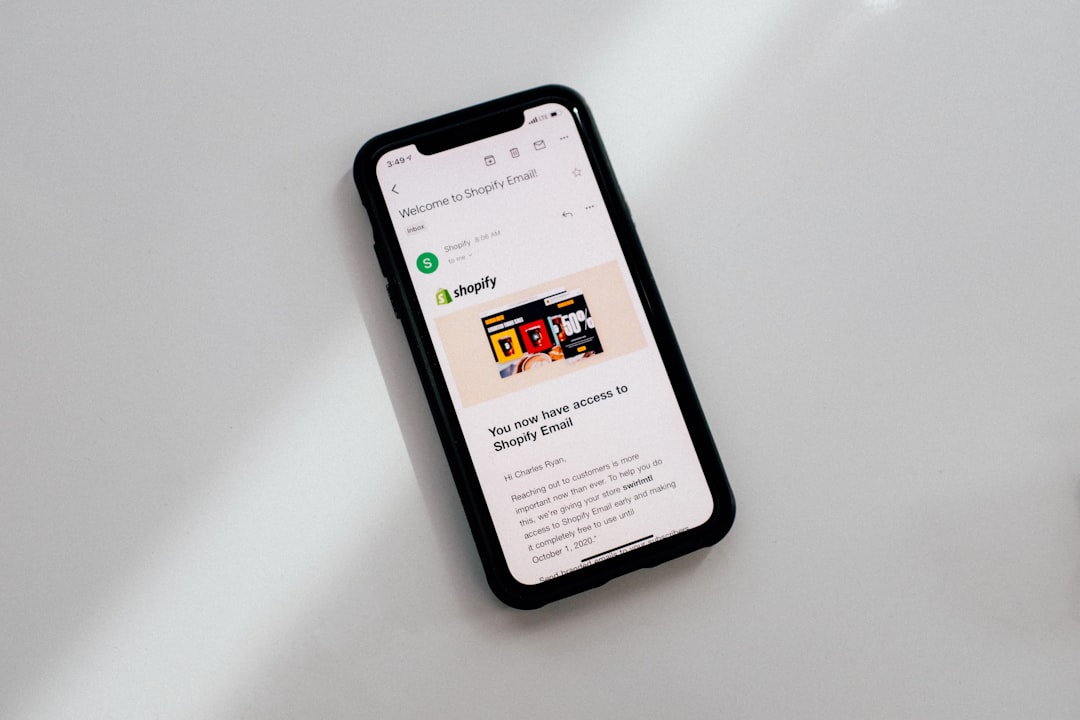
When you land on a polished Shopify store, it is natural to wonder: What theme is this using, which apps power the experience, and how did they build such a smooth storefront? Shopify theme detector extensions help answer those questions quickly. Instead of digging through source code manually, these browser tools scan a store and reveal clues about the theme, apps, technologies, analytics scripts, and sometimes even product strategy.
TLDR: Shopify theme detector extensions are useful for designers, developers, marketers, and store owners who want to study successful Shopify websites. The best tools combine theme detection with app discovery, technology analysis, and competitor research. Extensions such as Koala Inspector, Commerce Inspector, Wappalyzer, and Shopify App Detector can save hours of manual investigation. Use them as research aids, but remember that custom themes and hidden scripts may limit accuracy.
Why Shopify Theme Detector Extensions Matter
Shopify has become one of the most popular ecommerce platforms because it makes launching a store relatively simple while still allowing deep customization. However, that flexibility also makes analysis difficult. Two Shopify stores may look similar from the outside, but one might use a premium theme with minor styling changes while the other runs a heavily customized build created by an agency.
A Shopify theme detector extension gives you a faster starting point. With one click, you can often identify whether a site is using a known theme, a custom theme, or a modified version of a public template. For ecommerce professionals, this can be extremely valuable. A store owner may use these tools for inspiration, a developer may use them to estimate complexity, and a marketer may use them to understand the technology stack behind a competitor’s customer experience.
What These Extensions Can Reveal
A good Shopify analysis extension does more than name a theme. Depending on the tool, it may uncover several useful details, including:
- Theme name: The public Shopify theme, if detectable.
- Theme status: Whether the store appears to use a custom or modified theme.
- Installed apps: Review tools, upsell apps, email marketing apps, chat widgets, subscriptions, and more.
- Tracking scripts: Analytics platforms, pixels, tag managers, and advertising tools.
- Platform technologies: Frameworks, content delivery networks, payment tools, and performance services.
- Competitive signals: Product structure, sales tactics, popups, currencies, and checkout enhancements.
Of course, no tool is perfect. Some Shopify stores hide app footprints, rename theme files, or use advanced custom development. Still, even partial information can be enough to understand how a store is built and what you might want to test in your own business.
1. Koala Inspector
Koala Inspector is one of the most popular browser extensions for Shopify research. It is especially useful because it goes beyond basic theme detection and focuses on competitor analysis. When installed in Chrome, it can identify Shopify apps, themes, product information, and certain store features from the page you are viewing.
What makes Koala Inspector interesting is its ecommerce focus. General technology scanners can tell you that a website uses Shopify, Facebook Pixel, or Google Tag Manager, but Koala Inspector is designed specifically for merchants and marketers. It tries to surface information that matters for store growth, such as apps used for reviews, bundles, subscriptions, loyalty programs, or conversion optimization.
Best for: Shopify store owners, dropshippers, ecommerce marketers, and product researchers.
- Pros: Shopify focused, simple interface, strong app detection, useful for competitor research.
- Cons: Some features may require a paid plan, and detection is not always complete on highly customized stores.
2. Commerce Inspector
Commerce Inspector is another strong option for analyzing Shopify websites. It is often used by ecommerce researchers who want to understand what a store is selling, how it is positioned, and which tools support the business. While it may not always reveal every theme detail, it is highly useful for discovering installed apps, product launches, best sellers, and broader store activity.
This extension is particularly helpful if your goal is not just to copy a visual layout, but to study a store as a business system. For example, you might notice that a competitor uses a reviews app, a subscription tool, an SMS marketing platform, and a cart upsell app. That information can help you form hypotheses about their conversion strategy.
Best for: Competitor tracking, product research, and ecommerce strategy.
- Pros: Strong commercial insights, useful product data, helpful for Shopify market research.
- Cons: More focused on business intelligence than pure theme detection.
3. Wappalyzer
Wappalyzer is not exclusively a Shopify theme detector, but it is one of the best browser extensions for identifying the technologies behind almost any website. It can detect ecommerce platforms, JavaScript frameworks, analytics tools, advertising tags, payment processors, customer support software, and many other technologies.
For Shopify analysis, Wappalyzer is useful as a broad scanner. It will usually confirm that a site uses Shopify and may reveal associated tools such as Klaviyo, Hotjar, Google Analytics, Meta Pixel, PayPal, Afterpay, or Zendesk. It may not always tell you the exact theme name, but it gives you a strong picture of the store’s technical ecosystem.
Best for: Developers, analysts, agencies, and anyone who wants full technology stack visibility.
- Pros: Excellent general technology detection, fast scanning, useful across non-Shopify sites too.
- Cons: Less specialized for Shopify themes and ecommerce app details.
4. WhatRuns
WhatRuns is similar to Wappalyzer in that it detects the technologies used on a website. It can identify platforms, fonts, analytics tools, plugins, frameworks, and other visible services. For Shopify stores, it can help reveal the ecosystem behind the storefront, especially when paired with a dedicated Shopify research extension.
The appeal of WhatRuns is its clean, straightforward interface. If you want a quick overview without opening a complicated dashboard, it is a practical choice. It is especially good for spotting marketing and tracking tools that may not be obvious from the design alone.
Best for: Quick technology checks and lightweight website analysis.
- Pros: Easy to use, broad technology detection, helpful for quick audits.
- Cons: Limited Shopify-specific theme intelligence.
5. Shopify App Detector Extensions
Several browser extensions use names such as Shopify App Detector or Shopify Theme Detector. These tools are usually designed to detect apps and themes by scanning page code, asset URLs, script patterns, and known app signatures. Some are simple one-click utilities, while others connect to larger ecommerce intelligence platforms.
These extensions can be handy when you only need a quick answer: What theme is this store using? or Which review app is that? However, quality varies. Before relying on one, check user reviews, update history, permissions requested, and whether the extension is actively maintained.
Best for: Fast theme and app checks when you do not need deep reporting.
- Pros: Simple, direct, often free or low cost.
- Cons: Accuracy can vary, and some tools may become outdated as Shopify evolves.
How to Choose the Right Extension
The best Shopify theme detector extension depends on your purpose. If you are a designer studying visual inspiration, theme identification matters most. If you are a marketer, app detection and tracking tools may be more valuable. If you are a developer, you may care about JavaScript frameworks, performance services, and custom implementation clues.
Use the following criteria when choosing:
- Accuracy: Does the tool correctly identify known Shopify themes and apps?
- Depth: Does it reveal only the theme, or does it also show apps, scripts, and technologies?
- Ease of use: Can you get useful information in one or two clicks?
- Privacy and permissions: Does the extension request only reasonable browser permissions?
- Update frequency: Is the tool maintained as Shopify themes and apps change?
- Export options: Can you save findings for reports, audits, or client research?
Tips for Better Shopify Website Analysis
To get the most accurate results, do not rely on a single extension. Use a combination. For example, run Koala Inspector for Shopify-specific details, Wappalyzer for the wider technology stack, and a manual source-code check if you need confirmation.
When manually checking a Shopify store, look for references to cdn.shopify.com, theme asset paths, app scripts, and structured data. Sometimes the theme name appears in CSS or JavaScript file paths. In other cases, a store uses a theme as a foundation but has customized it so heavily that the original source is difficult to identify.
Important Limitations to Remember
Shopify theme detector extensions are powerful, but they are not magic. A large brand may use a fully custom headless storefront, making normal theme detection impossible. Some apps load conditionally, meaning they appear only on product pages, cart pages, or after a visitor takes a specific action. Other tools hide or bundle scripts to improve performance, which can confuse detectors.
It is also important to use these tools ethically. Analyzing public websites for inspiration and competitive understanding is normal, but copying a store’s branding, content, photography, or unique creative assets is not. The goal should be to learn patterns, not duplicate another merchant’s identity.
Final Thoughts
The best Shopify theme detector extensions make ecommerce research faster, smarter, and more practical. Koala Inspector and Commerce Inspector are excellent for Shopify-focused competitor analysis, while Wappalyzer and WhatRuns provide broader technology insights. Smaller Shopify app or theme detector extensions can also be useful for quick checks, especially when you only need a simple answer.
Ultimately, these tools are most valuable when used as part of a broader research process. A theme name can tell you where a design started, but the real insights come from studying layout choices, product presentation, app combinations, trust signals, and conversion tactics. Use detector extensions as your flashlight: they reveal what is hidden beneath the surface, but it is your analysis that turns those findings into better ecommerce decisions.
Leave a Reply