Pick five tools first: a data catalog, data quality tool, privacy tool, lineage tool, and access control tool. That stack fixes most data messes before they become expensive disasters. IBM reported that the average cost of a data breach reached $4.88 million in 2024 [source: IBM]. So yes, the boring data rules suddenly look very exciting.
TLDR: Modern data governance is not one giant tool. It is a small team of tools that keep data clean, safe, easy to find, and properly used. For example, a sales team with 40 analysts could cut weekly report cleanup from 10 hours to 3 hours by using a data catalog and quality checks. That is 280 saved hours per month, which is not tiny pocket change.
The Technology Hit List: 5 Tools That Keep Data From Going Ferrel
Bad data is like glitter. Once it spreads, good luck getting it out of everything. Reports break. Teams argue. Nobody trusts the dashboard. Then someone says, “Can we just export it to a spreadsheet?” That is usually when the room goes quiet.
Modern data governance helps stop that circus. It gives your data rules, owners, labels, checks, and locks. Not in a scary way. More like putting traffic lights at a wild intersection.
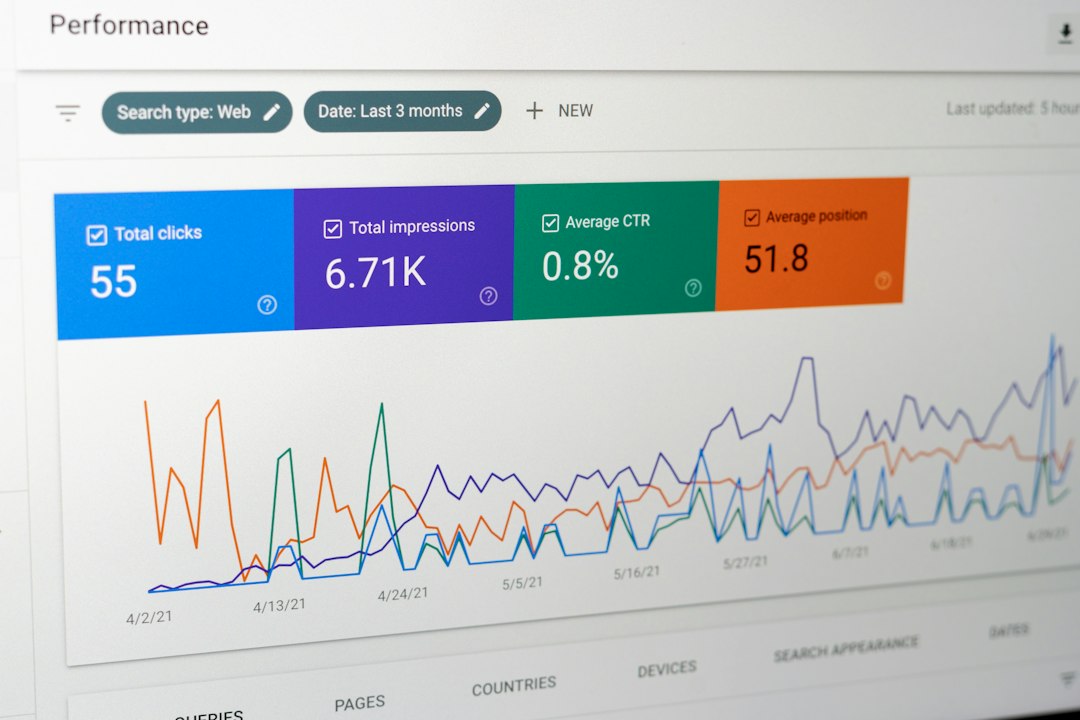
1. Data Catalogs: The Library Card for Your Data
A data catalog helps people find data. It shows what data exists, where it lives, who owns it, and what it means.
Think of it like a search engine for company data. Instead of asking five coworkers where the “real customer table” is, you search once. Nice. Peaceful. Adult.
Best for:
- Finding trusted datasets.
- Seeing who owns each data asset.
- Adding clear business definitions.
- Stopping duplicate reports.
Honestly, it feels like every company has three “final” revenue tables. A data catalog helps point to the one people should actually use.
2. Data Quality Tools: The Error Sniffing Dogs
Data quality tools check if your data is correct, complete, fresh, and useful. They catch weird stuff before it hits a report.
For example, they can flag a customer age of 247. They can spot missing order IDs. They can warn you when yesterday’s data never arrived.
Common checks include:
- Missing values.
- Duplicate records.
- Broken formats.
- Old data.
- Strange spikes or drops.
This matters because bad data causes bad choices. If your churn report is wrong, your retention plan may be wrong too. Then everyone gets a new meeting invite. Nobody wants that.
3. Privacy and Consent Tools: The “Do Not Be Creepy” Layer
Privacy tools help teams manage personal data. They track consent. They help support rules like GDPR, CCPA, and other privacy laws.
They also help answer simple but painful questions:
- Did this person agree to marketing emails?
- Where is their personal data stored?
- Can we delete it if they ask?
- Who touched it last?
This tool is not just for legal teams. Marketing needs it. Product needs it. Support needs it. If customer data moves around your business, privacy controls need to follow it.
Image not found in postmeta
4. Data Lineage Tools: The Family Tree for Your Numbers
Data lineage shows where data came from, how it changed, and where it went. It is the “who did what” story for data.
Say a profit number drops by 18% overnight. Panic starts. Coffee spills. Slack explodes. A lineage tool lets you trace the number back through tables, pipelines, tools, and changes.
Without lineage, you guess. With lineage, you inspect.
Use it to answer:
- Where did this number come from?
- What changed last night?
- Which reports will break if we change this field?
- Who depends on this dataset?
The catch is that setup can be annoying. Some tools need careful tagging. Some scans take longer than expected. I have seen lineage maps take 20 seconds to load when five would feel normal. Still, it beats hunting through old scripts like a tired raccoon.
5. Access Control Tools: The Bouncer at the Data Club
Access control tools decide who can see, edit, copy, or share data. They keep sensitive data away from people who do not need it.
This is simple in theory. In real life, it gets messy fast. New hires join. People switch teams. Contractors leave. Old permissions linger like mystery food in the office fridge.
Good access tools support:
- Role based access.
- Approval workflows.
- Automatic permission removal.
- Audit logs.
- Alerts for risky access.
The goal is not to block everyone. The goal is to give the right data to the right people at the right time. No more. No less.
How These Tools Work Together
These five tools are better as a pack.
- The catalog tells people what data exists.
- Quality tools check if it is trustworthy.
- Privacy tools protect personal data.
- Lineage tools show the data journey.
- Access tools control who gets in.
Picture a customer table. The catalog says what it is. The quality tool checks for missing emails. The privacy tool tracks consent. The lineage tool shows which dashboards use it. The access tool keeps private fields away from random viewers.
Image not found in postmeta
Quick Buying Tips
Do not buy the flashiest tool first. Buy for your worst pain.
- If nobody can find data: start with a catalog.
- If reports are always wrong: start with quality checks.
- If privacy requests are painful: start with privacy tooling.
- If broken dashboards surprise you: start with lineage.
- If too many people see too much: start with access control.
Also, ask for a real demo using your messy sample data. Polished demo data lies. Your actual data tells the truth, usually while wearing mismatched socks.
The Simple Rule
Data governance should make work easier, not slower. If a tool adds ten clicks to every task, people will dodge it. If it saves time and builds trust, people will use it.
Start small. Pick one data domain, like customer data or finance data. Add the five tool types over time. Keep the rules clear. Keep owners visible. Keep reports honest.
That is the real hit list. Not more noise. Just cleaner data, safer access, fewer arguments, and fewer “which spreadsheet is correct?” moments.