For quick “sightseeing near me” searches, Google Maps is usually the better first stop; for choosing between major attractions, TripAdvisor is often stronger. Google Maps wins on speed, location accuracy, opening hours, transit, and walking directions. TripAdvisor wins when you want ranked lists, longer travel reviews, tour options, and a clearer sense of whether a place is worth half a day.
TLDR: Use Google Maps when you are already out and need something nearby within minutes. Use TripAdvisor when you are planning a morning, an afternoon, or a full day of sightseeing. For example, a traveler with two free hours in Chicago might find three well-rated attractions within a 12-minute walk on Google Maps in under one minute, while TripAdvisor may take two or three minutes but provide richer detail on crowds, ticket value, and visit length. A practical split is simple: Google Maps for “what is near me now,” TripAdvisor for “what is actually worth my time.”
What Each Platform Does Best
Google Maps is built around place, distance, and movement. That sounds basic, but it matters. If you search “sightseeing near me,” you usually care about what is open, how far it is, and whether you can get there without wasting half the afternoon.
Google Maps tends to show:
- Nearby attractions based on your live location.
- Opening hours, including holiday changes when available.
- Walking, driving, biking, and public transit routes.
- Recent user photos that show what the place looks like now.
- Busy times, which can help you avoid queues.
TripAdvisor is more travel-focused. It is less about your dot on the map and more about how tourists rate the experience. That makes it useful for museums, viewpoints, historic districts, boat tours, guided walks, and day trips.
TripAdvisor tends to show:
- Ranked lists of attractions in a city or area.
- Detailed reviews from travelers.
- Suggested tour products and ticket options.
- Traveler photos from different seasons and times of day.
- Common complaints, such as long lines, poor signage, or weak value.
Speed and Convenience: Google Maps Usually Wins
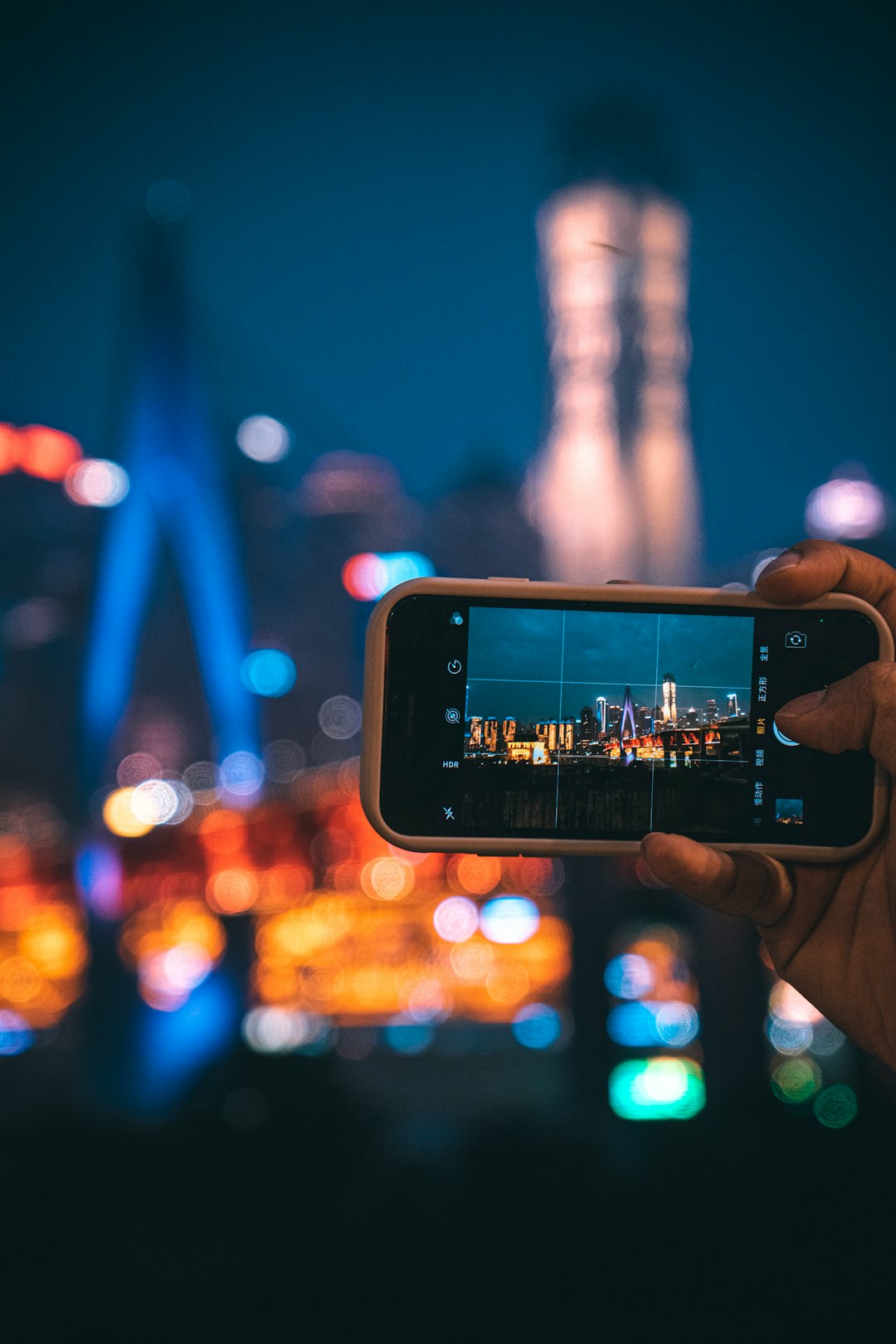
When you are standing outside a train station or hotel, Google Maps is hard to beat. Open the app, type “attractions,” “museums,” “viewpoints,” or “things to do,” and you get a map view with distance, ratings, and routes.
This is where TripAdvisor can feel slow. Honestly, it feels like too many taps when all you want is a decent landmark within a 15-minute walk. You may see sponsored tours, broader city lists, or attractions that are popular but not close enough for your situation.
Google Maps is also better for checking whether an attraction is practical right now. A place with a 4.7 rating is not helpful if it closed 20 minutes ago. A famous square is not ideal if a road closure adds 25 minutes to the walk. Maps handles these details well because it is tied to live location data and transport information.
Review Quality: TripAdvisor Often Gives Better Travel Context
Google Maps reviews are useful, but they can be uneven. Many are short. Some are just “nice place” or “beautiful.” That helps, but not much. TripAdvisor reviews often include travel-specific details, such as how long to spend there, whether to book ahead, which entrance to use, and whether the attraction suits children or older visitors.
For example, a Google review may say a historic building is “amazing.” A TripAdvisor review may say: “Arrive before 10 a.m., skip the audio guide if you are short on time, and allow 90 minutes.” That second review is more useful for planning.
TripAdvisor is also better at surfacing patterns in complaints. If 15 recent visitors say the same museum is overcrowded after noon, you should listen. If many reviewers say a viewpoint is better at sunset but crowded on weekends, that shapes your plan.
Ratings Can Mislead on Both Platforms
A high rating does not always mean a good sightseeing choice. It may mean the place is popular, easy to access, or simply photogenic. A small local memorial may have a 4.8 rating from 200 visitors, while a national museum may have 4.5 from 40,000 visitors. Those numbers do not mean the memorial is automatically better.
Use ratings as a filter, not a final answer. Focus on:
- Number of reviews: A 4.6 score from 8,000 reviews is more stable than 5.0 from 12 reviews.
- Recent reviews: Conditions change, especially after renovations, price increases, or staff cuts.
- Photo dates: Recent photos can reveal scaffolding, crowds, or seasonal closures.
- Repeated comments: One angry review means little. Ten similar complaints deserve attention.
Best for Walking Around a New Area
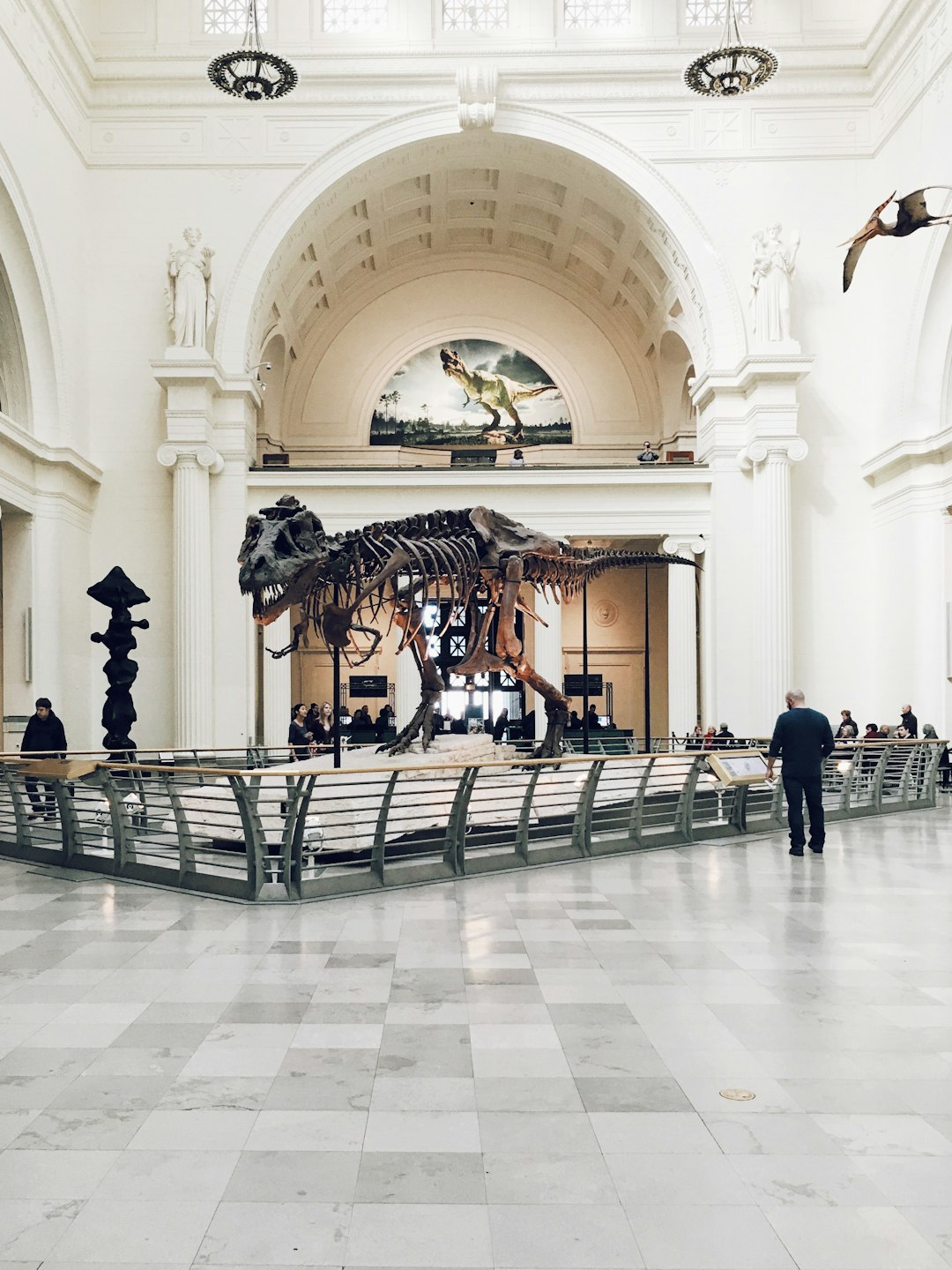
If you are already in a neighborhood, choose Google Maps first. It gives you a better sense of what clusters together. That matters because good sightseeing is often about grouping stops. A church, market, gallery, and riverside viewpoint may be average alone but excellent as a 90-minute walk.
Expect to waste time on TripAdvisor if you use it for hyperlocal wandering. It may push you toward the city’s top attractions, even when they are across town. That is not wrong, but it is not always useful when your feet hurt and daylight is fading.
Google Maps also helps with small discoveries. Public gardens, murals, local monuments, waterfront paths, and observation spots may not rank highly on TripAdvisor. Yet they can be perfect if they are close, free, and quick.
Best for Planning a Full Sightseeing Day
TripAdvisor becomes more useful when time is less tight. If you have a full day, its ranked attraction lists can help you build priorities. You can compare major sights, read long reviews, and decide whether to book tickets early.
This is especially useful in cities with many paid attractions. Paying $30 for a viewpoint or $45 for a museum is not a small choice for many travelers. TripAdvisor reviews often discuss value in more detail than Google Maps reviews. Travelers are also more likely to mention whether a “skip the line” ticket saved real time or just added cost.
Still, check Google Maps before you commit. Make sure the places fit together geographically. A TripAdvisor list may rank three attractions highly, but if they sit in opposite parts of the city, your day can turn into a transport chore.
Accuracy of Hours, Closures, and Directions
Google Maps has the edge for practical accuracy, but it is not perfect. Hours can be wrong. Entrances can be misplaced. Seasonal closures can be missed. It drives me crazy that a listed entrance can be 200 meters from the actual gate, especially at large parks, castles, and stadiums.
TripAdvisor may also show outdated details, especially in older reviews. A review from 2019 may describe ticket rules that no longer exist. Always check the attraction’s official website for high-cost or high-demand visits.
A reliable process is:
- Find options on Google Maps if you are nearby.
- Read TripAdvisor reviews for attractions that require money or major time.
- Confirm hours and tickets on the official website.
- Return to Google Maps for the actual route.
Which Should You Trust More?
Trust depends on the decision. For distance, routes, and “open now,” trust Google Maps more. For tourist satisfaction, visit length, ticket value, and crowd warnings, give TripAdvisor more weight.
The best results come from using both. Start with Google Maps to see what is nearby. Shortlist places with strong ratings, many reviews, and recent photos. Then use TripAdvisor to check whether those places are worth your limited time. If both platforms agree, that is a strong signal.
Practical Recommendation
For a quick search, type “sightseeing near me” into Google Maps and scan within a realistic walking radius. Filter out places below 4.2 unless they have a specific reason to visit. Then open TripAdvisor for the top two or three paid or time-heavy options.
If you are planning before leaving the hotel, reverse the order. Start with TripAdvisor’s attraction rankings. Pick the places that match your interests. Then place them into Google Maps and check travel time between each stop.
Bottom line: Google Maps is the better field tool. TripAdvisor is the better judgment tool. Use Google Maps to find what is close and open. Use TripAdvisor to decide what deserves your money, energy, and limited vacation hours.
Leave a Reply