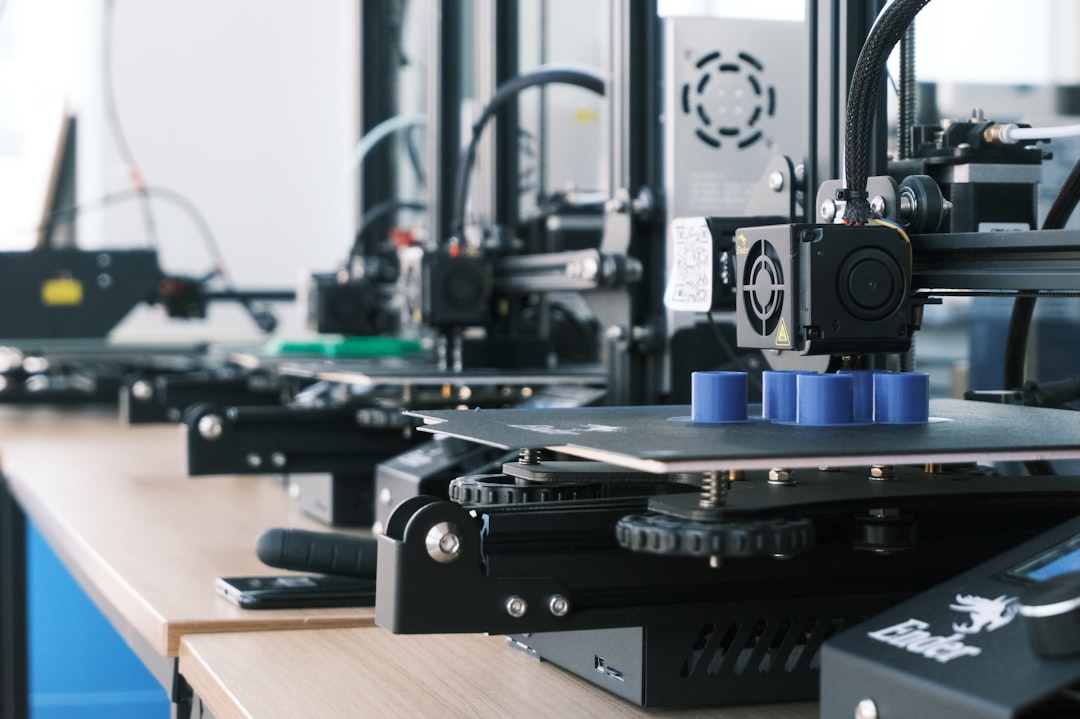
Moving up to a 300mm 3D printer is one of the most practical upgrades for makers, small businesses, engineers, and serious hobbyists. A machine with roughly a 300mm build dimension gives you enough room for helmets, large prototypes, cosplay props, functional brackets, architectural models, multi-part assemblies, and production jigs without constantly slicing projects into smaller sections. But bigger is not always better by default: a larger printer needs stronger motion hardware, better heating, more stable framing, and smarter workflow planning.
TLDR: Choose a 300mm 3D printer based on build volume, frame rigidity, bed heating, motion system, material compatibility, and software experience. For PLA and PETG, many mid-range machines are excellent; for ABS, ASA, nylon, or carbon fiber blends, look for an enclosure, a high-temperature hotend, and hardened nozzles. The best choice is not simply the largest or fastest printer, but the one that can reliably print the materials and part sizes you actually need.
Why Choose a 300mm 3D Printer?
A 300mm printer usually refers to a machine with a build area around 300 x 300mm, sometimes with a similar Z height and sometimes with a taller vertical axis. This size sits in a useful middle ground: it is significantly more capable than compact desktop printers, but still manageable for a home workshop, office, classroom, or small studio.
The biggest advantage is flexibility. You can print larger parts in one piece, which improves strength and saves the time required for assembly, gluing, sanding, and alignment. Large-format printing is especially helpful for robotics frames, RC vehicle bodies, product prototypes, lamp shades, storage organizers, cosplay armor, drone parts, terrain pieces, and workshop fixtures.
However, larger printers also magnify small problems. A slightly uneven bed, loose belt, weak frame, or poorly tuned slicer profile becomes much more noticeable across a 300mm surface. That is why choosing the right features matters.
Build Volume: Look Beyond the Number
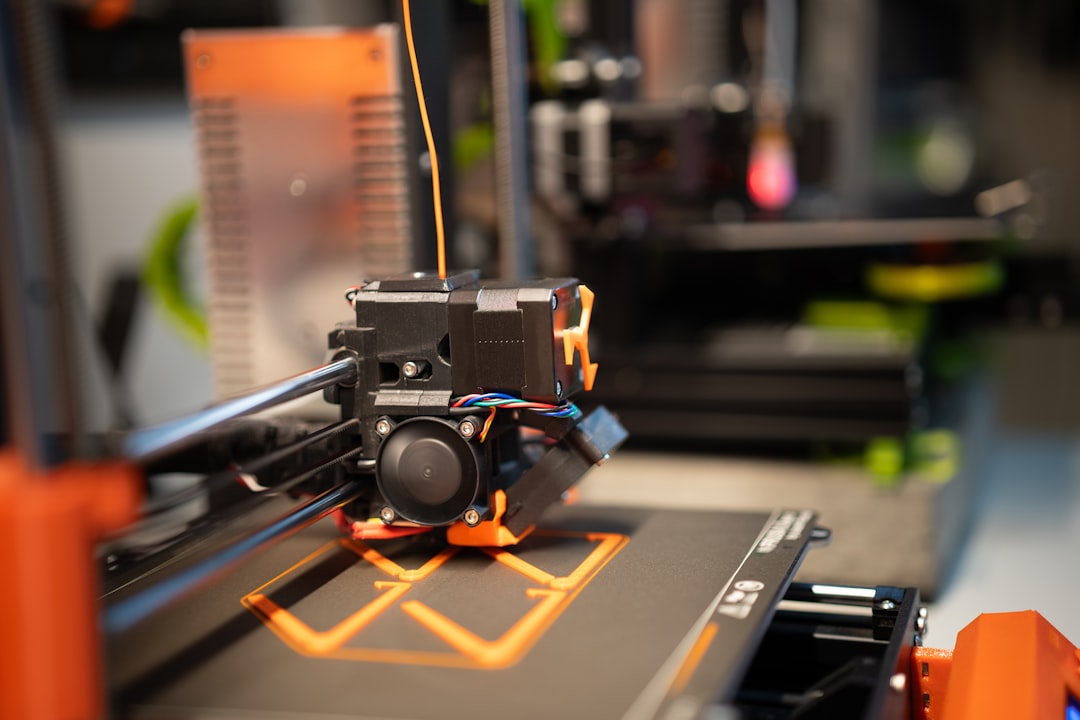
The first specification most buyers notice is build volume. A printer advertised as 300mm may be 300 x 300 x 300mm, 300 x 300 x 400mm, or something close to that. While the numbers are important, they do not tell the whole story.
Ask yourself what kind of objects you plan to print. If you mostly print flat panels, trays, boxes, or mechanical plates, the X and Y dimensions matter most. If you print tall vases, helmets, statues, or architectural towers, Z height becomes more important. Also consider whether the machine can actually maintain quality across the full bed area. Some printers technically offer 300mm of space but perform best only in the central region.
For large prints, bed adhesion becomes a major concern. A small corner lift can ruin a print that has been running for 20 hours. Look for a printer with a reliable build surface, automatic bed leveling, and consistent bed temperature from center to edge.
Frame Rigidity and Motion System
A 300mm printer needs a stable frame. As print size increases, moving parts travel farther, belts are longer, and vibrations have more opportunity to affect surface quality. A rigid frame reduces ringing, layer shifts, and inconsistent extrusion.
Many larger desktop printers use aluminum extrusion frames, which can be excellent if well designed. Check for triangulation, thick rails, quality fasteners, and minimal wobble. If you can physically inspect the printer, gently move the frame and gantry to see whether it flexes.
The motion system also matters. Common types include:
- Cartesian bed slinger: Affordable and common, with the bed moving back and forth on one axis. Good for many users, but very large or heavy prints can be affected by bed movement at high speeds.
- CoreXY: Often faster and more stable for larger machines because the bed typically moves only in Z. Popular among performance-focused users.
- Delta: Tall and fast, but less common for square 300mm build areas and can require more careful calibration.
If you want speed and precision, a CoreXY 300mm printer is attractive. If you want affordability and simpler maintenance, a well-built Cartesian machine may be the better value.
Heated Bed and Temperature Consistency
A heated bed is essential on a 300mm printer. PLA can print on a modestly heated surface, but PETG, ABS, ASA, and many engineering materials require higher and more consistent bed temperatures. On a large bed, the edges may be cooler than the center, which can cause warping.
Look for a printer that can reach at least 100°C on the bed if you plan to print ABS or ASA. For basic materials, 60°C to 80°C is usually enough. Also check how long the bed takes to heat. Large beds can be slow, especially on lower-powered machines.
A magnetic flexible build plate is a useful feature because it makes large prints easier to remove. Common surfaces include textured PEI, smooth PEI, glass, and coated spring steel. Textured PEI is popular because it grips well when hot and releases parts after cooling.
Hotend, Nozzle, and Extruder Features
The hotend determines which materials you can print. A standard hotend that reaches around 250°C is fine for PLA, PETG, and TPU, but more advanced materials require higher temperatures. If you want to print nylon, polycarbonate, ASA, or carbon fiber composites, choose a hotend rated for 280°C to 300°C or higher.
The extruder is just as important. A direct drive extruder is better for flexible filament like TPU because the filament path is shorter and more controlled. A Bowden setup can be lighter and fast, but it may struggle with soft materials and retraction tuning.
Nozzle choice also affects productivity. A standard 0.4mm nozzle provides good detail, but on a 300mm printer you may want to use a 0.6mm or 0.8mm nozzle for large parts. Bigger nozzles reduce print time and can improve strength, though they sacrifice fine detail. If you plan to print carbon fiber or glow-in-the-dark filament, use a hardened steel, ruby, tungsten carbide, or other abrasion-resistant nozzle.
Material Compatibility: Match the Printer to Your Projects
One of the most important buying decisions is material compatibility. Not every 300mm printer is suited for every filament. Here is a practical breakdown:
- PLA: The easiest material. Great for models, prototypes, decorations, and low-stress parts. It does not require an enclosure.
- PETG: Stronger and more heat-resistant than PLA. Good for functional prints, brackets, containers, and outdoor-adjacent items, though it can string if not tuned well.
- TPU: Flexible and rubber-like. Best with direct drive extrusion and slow print speeds.
- ABS: Strong and heat-resistant, but prone to warping. Requires an enclosure and ventilation consideration.
- ASA: Similar to ABS but better for UV and outdoor use. Also benefits from an enclosure.
- Nylon: Tough and durable, but moisture-sensitive. Usually needs a high-temperature hotend and dry storage.
- Carbon fiber blends: Stiff and attractive, but abrasive. Require a hardened nozzle and often a capable hotend.
If your goal is decorative and general-purpose printing, PLA and PETG compatibility may be enough. If your goal is mechanical parts, automotive components, outdoor fixtures, or professional prototypes, invest in a printer with an enclosure, high-temp hotend, and robust extruder.
Enclosure: Optional or Essential?
An enclosure is not mandatory for every 300mm printer, but it becomes important when printing warp-prone materials. ABS, ASA, nylon, and polycarbonate benefit from a stable warm chamber. Without an enclosure, large prints can cool unevenly, causing corners to lift or layers to split.
Some printers come fully enclosed, while others can be upgraded with acrylic panels, fabric enclosures, or custom-built cases. A proper enclosure also helps reduce drafts, dust, and noise. However, if you mostly print PLA, too much chamber heat can actually cause heat creep or poor overhang performance, so ventilation and temperature control are useful.
For professional or classroom settings, also consider air filtration. Materials such as ABS can produce fumes and ultrafine particles, so good ventilation is recommended.
Auto Bed Leveling and Calibration
On a small printer, manual bed leveling is manageable. On a 300mm printer, it can become frustrating. A large bed has more surface area and more chance for slight unevenness. Automatic bed leveling uses a probe to measure points across the bed and compensate for small variations during printing.
Look for printers with reliable probing systems such as inductive sensors, strain gauges, optical sensors, or touch probes. Also check whether the printer supports mesh bed leveling, Z offset adjustment, and easy first-layer tuning.
A good first layer is the foundation of every successful large print. If the first layer is too high, the part may detach. If it is too low, the nozzle can scrape the surface or cause elephant’s foot. A printer with guided calibration saves time and reduces failed prints.
Speed, Quality, and Realistic Expectations
Fast printing is appealing, but print speed should not be evaluated by marketing numbers alone. Some machines advertise extremely high travel or print speeds, but real-world quality depends on acceleration, input shaping, frame rigidity, cooling, extrusion flow, and slicer tuning.
For large prints, speed matters because jobs can easily run for 12, 24, or even 60 hours. Features such as input shaping, pressure advance, high-flow hotends, strong part cooling, and stable firmware can make a big difference.
Still, there is always a tradeoff. A large decorative object can often be printed quickly with thicker layers and a bigger nozzle. A precise mechanical part may need slower speeds, tighter tolerances, and careful material selection. The best 300mm printer is one that can produce repeatable results, not just impressive test prints.
Software, Connectivity, and Workflow
A printer’s hardware is only part of the experience. Software can make the difference between a machine you enjoy using and one that constantly feels like a project. Check which slicers are supported, whether the manufacturer provides profiles, and how easy it is to adjust settings.
Useful workflow features include:
- Wi-Fi or Ethernet printing for sending files without an SD card or USB stick.
- Camera monitoring for long prints, especially if the printer is in a workshop.
- Power-loss recovery to resume after an outage, though it is not always perfect.
- Filament runout detection to pause when a spool empties.
- Remote management through a web interface or app.
Open firmware and community support can also be valuable. Printers with active user communities often have better profiles, troubleshooting guides, upgrade paths, and replacement part recommendations.
Reliability, Maintenance, and Spare Parts
A 300mm 3D printer is a machine with moving parts, heat, friction, and vibration. Maintenance should be expected. Belts may need tensioning, wheels or linear rails may need cleaning, nozzles will wear, and build surfaces eventually lose adhesion.
Before buying, check whether replacement parts are easy to find. Standard nozzles, belts, fans, thermistors, heater cartridges, and build plates are preferable to rare proprietary components. If a printer uses uncommon parts, make sure the manufacturer has a good supply chain.
Also consider noise. Larger printers can be louder due to bigger fans, stronger motors, and resonating panels. If the printer will be near your desk or in a shared space, look for quiet stepper drivers, quality fans, and an enclosure that dampens sound.
Budget: What Should You Expect to Spend?
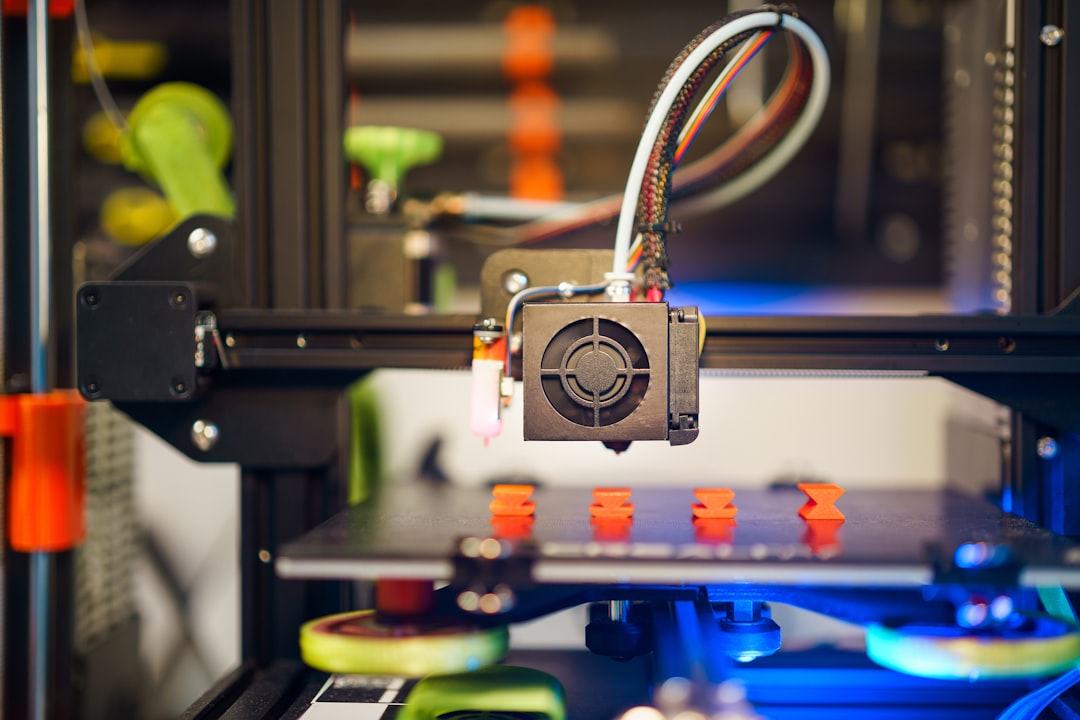
Prices for 300mm 3D printers vary widely. Entry-level large-format machines can be affordable, but they may require more tuning and upgrades. Mid-range printers often provide better automation, stronger frames, faster printing, and improved reliability. Professional machines cost more but may include enclosures, filtration, advanced sensors, higher temperatures, and customer support.
When comparing prices, include the total cost of ownership. You may need extra nozzles, filament dryers, build plates, spare fans, enclosure panels, adhesives, tools, and maintenance parts. A cheaper printer that constantly needs upgrades may not remain cheaper for long.
Buying Checklist for a 300mm 3D Printer
Before making a final decision, use this checklist:
- Build volume: Is it truly large enough for your common projects?
- Frame: Is it rigid and stable at larger print sizes?
- Bed heating: Can it heat evenly and reach the temperatures you need?
- Hotend: Does it support your target materials?
- Extruder: Direct drive for TPU and flexible materials, or Bowden for simpler high-speed use?
- Enclosure: Needed for ABS, ASA, nylon, or polycarbonate?
- Auto leveling: Does it have reliable mesh compensation?
- Software: Are slicer profiles and firmware updates available?
- Support: Are spare parts, manuals, and community advice easy to find?
- Real cost: Have you budgeted for upgrades, tools, and filament storage?
Final Thoughts
Choosing a 300mm 3D printer is about balancing size, reliability, materials, and ease of use. If you mainly print PLA models and prototypes, you may not need the most advanced enclosed machine. If you want strong engineering parts in ASA, nylon, or carbon fiber composites, you should prioritize temperature capability, enclosure quality, and motion stability.
The best approach is to start with your projects, not the printer specifications. Think about the largest parts you want to make, the materials they require, the accuracy you need, and how much time you are willing to spend tuning. A well-chosen 300mm printer can become an incredibly versatile tool, capable of producing everything from practical workshop parts to impressive display pieces with confidence and consistency.
Leave a Reply