Use Google Translate when you need quick Spanish to English audio translation in real time, but use DeepL when you can first turn the audio into clean text and want a smoother English result. That split matters because Spanish is spoken by more than 599 million people worldwide, so accents, speed, slang, and background noise can change the result fast [source: Instituto Cervantes].
TLDR: For live voice translation, Google Translate is usually the better pick because it has stronger audio tools, including conversation mode and speech input. For polished Spanish to English translation, DeepL often gives more natural English, especially after you paste in a corrected transcript. Example: a sales team translating 100 short Spanish voice notes may save 25 to 35 minutes with Google’s direct audio flow, but DeepL may reduce awkward phrasing in the final English summary. If accuracy matters, the best workflow is simple: transcribe first, review the Spanish, then translate.
Why audio translation is harder than text translation
Spanish to English audio translation is not one task. It is really two tasks stacked together. First, the app has to understand the spoken Spanish. Then it has to translate that text into English.
That first step is where things often break. A person may say “pa’ que veas” instead of “para que veas.” Someone from Spain may pronounce words differently from someone in Mexico, Colombia, Chile, or Argentina. Add café noise, a weak phone mic, or two people talking at once, and even a great translation engine can produce a strange answer.
This is why DeepL and Google Translate feel different. Google is built more around listening and instant use. DeepL is built more around high quality written translation. Both can help, but they shine at different points in the process.

Google Translate: better for instant Spanish voice translation
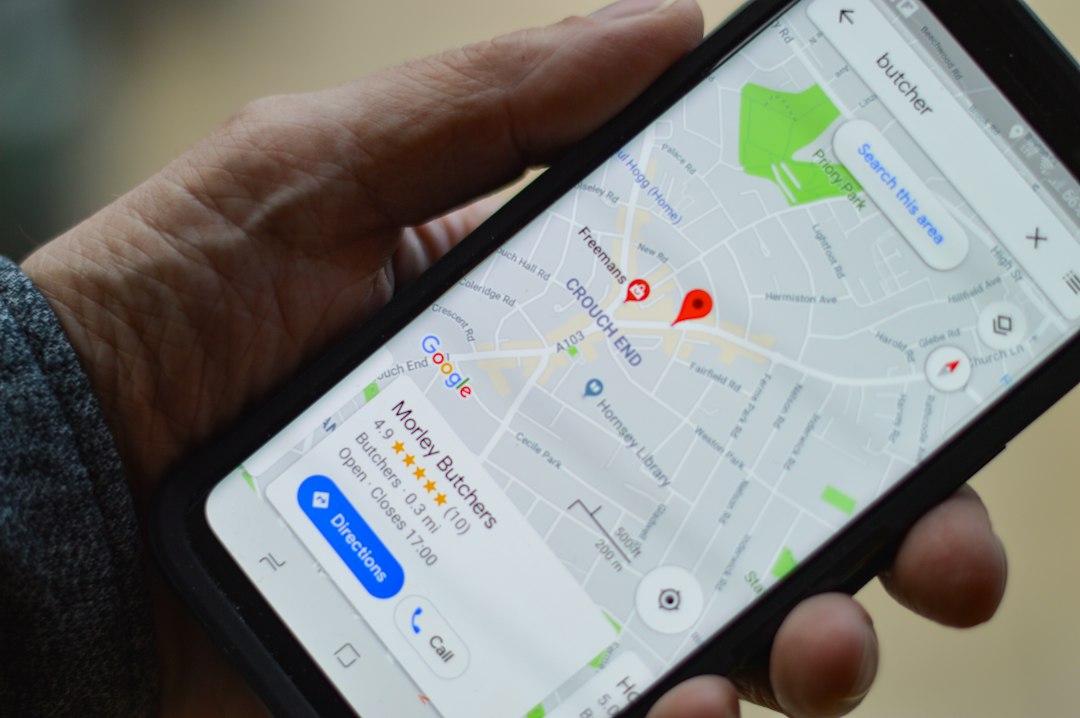
Google Translate is the easier choice when you want to speak Spanish into a phone and hear or read English right away. Its mobile app supports speech input, conversation mode, and quick playback. That makes it useful for travel, customer support, street interviews, lessons, and casual meetings.
The strongest part is speed. Open the app, choose Spanish and English, tap the microphone, and talk. It is direct. There is little setup. For short phrases, it can feel almost instant.
Google Translate works best for:
- Live conversations between Spanish and English speakers.
- Travel phrases, directions, hotel questions, and menus.
- Short voice notes with clear speech.
- Fast drafts when perfect wording is not required.
The annoying part is that accuracy can swing. Honestly, it feels like one sentence is perfect, then the next one misses a small word that changes the meaning. Fast speech is a common trouble spot. So are names, local slang, and numbers. If someone says “quince” and the app hears “cinco,” your translation is not just awkward. It is wrong.
Google’s English output can also sound plain. It often chooses safe wording. That is fine for meaning. It is less ideal for reports, subtitles, proposals, or marketing copy.
DeepL: better for polished English, weaker for live audio flow
DeepL is famous for natural written translation, and for good reason. When the Spanish text is clean, its English often sounds less stiff than Google’s. It tends to handle tone well. It can also keep sentences readable without making them feel robotic.
For audio, though, DeepL is less convenient. Depending on the device and region, you may use voice input, dictation, or a transcript copied from another tool. That extra step matters. Expect to waste time on copying, correcting, and pasting if your source is a long voice recording.
DeepL works best for:
- Translated transcripts from meetings, interviews, and podcasts.
- Business writing where the English needs to sound polished.
- Academic or formal content with longer sentences.
- Subtitles after the Spanish transcript has been checked.
DeepL’s big strength is expression. For example, Google may translate “No me termina de convencer” as “It doesn’t finish convincing me.” DeepL is more likely to give something closer to “I’m not completely convinced.” That is the kind of difference that matters in a client email or training video.
Accuracy comparison: what really matters
If you judge only live microphone use, Google Translate usually wins. It is faster and easier. It has the better flow for two people speaking back and forth.
If you judge final English quality from a clean Spanish transcript, DeepL often wins. It usually sounds more natural. It is especially strong when the Spanish includes idioms, tone, or longer thoughts.
Here is the practical breakdown:
- Speech recognition: Google has the edge for quick audio capture.
- Natural English: DeepL often has the edge with edited text.
- Live conversation: Google is easier and faster.
- Professional documents: DeepL usually needs fewer style edits.
- Slang and regional Spanish: both can struggle, so review is needed.
There is one more issue: context. The Spanish word “banco” can mean bank or bench. “Coger” is normal in Spain but can be vulgar in some Latin American countries. Audio tools do not always catch that cultural layer. A human review still matters when the stakes are high.
Best workflow for serious Spanish to English voice translation
For interviews, legal notes, medical content, business meetings, or paid subtitles, do not rely on one tap. Use a three step process.
- Transcribe the Spanish audio first. Use Google, a transcription app, or platform captions.
- Review the Spanish transcript. Fix names, numbers, slang, and missed words.
- Translate the cleaned text. Use DeepL for polished English, or compare it with Google.
This workflow is slower, but it saves pain later. A five minute voice recording may take eight to twelve minutes to transcribe, check, and translate. That sounds irritating. Still, it is better than sending a client a confident mistranslation of a date, price, or promise.
For casual use, skip the extra work. If you are asking for directions in Madrid, Google Translate is enough. If you are translating a recorded interview for publication, check the transcript and then run it through DeepL.
Which tool should you choose?
Choose Google Translate if your main need is speed. It is the better everyday tool for live Spanish to English voice translation. It is also easier for people who do not want to manage files or transcripts.
Choose DeepL if your main need is quality writing. It is better when the audio has already been converted into accurate Spanish text. It can turn rough literal English into something that sounds human.
The smartest answer is not always one tool. Use Google to capture and understand the voice quickly. Use DeepL to refine the final English. That combination gives you speed at the start and better wording at the end.
Image not found in postmetaFinal verdict
For accurate voice translation from Spanish to English, Google Translate is the stronger all around choice because it handles audio input with less friction. DeepL is the better finisher. It improves the English once the Spanish transcript is clean.
If the conversation is live, use Google. If the translation will be published, shared with clients, or stored as a record, add DeepL to the workflow. That small extra step can turn a usable translation into one that actually reads well.
Leave a Reply