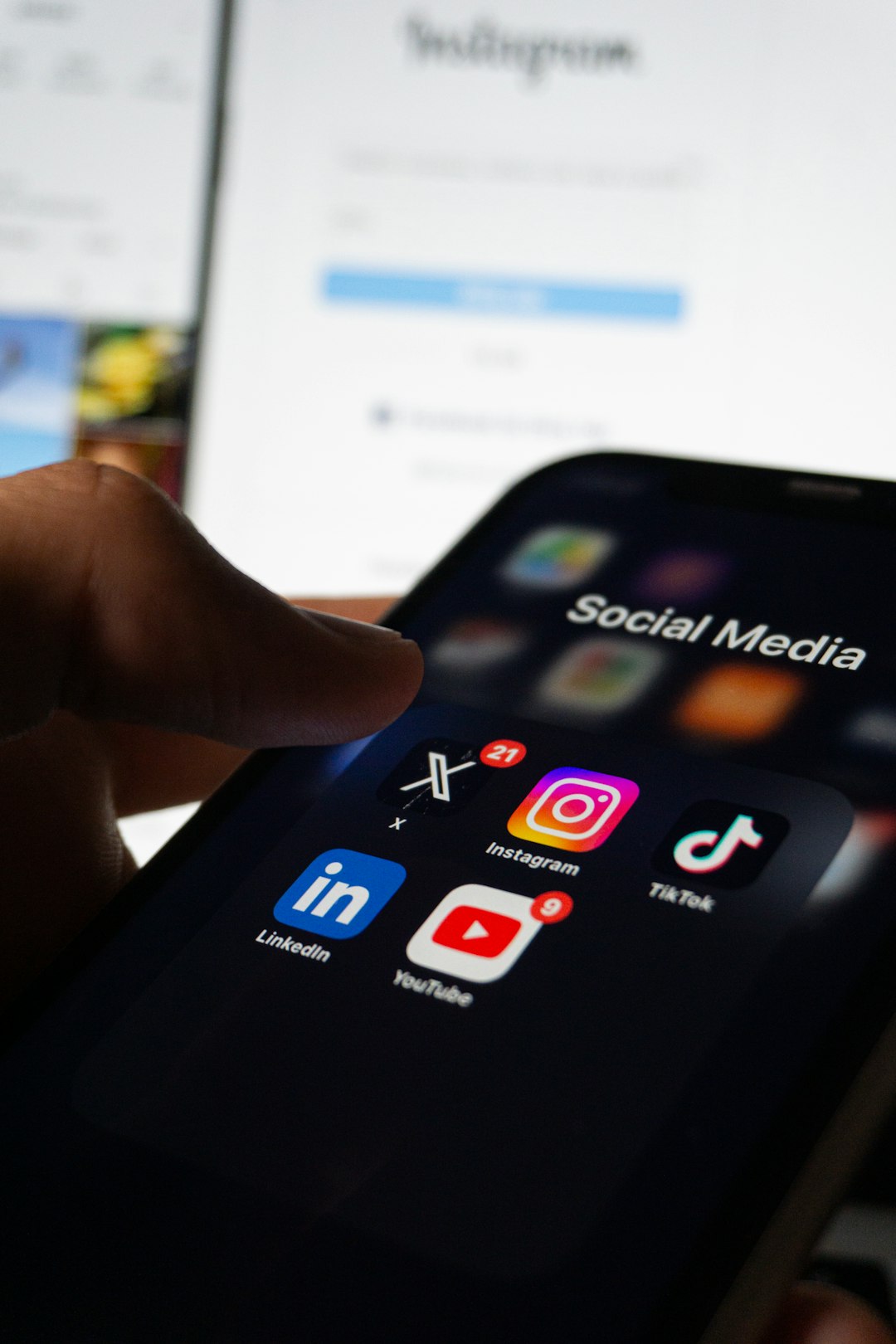
Uninstalling Instagram from your phone can feel strangely dramatic, as if you are stepping away from a whole social world. In reality, removing the app and keeping your account are two very different things. Your profile does not disappear, your photos do not vanish, and people can still find you unless you change your settings. What changes most is how easily Instagram can reach you, how often you check it, and how much of your daily attention it can capture.
TLDR: Removing the Instagram app from your phone does not delete your Instagram account, posts, followers, messages, or profile. You simply lose the convenience of app-based access, push notifications, and some mobile-only features until you reinstall it. You can still log in through a browser, and others can still view or interact with your account depending on your privacy settings. The biggest changes are usually fewer distractions, less phone storage use, and a different relationship with the platform.
Removing the App Is Not the Same as Deleting Your Account
The most important distinction is this: uninstalling the Instagram app only removes the software from your device. It does not remove your account from Instagram’s servers. Your username, bio, profile photo, posts, Reels, Stories archive, saved posts, followers, following list, comments, likes, and direct messages remain attached to your account.
Think of the app like a doorway. When you remove it, you are closing one entrance, not demolishing the house. Your account still exists online, and you can open that doorway again by reinstalling the app or visiting Instagram through a web browser.
This can be reassuring if you are taking a break but not ready to disappear completely. It also means that if you want your account to be hidden, paused, or erased, uninstalling the app is not enough. You would need to deactivate or delete your account separately through Instagram’s account settings.
Your Profile Stays Visible
After you remove the app, your profile remains visible to other people according to your current privacy settings. If your account is public, anyone can still view your posts, Reels, profile information, and follower counts. If your account is private, only approved followers can see your content.
Other users will not receive a notification saying you deleted the app. There is no public label such as “inactive” or “app removed.” From the outside, your account looks the same unless you stop posting, stop replying, or change your settings.
- Your posts remain online unless you delete or archive them.
- Your username remains searchable unless your account is disabled or removed.
- Your followers stay in place unless they unfollow you.
- Your comments and likes remain visible where they previously appeared.
If you are removing the app because you want privacy, it may be wise to review your profile first. Switch to a private account, remove personal details from your bio, hide your online status, or limit who can message you before uninstalling.
Notifications Stop on That Device
One of the most noticeable changes is silence. Once the Instagram app is removed from your phone, it can no longer send push notifications to that device. No more alerts for likes, comments, new followers, messages, tags, Lives, or suggested Reels.
This is often the main reason people uninstall the app. Instagram is designed to pull you back in repeatedly, and notifications are one of its strongest tools. Without them, you are less likely to open Instagram out of reflex.
However, this does not mean activity stops. People may still message you, tag you, comment on your posts, or react to your Stories if any are still active. You simply will not see those updates immediately unless you log in somewhere else.
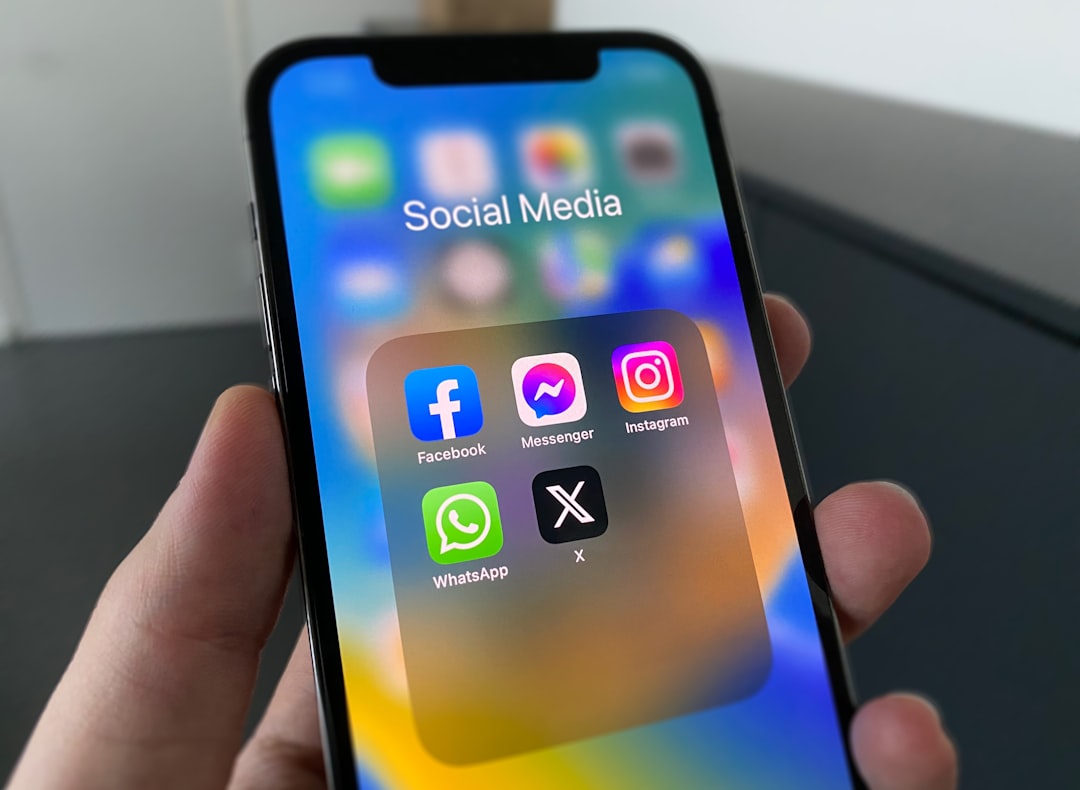
If you use Instagram on multiple devices, such as a tablet or another phone, notifications may continue there. Similarly, if you have email notifications enabled, Instagram may still send certain updates to your inbox.
Your Direct Messages Remain, but You May Miss Them
Direct messages do not disappear when you remove the app. Your conversations stay saved in your Instagram inbox. If someone sends you a new message, it will wait there until you log in again.
The practical change is response time. Without the app, you may not see messages quickly. For casual conversations, this might be fine. For business accounts, creators, sellers, freelancers, or anyone who uses Instagram as a communication channel, it can be a bigger issue.
If people expect to contact you through Instagram, consider posting a temporary Story or profile note before uninstalling. You might write something like, “Taking a break from the app. Email me for anything urgent.” This helps prevent confusion and missed opportunities.
You Can Still Use Instagram in a Browser
Removing the app does not lock you out. You can still visit Instagram from a mobile or desktop browser, sign in, scroll your feed, view profiles, send messages, and manage many account settings.
That said, the browser version may feel different. It is usually less immersive and sometimes less convenient than the app. Some features may be limited, slower, or arranged differently. For many people, that is actually the point. Browser access creates friction. Instead of tapping a familiar icon, you have to open a browser, type the address, log in if needed, and navigate from there.
This small inconvenience can be powerful. It turns Instagram from a reflex into a choice. You can still check in when you have a reason, but you are less likely to spend twenty minutes scrolling without remembering how you got there.
Your Phone Gets Back Space, Battery, and Background Calm
The Instagram app can take up a surprising amount of storage over time. The app itself uses space, but cached images, videos, Reels, and temporary files can add even more. Removing it can free up storage, especially on phones with limited capacity.
You may also notice a small improvement in battery life or background activity. Social apps often refresh content, prepare notifications, and exchange data in the background. While modern phones manage this fairly well, removing a frequently used app can reduce background noise.
- Storage: Uninstalling clears the app and much of its cached data from your device.
- Battery: Fewer background processes may slightly reduce battery drain.
- Data usage: You may use less mobile data if you stop streaming Reels and Stories.
- Home screen clutter: Removing the icon can reduce visual temptation.
These technical benefits vary from person to person. If you rarely used Instagram, the difference may be minor. If you opened it dozens of times a day, the impact can be more noticeable.
Your Habits Change More Than Your Account
The biggest transformation is often psychological. Instagram is not just an app; it is a habit loop. You feel bored, curious, lonely, inspired, anxious, or distracted, and your thumb goes to the icon almost automatically. Remove the icon, and the loop is interrupted.
At first, you may still reach for it. Many people uninstall Instagram and then catch themselves swiping to the spot where the app used to be. That tiny moment of surprise reveals how deeply the habit was wired.
Over time, the absence can create space. You might check your phone less. You might compare yourself to others less often. You might stop measuring experiences by whether they are “post-worthy.” You may also notice how frequently Instagram served as a filler between tasks, during meals, before sleep, or immediately after waking.
This does not mean Instagram is inherently bad. It can be creative, entertaining, educational, and socially valuable. But removing the app helps you see what role it was actually playing in your life. Was it connection, inspiration, marketing, procrastination, validation, or all of the above?
Your Data Relationship With Instagram Changes, but Does Not End
When the app is not installed, Instagram has less access to app-based behavior on that device. It cannot track how you interact inside the app because you are not using it there. It cannot send app push notifications, preload content, or collect certain device-level signals tied to app usage.
However, keeping your account means your relationship with Instagram continues. If you log in through a browser, Instagram can still collect information about your activity there. Your old data, posts, messages, ad interactions, and account history remain. If you use other Meta services, some information may still be connected depending on your settings and regional privacy rules.
If privacy is your main concern, uninstalling the app is only one step. You may also want to review ad preferences, connected apps, location permissions, contact syncing, account center settings, and whether your profile should remain public.
What Happens If You Reinstall Instagram Later?
If you reinstall Instagram, you can log back into the same account and continue where you left off. Your feed, messages, saved posts, followers, and settings should still be there. In many cases, it feels as though you never left.
You may need to enter your password again, complete two-factor authentication, or approve the login if Instagram detects something unusual. If you forgot your password, you can reset it using your email, phone number, or linked account options.
One thing to remember is that reinstalling may restore the old habits quickly. If you removed Instagram to reduce screen time, consider changing notification settings immediately after reinstalling. You can also keep the app off your home screen, set time limits, or log out after each use.
Before You Remove the App, Consider These Steps
If you want a clean and low-stress break, a few minutes of preparation can help.
- Check your login information. Make sure you know your password and have access to your recovery email or phone number.
- Enable two-factor authentication. This protects your account while you are away.
- Update your contact options. If people rely on Instagram to reach you, provide another method.
- Review privacy settings. Decide whether your account should be public or private during your break.
- Turn off contact syncing. If you do not want Instagram continuing to use your address book, review this setting before uninstalling.
- Download your data if needed. If you want a copy of your photos, messages, or activity, request it through Instagram’s settings.
When Uninstalling Is Enough, and When It Is Not
Removing the app is enough if your goal is to reduce distractions, stop impulse scrolling, save phone storage, or take a temporary break. It is a flexible option because it is reversible. You are not making a permanent decision; you are simply changing access.
It is not enough if you want to disappear from Instagram, hide your profile completely, erase your data, or stop people from finding your account. For that, you need stronger actions such as making your account private, deactivating it, deleting specific content, or permanently deleting the account.
Deactivation temporarily hides your profile, photos, comments, and likes until you reactivate by logging back in. Deletion is intended to permanently remove your account after Instagram’s waiting period. Uninstalling the app does neither of these things.
The Real Change Is Control
Keeping your account while removing the Instagram app gives you a middle path. You do not have to abandon your photos, contacts, creative history, or online identity. At the same time, you are no longer carrying the most addictive version of Instagram in your pocket.
For some people, this becomes a long-term arrangement: Instagram exists, but only through a browser or occasional reinstall. For others, it is a short reset that helps them return with clearer boundaries. Either way, the change is less about technology and more about control.
When the app is gone, Instagram becomes something you choose to visit rather than something that constantly visits you. That small shift can make your phone feel quieter, your attention feel less fragmented, and your time feel more like your own.
Leave a Reply