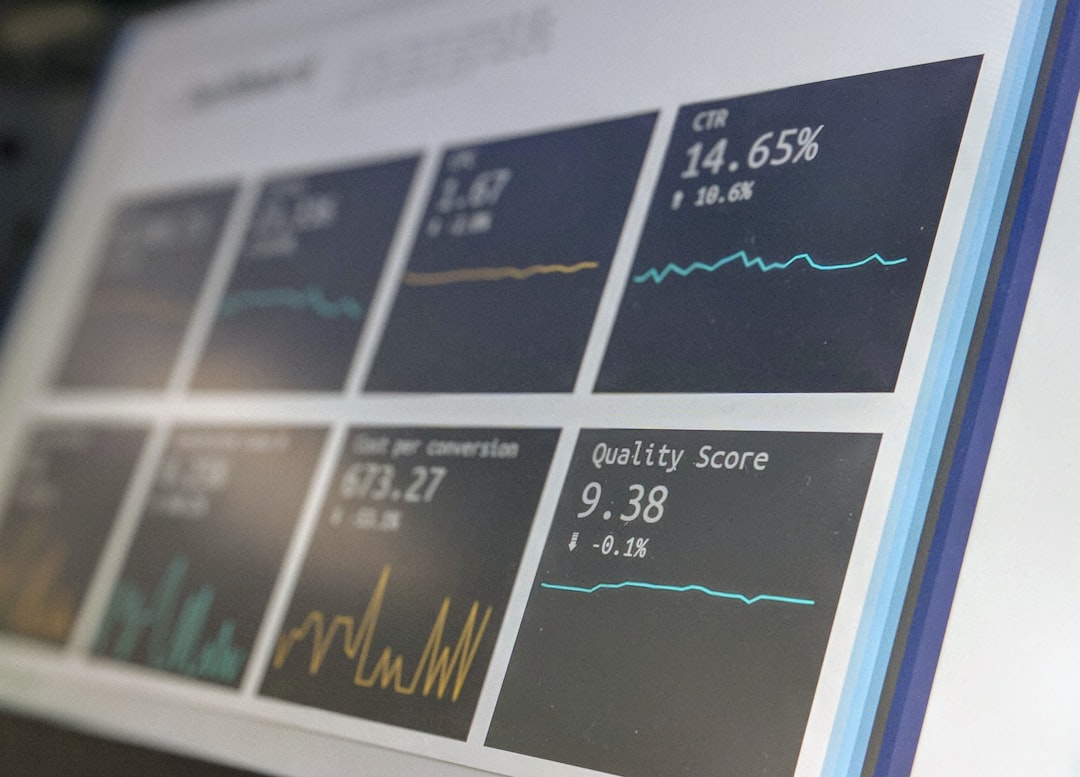
Modern employees expect workplace technology to feel as reliable and responsive as the apps they use at home. When laptops slow down, virtual desktops lag, applications crash, or login times stretch from seconds to minutes, productivity suffers quickly. Xtium DEM Service is designed to help organizations understand and improve these everyday digital experiences by monitoring endpoints, applications, networks, and user journeys from the employee’s point of view.
TLDR: Xtium DEM Service provides Digital Employee Experience Monitoring that helps IT teams detect performance issues before they become widespread productivity problems. For example, if 200 remote employees experience a 35% increase in application launch times after a software update, DEM data can reveal the pattern quickly and guide remediation. The service combines visibility, analytics, automation, and experience scoring to help organizations reduce downtime and improve employee satisfaction.
What Is Digital Employee Experience Monitoring?
Digital Employee Experience Monitoring, often shortened to DEM, is the practice of measuring how employees experience the technology they use every day. It goes beyond traditional infrastructure monitoring, which might confirm that a server is “up” even while users are still struggling with slow applications or poor connectivity.
DEM focuses on practical questions such as:
- How long does it take employees to log in?
- Are devices healthy, patched, and performing well?
- Which applications are crashing or freezing most often?
- Are remote workers experiencing network latency or packet loss?
- Do users in one office, region, or department have worse performance than others?
Xtium DEM Service gives IT teams a structured way to answer these questions by collecting, analyzing, and presenting experience data in a way that supports faster decision-making.

How Xtium DEM Service Works
At a high level, Xtium DEM Service monitors the employee technology environment from multiple angles. It can evaluate endpoints, cloud applications, virtual desktop environments, connectivity, and device health. The goal is not simply to collect more data, but to translate that data into actionable insights.
For example, a help desk ticket might say, “My computer is slow.” Without DEM, IT may need to manually check the device, interview the user, review logs, and guess at possible causes. With DEM, technicians can see whether the issue is related to CPU usage, memory pressure, disk performance, Wi Fi instability, background processes, application errors, or a broader network problem.
This visibility allows teams to move from reactive troubleshooting to proactive experience management.
Key Features of Xtium DEM Service
1. Endpoint Performance Monitoring
Employee devices are often where digital frustration begins. Xtium DEM Service can help monitor critical endpoint metrics such as CPU load, memory utilization, disk health, battery status, operating system performance, and device age. These insights help identify devices that are underperforming or approaching replacement time.
Instead of waiting for employees to complain, IT teams can spot patterns early. For instance, if a group of laptops consistently runs at 90% memory usage during normal work hours, the organization can plan upgrades or optimize software before productivity drops further.
2. Application Experience Tracking
Business applications are central to employee productivity. Xtium DEM Service can track application responsiveness, crashes, launch times, and error frequency. This is particularly useful for organizations that rely on collaboration platforms, CRM tools, ERP systems, virtual desktops, and cloud-based productivity suites.
Application monitoring also helps separate user-side issues from service-side issues. If one employee has trouble opening an application, the cause may be local. If hundreds of users in multiple regions see the same delay, the problem may be tied to the application service, identity provider, or network route.
3. Network and Connectivity Visibility
Hybrid and remote work have made network visibility more complicated. Employees may be working from headquarters, branch offices, home networks, shared workspaces, or while traveling. Xtium DEM Service can help IT understand how connectivity affects the employee experience across these environments.
Metrics such as latency, jitter, packet loss, DNS resolution time, and connection stability can reveal why employees experience slow calls, dropped sessions, or inconsistent access to cloud tools.
4. Digital Experience Scoring
One of the most useful DEM capabilities is the ability to convert technical metrics into an understandable experience score. Rather than making IT leaders review dozens of separate charts, Xtium DEM Service can help summarize the overall health of users, devices, or departments.
An experience score may reflect factors such as device responsiveness, application reliability, login duration, network quality, and incident frequency. This makes it easier to identify which teams are receiving a strong digital experience and which groups need attention.
5. Proactive Alerting and Root Cause Analysis
Traditional IT support often begins when a user opens a ticket. DEM changes that model by alerting teams when performance degrades, even before employees report the issue. Xtium DEM Service can support faster root cause analysis by correlating events across devices, networks, and applications.
For example, if login times increased after a policy change, or application crashes began after a new software deployment, DEM data can highlight the timing and scale of the issue. This accelerates troubleshooting and reduces guesswork.
6. Reporting for IT and Business Leaders
Digital experience is not just an IT concern; it directly affects productivity, retention, and business operations. Xtium DEM Service can provide reporting that helps leaders understand technology performance in business terms.
Useful reports may include:
- Device health trends across departments or locations
- Application reliability statistics for critical business tools
- Remote work performance summaries
- Login and startup time analysis
- Incident reduction and remediation tracking
Benefits of Xtium DEM Service
Improved Employee Productivity
Slow devices and unreliable applications create invisible productivity loss. A delay of only five minutes per employee per day may not sound dramatic, but across 1,000 employees it equals more than 83 lost work hours daily. By identifying and resolving digital friction, Xtium DEM Service can help organizations recover valuable time.
Better Help Desk Efficiency
Support teams often spend too much time gathering basic diagnostic information. With DEM insights, technicians can begin with a clearer picture of device health, recent changes, application behavior, and network quality. This can reduce ticket handling time and improve the first-contact resolution rate.
Stronger Remote and Hybrid Work Support
Remote work has made employee experience harder to manage because IT no longer controls every network connection or workspace. Xtium DEM Service gives teams visibility into distributed environments, helping them support users whether they are in the office, at home, or on the road.
Smarter Technology Investments
DEM data can support better planning. Instead of replacing devices based only on age, organizations can prioritize upgrades based on actual performance and employee impact. Similarly, IT leaders can use application analytics to decide whether to optimize, replace, or renegotiate services that frequently cause issues.
Reduced Downtime and Faster Remediation
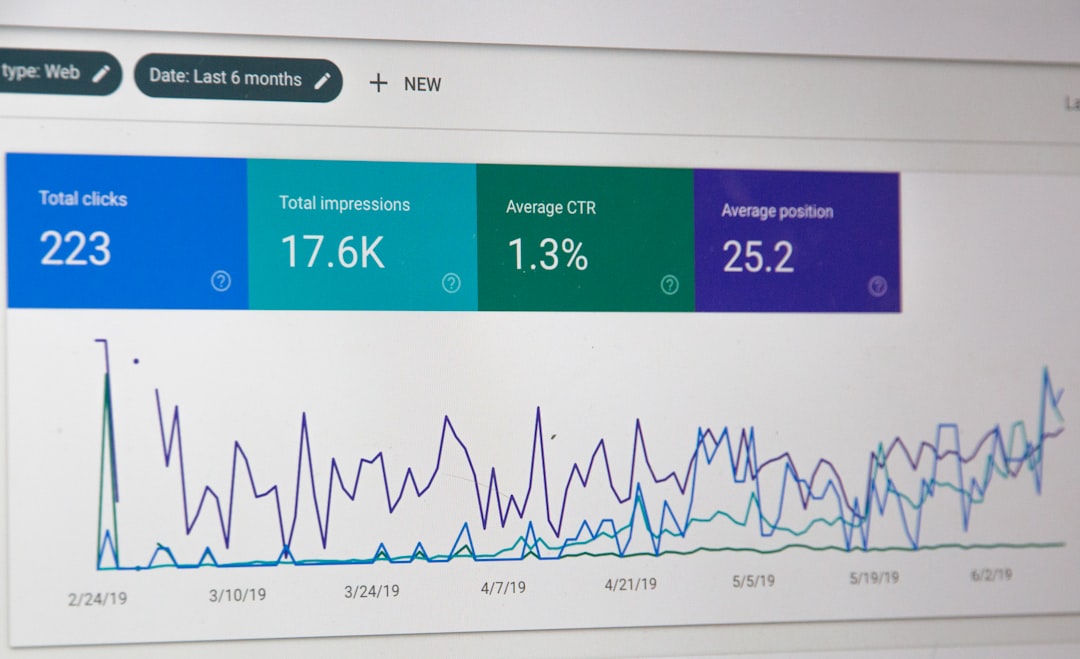
When IT teams can detect problems early, they can resolve them before they become widespread incidents. Proactive alerts, trend analysis, and root cause indicators help reduce downtime and limit the business impact of technology failures.
A Practical Scenario
Consider a company with 750 employees using virtual desktops and several cloud applications. Over two weeks, employees begin reporting sluggish performance during morning login periods. Without DEM, IT might investigate servers, storage, internet bandwidth, identity services, and user devices separately.
With Xtium DEM Service, the team can compare login times, endpoint conditions, network latency, and application response data. The analysis might reveal that login duration increased by 42% after a new security policy was applied to a specific user group. With that information, IT can adjust the policy, validate improvement, and report the results to leadership.
Why DEM Matters Now
Technology experience has become a core part of the employee experience. Workers depend on digital tools for communication, collaboration, customer service, data analysis, and daily operations. If those tools underperform, employees feel the impact immediately.
Xtium DEM Service helps organizations take a more modern approach to IT operations: one that measures success not only by uptime, but by how effectively people can work. By combining monitoring, analytics, proactive alerting, and user-centered reporting, it gives IT teams the visibility needed to improve digital workplace performance.
Final Thoughts
Xtium DEM Service is valuable because it connects technical performance with real employee outcomes. It helps organizations understand where digital friction occurs, why it happens, and how to fix it. For businesses investing in hybrid work, cloud applications, endpoint modernization, or improved IT support, DEM can become a practical foundation for a smoother, more reliable employee technology experience.
Leave a Reply