An Apple Watch can be a smart first phone alternative for a child, especially when a parent wants calling, location sharing, and limits without handing over a full iPhone. Apple’s Apple Watch For Your Kids feature lets a child use a cellular Apple Watch without having their own iPhone, as long as the family organizer sets it up with a compatible iPhone and watch model [source: Apple]. It works best for families that want contact, safety, and simple independence.
TLDR: Apple Watch for kids is best for calls, texts, location checks, Schooltime, workouts, and emergency features. For example, a 9-year-old can call a parent after soccer practice, while the parent can check location and block distractions during class. A family with two working parents may cut several “Where is the child?” check-ins each week by using location sharing and approved contacts. The catch is that setup can feel slower than expected, especially if the watch needs a software update first.
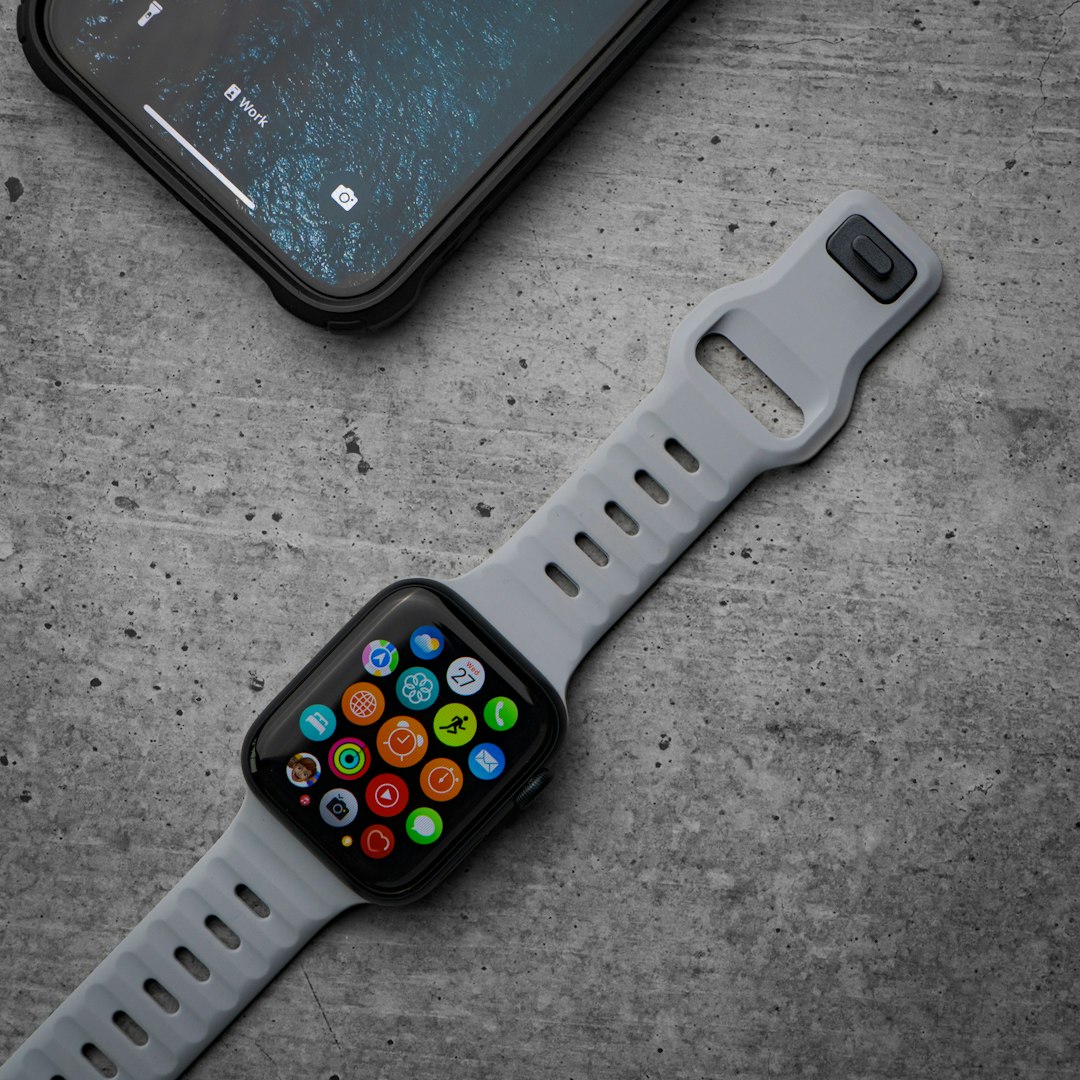
What an Apple Watch for Kids Can Do
A child’s Apple Watch is not just a tiny phone on the wrist. It is more like a controlled communication tool. Parents can choose who the child can call or message. They can also view the child’s location through the Find My app.
Common features include:
- Phone calls: Children can call approved contacts using cellular service.
- Messages: Texts can be sent and received, including voice messages and emojis.
- Location sharing: Parents can check where the watch is through Find My.
- Emergency SOS: The child can call emergency services from the watch.
- Schooltime: Parents can limit apps and alerts during school hours.
- Activity tracking: Kids can track movement, workouts, and fitness goals.
- Apple Cash Family: In supported regions, parents can send money and control spending.
Honestly, it feels like Apple made the right call by keeping the child experience simple. A kid does not need a full app store party on the wrist during math class.
Required Devices and Service
Family setup needs the right hardware. A GPS-only Apple Watch will not work for a child who does not have an iPhone. The watch needs cellular service, because it must make calls, send messages, and share location on its own.
The family usually needs:
- A compatible iPhone used by the parent or family organizer.
- A cellular Apple Watch, such as Apple Watch SE, Series 4 or later, or Apple Watch Ultra models.
- An Apple ID for the child, managed through Family Sharing.
- A supported carrier plan for the watch.
The monthly cost matters. Many carriers charge a separate smartwatch line fee. That fee is often far less than a full phone plan, but it still adds up over a school year.
How Setup Works
Setup starts from the parent’s iPhone. The adult opens the Watch app, pairs the watch, and chooses the option to set it up for a family member. From there, the parent signs in with the child’s Apple ID, selects settings, and adds cellular service.
Basic setup steps usually look like this:
- Turn on the Apple Watch and hold it near the parent’s iPhone.
- Open the Watch app and tap Set Up for a Family Member.
- Pair the watch using the on-screen animation.
- Sign in with the child’s Apple ID.
- Set location sharing, contacts, restrictions, and Screen Time rules.
- Activate the cellular plan with the carrier.
- Test a call, message, and location update before the child leaves home.
Expect to waste time on updates. A watchOS update can easily add 20 to 40 minutes before the fun part starts. It drives many parents nuts because the box makes it feel instant, but the setup screen has other plans.
Best Family Safety Options
The best part is control. Parents can build a tight contact list. Grandparents, siblings, neighbors, and coaches can be added. Random numbers do not need access.
Schooltime is one of the most useful tools. It shows a simple watch face and blocks most distractions during set hours. Parents can set it for school days, homework time, or tutoring sessions. If the child exits Schooltime, the parent can see that it happened.
Find My is another key feature. It helps parents see whether the child is at school, on the bus route, or at practice. It should not replace trust, but it can calm nerves when pickup plans change.
Emergency SOS adds another safety layer. A child can press and hold the side button to call for help. This is useful, but parents should practice it with the child. Accidental emergency calls are not cute.
Pros and Cons for Families
Pros:
- Less distracting than a smartphone.
- Good for calls, texts, and location sharing.
- Useful for school, sports, and shared custody schedules.
- Fitness features can encourage movement.
- Parents can control contacts and limits.
Cons:
- Requires a cellular Apple Watch.
- Needs a monthly carrier plan.
- Battery life may not last through very long days.
- Small screen can be annoying for longer messages.
- Setup can be slow if updates or carrier activation fail.
Which Kids Benefit Most?
An Apple Watch fits children who are not ready for a phone but need a way to reach family. It also helps children who walk to school, ride a bus, attend after-school clubs, or split time between two homes.
It may not be right for very young children who lose small items often. It also may not fit kids who need a larger screen for video calls, homework apps, or long chats. In those cases, a basic phone or supervised iPhone may work better.
FAQ
Can a child use an Apple Watch without an iPhone?
Yes. With Apple Watch For Your Kids, a child can use a cellular Apple Watch without owning an iPhone. A parent still needs an iPhone to set it up and manage it.
Does the child need a cellular plan?
Yes, if the watch is used without the child’s own iPhone. The cellular plan allows calls, messages, and location sharing away from Wi-Fi.
Can parents control who the child contacts?
Yes. Parents can manage contacts, limits, and Screen Time settings through Family Sharing and the Watch app.
Is Apple Watch better than a phone for kids?
For many younger kids, yes. It offers contact and safety features with fewer distractions. Older kids may still need a phone for schoolwork, apps, or longer communication.
What is the biggest downside?
The biggest downside is cost. Families need a cellular watch and a monthly service plan. Battery life and setup delays can also be irritating.
Leave a Reply