The best video content in 2026 is made with a simple mix: AI for speed, humans for taste, and smart workflows for scale. Do not start with fancy cameras. Start with a clear idea, a tight script, and a repeatable system. Then use AI to draft, edit, resize, translate, and test your videos.
TLDR: In 2026, the winning method is script first, AI assisted, human finished. A small brand can turn one 10-minute product demo into 12 short clips, 3 ads, 1 YouTube video, and 5 translated versions in a single day. Teams using AI captioning, auto edits, and clip repurposing can cut production time by 40% to 70%. Example: a fitness coach records one workout, then uses AI to create TikToks, Reels, Shorts, email clips, and a paid ad from the same footage.
1. Start with the idea, not the tool
New video tools are wild now. Some can create scenes from text. Some can clone a voice. Some can remove filler words in seconds. Great. But bad ideas still make bad videos.
Before you open any app, answer three questions:
- Who is this for? Be specific.
- What should they feel? Curious, relieved, excited, amused?
- What should they do next? Click, comment, buy, subscribe, share?
A good 2026 video plan starts with one sharp message. Not five. Not nine. One.
2. Use AI script tools for faster first drafts
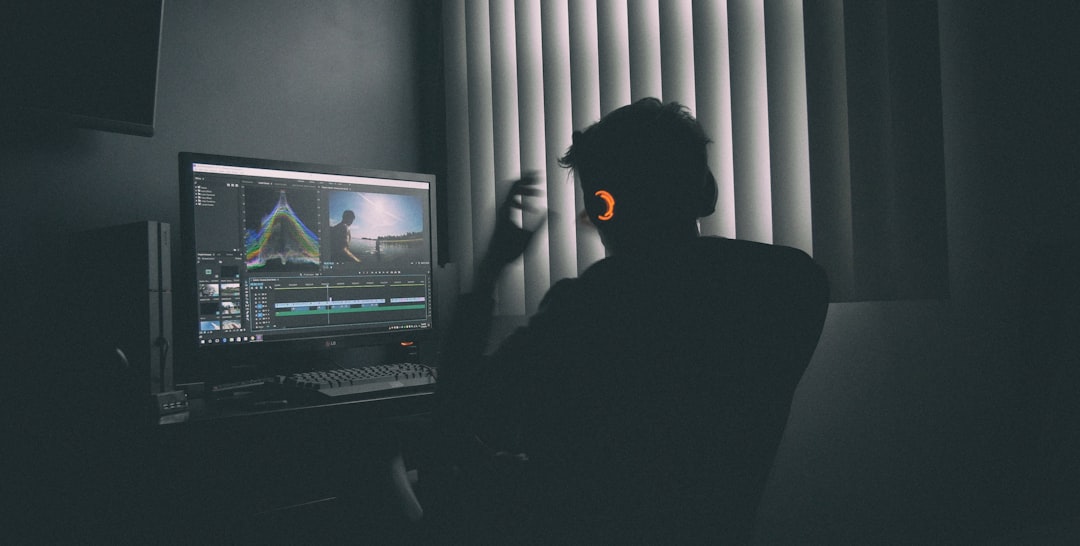
AI writing tools are now useful for video planning. Use them to build hooks, outlines, scene lists, ad angles, and call-to-action lines. Ask for 10 hooks. Pick 2. Rewrite them in your own voice.
Good prompt style:
- “Write 8 short hooks for busy parents who want healthy lunches in under 10 minutes.”
- “Turn this blog post into a 45-second vertical video script.”
- “Make this product demo sound less corporate and more human.”
Honestly, it feels like many AI scripts still sound too clean. Too shiny. Too fake. Add small details. Add friction. Add a real opinion. That is where the spark comes from.
3. Generate video with AI, but use it with taste
Text-to-video tools are one of the biggest shifts in 2026. Platforms like Runway, Pika, Sora-style systems, Google Veo-style tools, and Adobe Firefly video tools can create shots from prompts. They are great for:
- B-roll: city streets, product moods, abstract shots.
- Concept ads: quick pitch visuals before a real shoot.
- Explainers: simple visual scenes for hard ideas.
- Social posts: fast, strange, scroll-stopping clips.
The catch is, AI video can still get weird. Hands wobble. Text melts. Logos bend. A coffee cup may become a candle for no reason. Use AI shots where realism is not the whole point. For close product shots, faces, reviews, and proof, use real footage.
4. Record simple real footage
You do not need a cinema rig. Most creators need:
- A recent phone.
- A cheap tripod.
- A wireless mic.
- A window or soft light.
- A clean corner with low noise.
Real footage builds trust. Show your face. Show the product. Show the messy desk. Show the before and after. People can smell fake polish from a mile away.
For most brands, the best setup is a phone in vertical mode, shot in 4K, with clear audio. Audio matters more than the camera. Bad sound makes people leave fast.
5. Edit with AI, then finish by hand
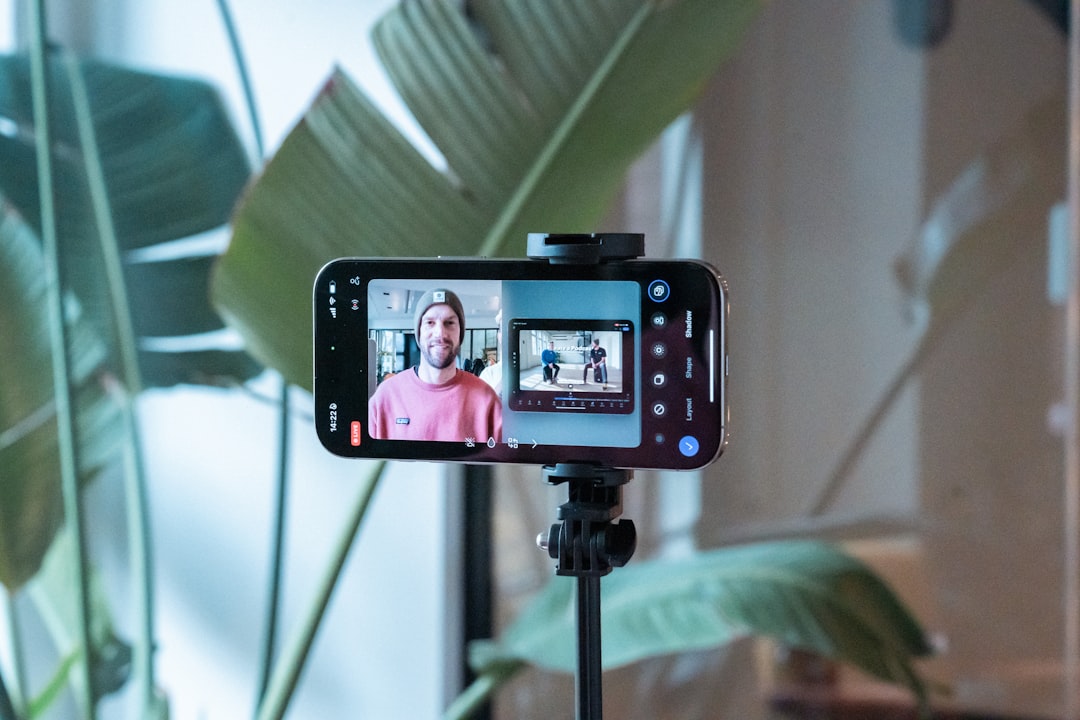
AI editing is now a normal part of the workflow. Tools like Descript, CapCut, Premiere Pro AI features, DaVinci Resolve tools, OpusClip, Submagic, and similar apps can:
- Remove silences.
- Cut filler words.
- Create captions.
- Find viral moments.
- Resize for each platform.
- Suggest music.
- Clean noisy audio.
Expect to waste time on small fixes. Auto captions still mix up names, brands, and slang. Sometimes one wrong word slips into a bold caption and ruins the whole joke. Always watch the final export. Yes, the whole thing.
The best editing flow is simple:
- Auto cut the raw video.
- Pick the best moments by hand.
- Add captions with large readable text.
- Insert B-roll every 3 to 6 seconds.
- Fix the hook so the first 2 seconds hit hard.
- Export in 3 formats: vertical, square, and wide.
6. Repurpose every good video
One video should become many pieces. This is the part many teams still miss. It drives me crazy that people spend four hours filming, post once, then vanish.
Use this 2026 repurposing map:
- Long YouTube video: full story, tutorial, review, or interview.
- YouTube Shorts: best single tip or reaction.
- TikTok: faster cut, stronger hook, more personality.
- Instagram Reels: polished version with clean captions.
- LinkedIn video: business lesson or case study.
- Email GIF or clip: short teaser that gets clicks.
- Paid ad: problem, proof, offer, action.
Do not post the exact same version everywhere. Change the opening line. Change the caption. Change the pace. Each platform has its own mood.
7. Use avatars and voice AI carefully
AI avatars are much better now. Tools like HeyGen, Synthesia, D-ID style systems, and voice tools like ElevenLabs can help create training videos, sales explainers, onboarding clips, and multilingual content.
They are useful when speed matters. They are not always great for emotional content. If you are selling grief counseling, luxury travel, high-end coaching, or medical help, use a real human when possible.
Best uses for avatars:
- Internal training.
- FAQ videos.
- Software walkthroughs.
- Localization into other languages.
- Course updates.
Always tell the truth when a synthetic voice or avatar is used. Trust is hard to win and easy to burn.
8. Build a repeatable production workflow
The best creators in 2026 do not just “make videos.” They run a content machine.
A clean weekly workflow looks like this:
- Monday: research questions, trends, comments, and pain points.
- Tuesday: write scripts and shot lists.
- Wednesday: batch record 5 to 10 videos.
- Thursday: AI edit, caption, resize, and review.
- Friday: post, test thumbnails, and check analytics.
Batching is magic. Record while your light, mic, and brain are ready. Changing setup every day kills time.

9. Make videos for retention, not just views
Views feel nice. Retention pays better. A million empty views mean little if no one remembers you.
Track these numbers:
- First 3-second hold: Did the hook work?
- Average watch time: Did the middle drag?
- Rewatch rate: Was it useful or surprising?
- Click rate: Did the title and thumbnail match the video?
- Comment quality: Are people asking buying questions?
For short videos, aim for a strong opening. Start with the result. Skip the greeting. No one needs “Hey guys” in 2026. Say the useful thing first.
10. The best content strategies for 2026
Strong video content now comes from clear formats. Repeat them. People like patterns when the pattern is useful.
- The 3-step fix: simple problems, simple wins.
- Myth versus truth: great for expert brands.
- Before and after: strong for fitness, design, beauty, food, and SaaS.
- Behind the scenes: builds trust fast.
- Founder reacts: adds opinion and personality.
- Customer proof: reviews, results, and real numbers.
Mix useful, personal, and proof-based videos. A simple split is 50% education, 30% trust building, and 20% sales. If every video sells, people tune out. If no video sells, your business stays broke. Balance works.
Final take
The best way to create video content in 2026 is not to let AI do everything. It is to let AI remove the boring parts. Use it for drafts, captions, cuts, translations, B-roll, and testing. Keep humans in charge of taste, story, humor, and trust.
Make one strong idea. Turn it into many formats. Measure what people actually watch. Then do it again next week.
Leave a Reply