If your main job is surgical audio repair, iZotope RX is still the safest first pick; if you need visual stem separation, SpectraLayers is often faster; if you master, archive, or batch process, WaveLab is the cleaner hub. RX 11 lists tools such as Dialogue Isolate, Music Rebalance, and Repair Assistant, which explains why many editors treat it as the repair bench for damaged files [source: iZotope]. The best choice depends less on brand loyalty and more on the type of mess in front of you.
TLDR: Use iZotope RX for clicks, hum, clipping, mouth noise, and dialogue rescue. Use SpectraLayers when you need to separate vocals, instruments, noise, or room tone by sight. Use WaveLab when you need a serious editor for mastering, restoration chains, loudness checks, and batch exports. For example, on a 60-minute podcast with steady air conditioner rumble and 30 loud mouth clicks, RX may handle 80% of the repair work, while WaveLab can finish batch leveling and file delivery.
1. iZotope RX: best for repair work that must sound natural
RX is the tool I would open first for dialogue cleanup, podcast repair, field recordings, and old interview tapes. Its strength is not one magic button. It is the set of focused modules: De-click, De-hum, De-rustle, De-clip, Spectral Repair, Dialogue Isolate, and loudness tools.
The interface feels built for people who fix audio all day. You see the waveform and spectrogram together. You can select a tiny cough, chair squeak, or phone buzz and repair only that section. That matters. Heavy noise reduction across a whole file can make voices sound watery.
Best use: cleaning spoken word, film dialogue, audiobooks, podcasts, and damaged recordings.
Annoyance: RX can tempt beginners to over-process. Push Dialogue Isolate too hard and the voice gets thin. It drives me crazy when a file is “clean” but no longer sounds human.
2. Steinberg SpectraLayers: best for visual separation
SpectraLayers is a different kind of restoration tool. It treats sound almost like an image. You work with layers, selections, and spectral shapes. That makes it strong for removing one sound from another.
Need to pull a vocal away from music? Remove a cough under a violin note? Separate drums, bass, voice, and background parts? This is where SpectraLayers earns its place. Steinberg describes it as a spectral editing and audio separation system with layer-based processing [source: Steinberg].
It is not always quicker than RX for simple cleanup. For a single click or hum, RX is usually faster. But for blended audio, SpectraLayers can be more precise because you can see and isolate sound events in a very direct way.
Best use: stem separation, music restoration, forensic-style edits, and complex background removal.
3. Steinberg WaveLab: best for finishing, mastering, and batch cleanup
WaveLab is not the same kind of tool as RX or SpectraLayers. It is a full audio editor and mastering suite. Its value shows up at the end of the job. You repair clips, set fades, apply processing chains, check loudness, create masters, and export many files without losing control.
For archival work, this is useful. Say you have 120 cassette transfers. You may not want to open every file one by one in a repair app. WaveLab lets you build a repeatable workflow. Trim silence. Apply EQ. Reduce low rumble. Normalize. Export to WAV and MP3. Done.
Best use: mastering, album assembly, batch processing, broadcast delivery, and final quality control.
Annoyance: WaveLab can feel too broad at first. Expect to waste time finding the right panel if you only need one quick repair.
4. Acon Digital Acoustica: best value for practical cleanup
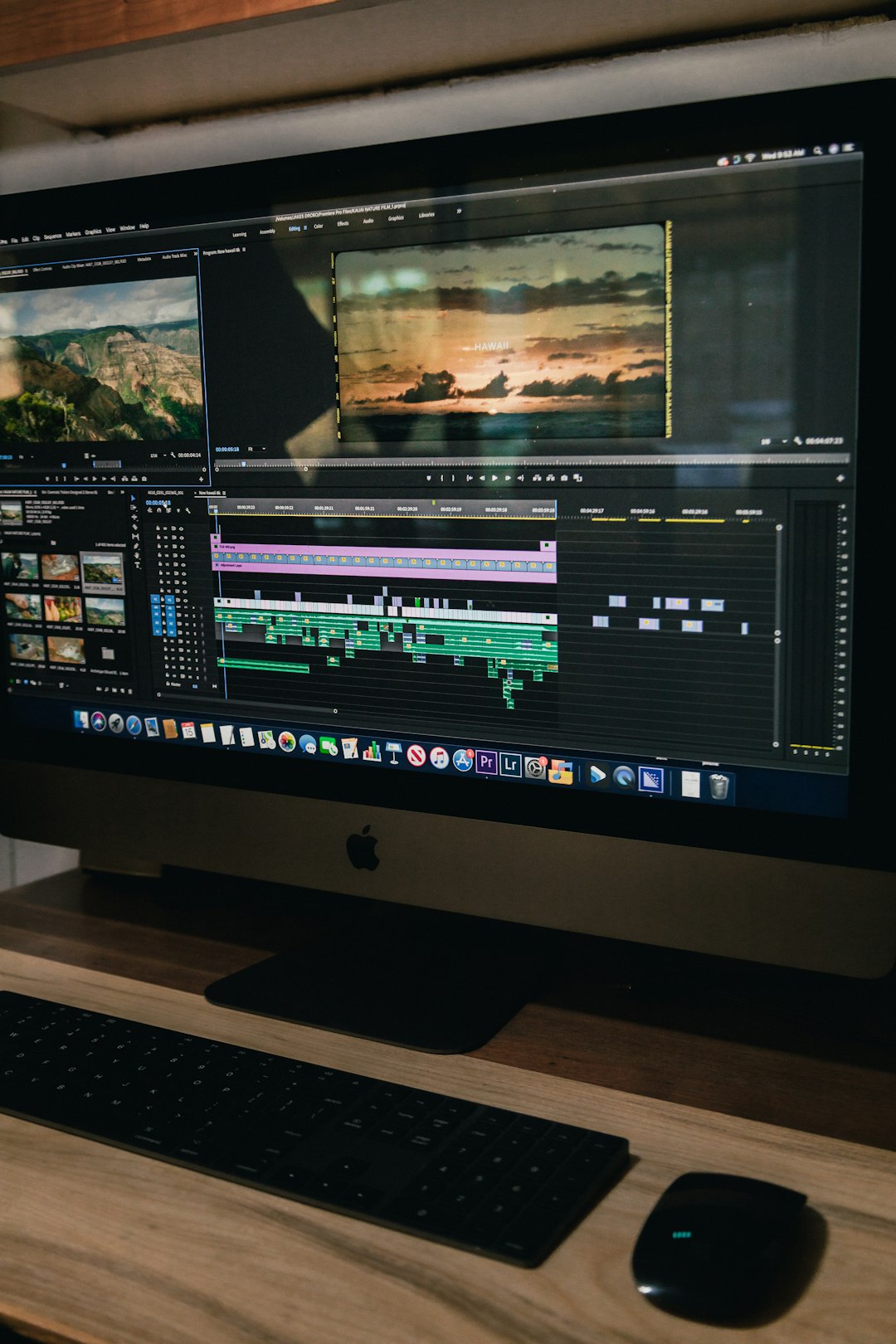
Acoustica is a strong middle choice. It costs less than a full high-end restoration setup, yet it covers many real tasks. You get spectral editing, noise reduction, click removal, hum removal, repair tools, and multitrack editing in higher editions.
It is a sensible pick for small studios, schools, churches, video editors, and podcast teams. The workflow is more traditional than SpectraLayers. It feels closer to a standard editor with repair features added in a smart way.
Best use: budget-conscious restoration, podcast cleanup, simple music edits, and light mastering.
5. Cedar Studio: best for professional broadcast and forensic work
Cedar Studio sits in the serious professional tier. It is common in broadcast, post-production, archive, and forensic audio circles. The tools are known for low artifact cleanup, especially when used by trained engineers.
This is not the casual choice for a home podcaster. It can be expensive, and the workflow assumes you know what you are listening for. But when speech clarity matters and artifacts are not acceptable, Cedar remains respected.
Best use: legal audio, broadcast restoration, film post, and archive rescue where quality control is strict.
Which one should you choose?
- Choose RX if you need the best all-around repair toolkit for speech and problem recordings.
- Choose SpectraLayers if separation is the main job, especially with mixed music or overlapping sounds.
- Choose WaveLab if you need editing, mastering, batch processing, and delivery in one place.
- Choose Acoustica if you want capable cleanup without paying top-tier prices.
- Choose Cedar if budget is secondary and the work is broadcast, legal, or archive grade.
Best real-world workflow
A serious repair chain often uses more than one tool. Start in SpectraLayers if you need to separate a voice from music or remove a visible noise layer. Move to RX for clicks, hum, clipping, mouth noise, and fine spectral repair. Finish in WaveLab for level control, fades, loudness, metadata, and export.
That three-part workflow is not cheap. But it is efficient. It also avoids the common mistake of forcing one app to do every job. Audio restoration is cleaner when each tool handles the task it was built for.